Why this page exists
Wi-Fi installation for medical offices is shaped by how the space is used, not just by the service itself. Medical offices bring their own operating constraints, and this page pairs what wi-fi installation actually involves with what that environment changes about it.
Good Wi-Fi comes from deciding where signal needs to be strong, then placing access points so that each area gets a solid signal from one AP without excessive overlap from others. The target most designs work to is around -67 dBm at the edge of each coverage area for voice and video, with signal comfortably above the local noise floor. Placement follows from that number and from the walls between the AP and the users.
Controlled areas and uninterruptible systems
A medical office has a clear division between public, staff, and controlled areas, and the technology follows that division. Waiting areas need guest connectivity that reaches nothing internal. Treatment rooms need reliable connectivity for clinical systems. Records areas and medication storage need controlled access with a usable audit trail.
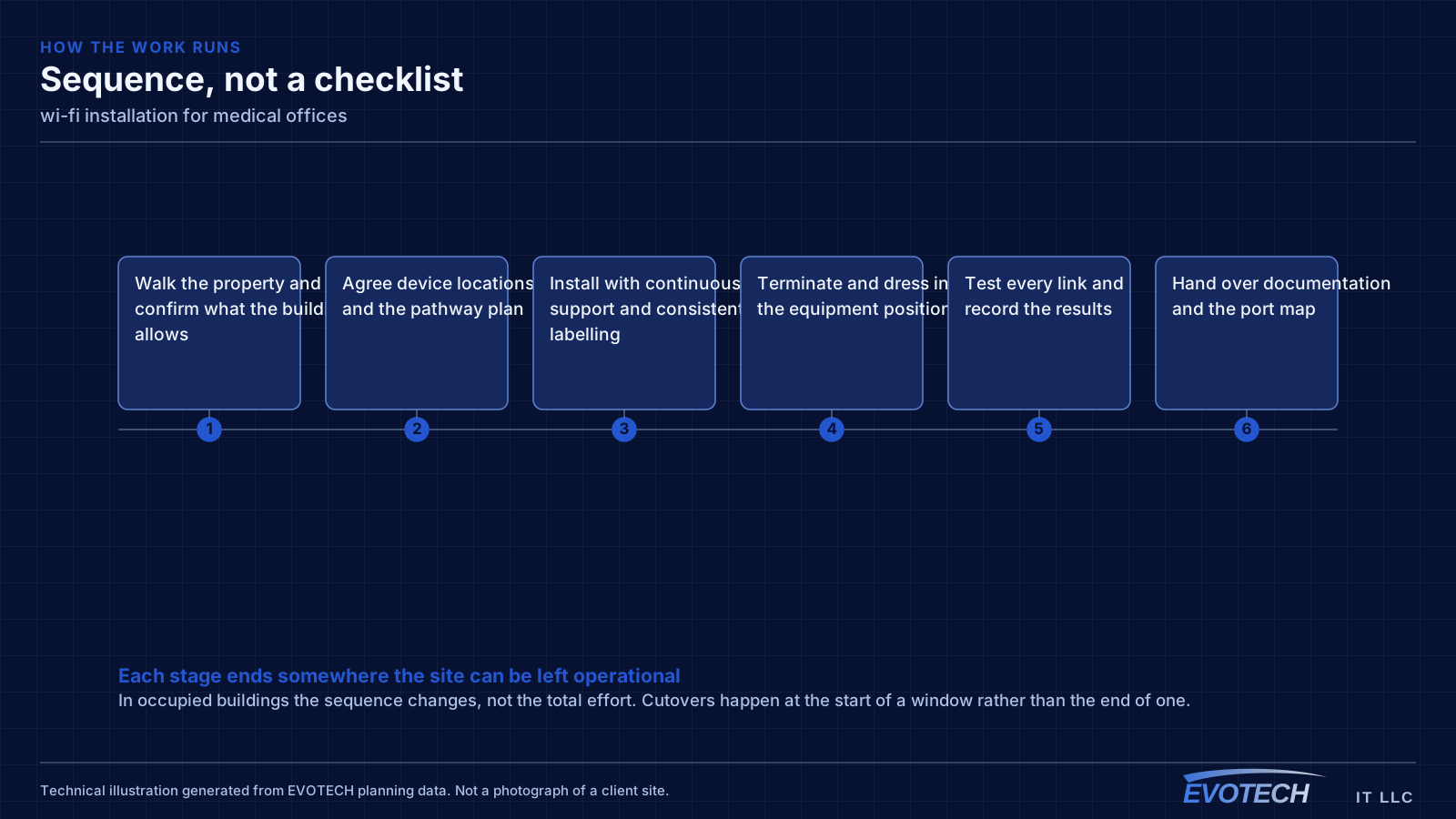
The other defining characteristic is that some systems cannot simply be taken down for an afternoon. Practice management, imaging, and anything connected to patient scheduling has a real cost when interrupted, so cutover planning matters more here than in most commercial environments.
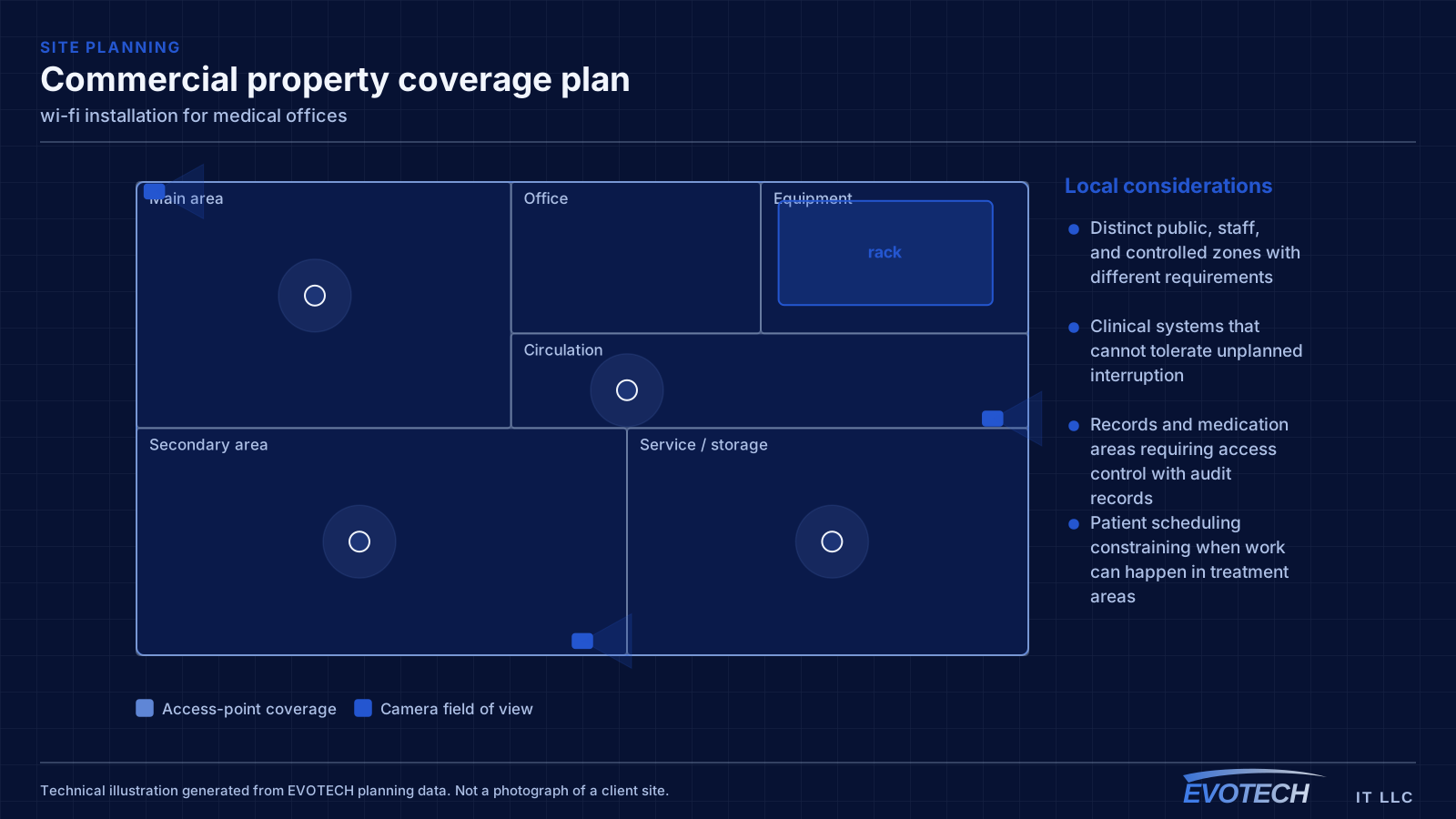
- Distinct public, staff, and controlled zones with different requirements
- Clinical systems that cannot tolerate unplanned interruption
- Records and medication areas requiring access control with audit records
- Patient scheduling constraining when work can happen in treatment areas
What wi-fi installation usually involves
The most common complaint is a call dropping when someone walks from one room to another. That is a roaming problem, and it usually traces back to coverage design: either the cells overlap too little, so the client hangs onto a dying signal, or they overlap too much on the same channel, so everything is contending.
The second recurring problem is that the wireless network is blamed for a wired or internet issue. A device showing full signal bars and still performing badly is pointing at something past the access point — an oversubscribed uplink, a saturated internet circuit, or a switch port negotiating incorrectly.
- Dead zones behind masonry, tile, mirrored surfaces, and metal-framed glass
- Co-channel contention from too many APs sharing the same channel
- Clients holding onto a distant AP instead of roaming to a closer one
- 2.4 GHz congestion from neighbouring networks and non-Wi-Fi interference
- Access points fed by repeaters instead of cable, halving effective throughput
- Guest and business traffic sharing one network with no separation
Segmentation and clinical connectivity
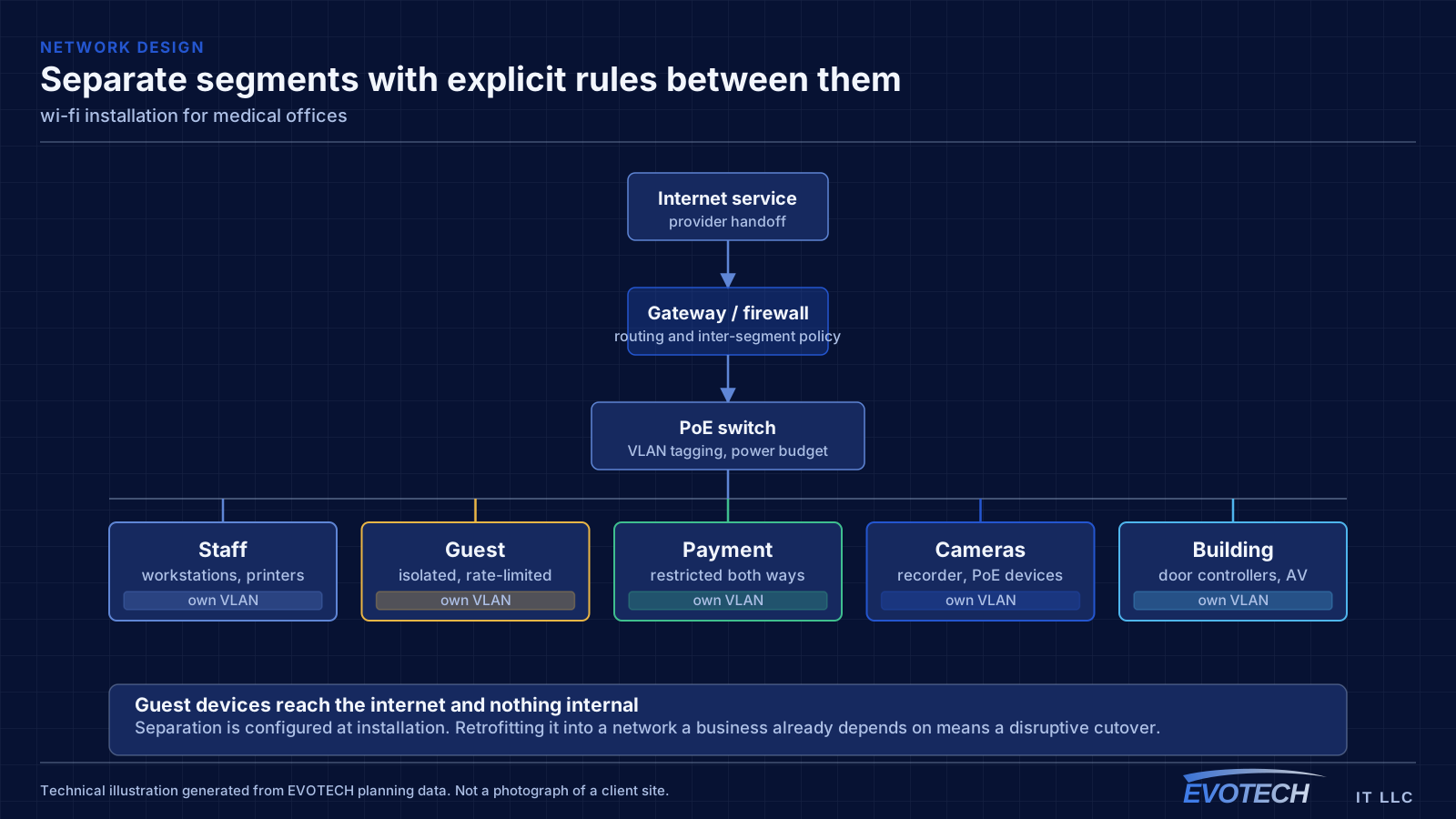
Clinical systems belong on their own segment, separate from staff general-purpose devices, separate again from patient guest access, and separate from building systems such as cameras and door controllers. This limits what any single compromised device can reach and makes the network far easier to reason about when something misbehaves.
For clinical equipment that moves large files — imaging in particular — wired connections are worth insisting on where the equipment supports them. Wireless is fine for tablets and general staff use, but a modality pushing studies across a congested wireless cell produces exactly the kind of intermittent slowness that is difficult to diagnose and disruptive to a clinic day.
Guest access in a waiting area should be isolated from everything internal and rate-limited. It is a courtesy, and it should be architecturally incapable of touching anything clinical.
- Clinical, staff, guest, and building-system traffic on separate segments
- Wired connections for imaging and other high-throughput clinical equipment
- Waiting-area guest access isolated and capped
- Access points placed for coverage in treatment rooms without relying on corridor spill
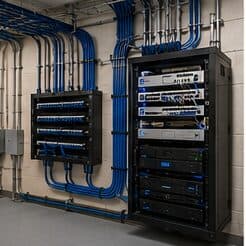
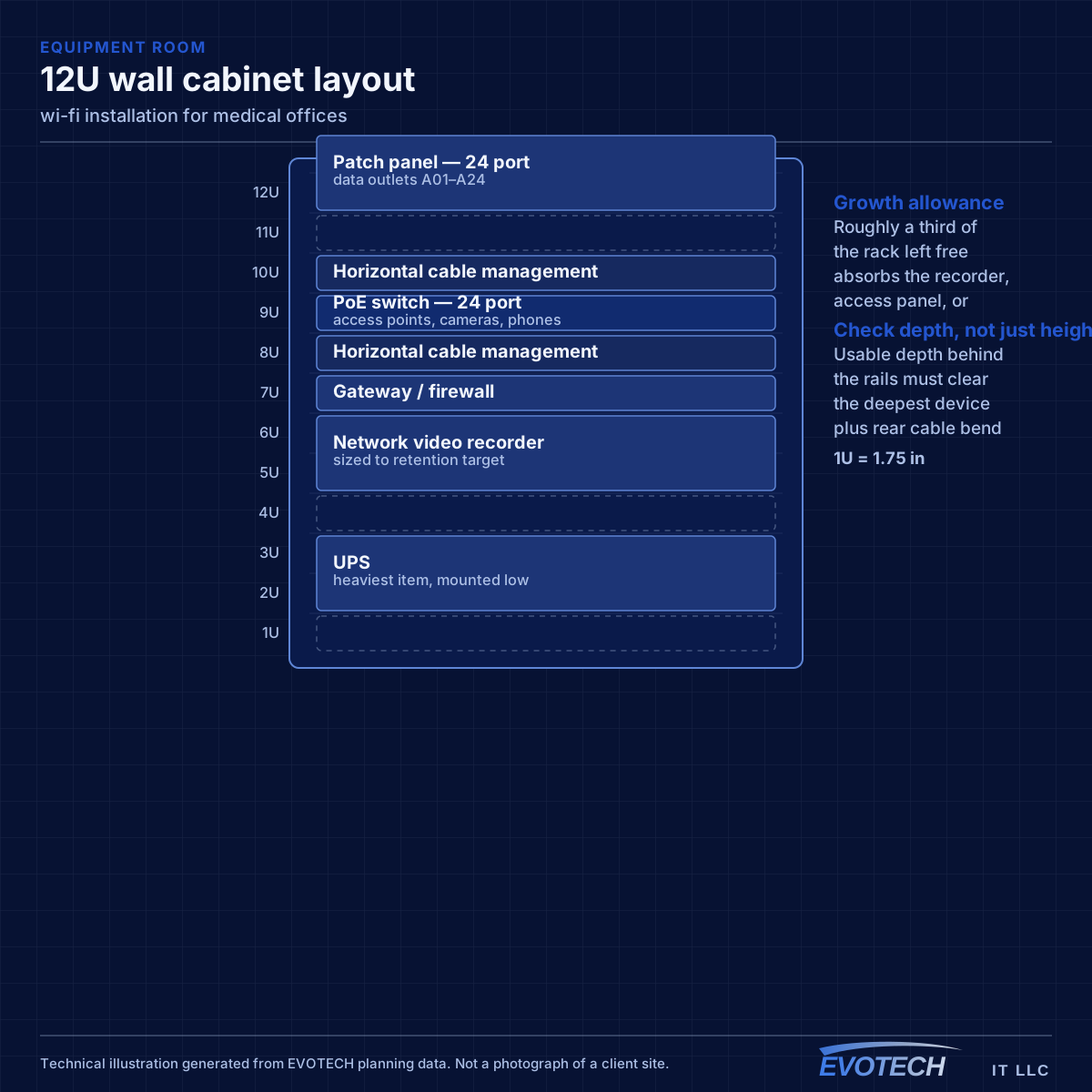
- Equipment room secured, since it holds the systems everything depends on
Signal level, channel reuse, and why backhaul decides everything
Wireless capacity comes from having multiple non-overlapping channels in use across a space. In North America, 2.4 GHz offers three non-overlapping 20 MHz channels, which is why it congests so quickly — in a dense building the neighbours are using them too. The 5 GHz band offers far more channels, including DFS channels that require radar detection and which many designs skip unnecessarily. The 6 GHz band, where equipment and regulations permit, adds substantially more spectrum with the caveat that only newer client devices can use it.
- Roughly -67 dBm at the coverage edge as a working target for voice and video
- Three non-overlapping 20 MHz channels at 2.4 GHz; many more at 5 GHz
- Wider channels raise peak throughput but reduce reuse and raise contention
- Wired backhaul to every AP wherever cable can reach
- Separate guest traffic from business systems at the network level
Frequently asked questions
What changes about wi-fi installation in medical offices?
The operating environment does. Medical offices bring specific constraints — how the space is used, when work can happen, and what has to keep running — and those shape the wi-fi installation plan as much as the service's own technical requirements.
Why does a call drop when walking between rooms?
That is a roaming symptom. Either the coverage areas do not overlap enough, so the device holds a fading signal past the point of usefulness, or they overlap heavily on the same channel, so the handoff happens into a congested cell. Both are fixed by adjusting placement, power, and the channel plan rather than by adding another access point at the same settings.
Should patient guest Wi-Fi be offered?
It is common in waiting areas, and the requirement is that it is architecturally isolated: unable to reach clinical systems, staff devices, or building systems, and rate-limited so it cannot affect anything operational. Configured that way it is a low-risk courtesy; configured as a shared flat network it is not.