The short version
A digital sign is not a television. It runs many hours a day, often near a window in bright ambient light, and it has to show scheduled content on its own without anyone touching it. That means a display rated for commercial duty cycle and adequate brightness, a content player that drives it reliably, and a way to change what it shows remotely — so a menu, a promotion, or a directory can be updated from a desk rather than a step-ladder.
The parts that go wrong are rarely the image. They are consumer televisions used for commercial hours that fail early, signs too dim to read against daylight, and content that has no reliable way to be scheduled or changed, so it ends up frozen on last month's promotion.
What tends to go wrong
The first failure is the display itself: a consumer television running twelve hours a day in a commercial setting is being used outside what it was built for, and it degrades or fails on a timescale that makes it a false economy. Commercial displays are rated for the hours and, where needed, for higher brightness.
The second failure is content. A sign is only as useful as the ease of changing it. Without a proper content player and a remote management path, updates require physically visiting the screen with a drive, which means they stop happening and the sign goes stale.
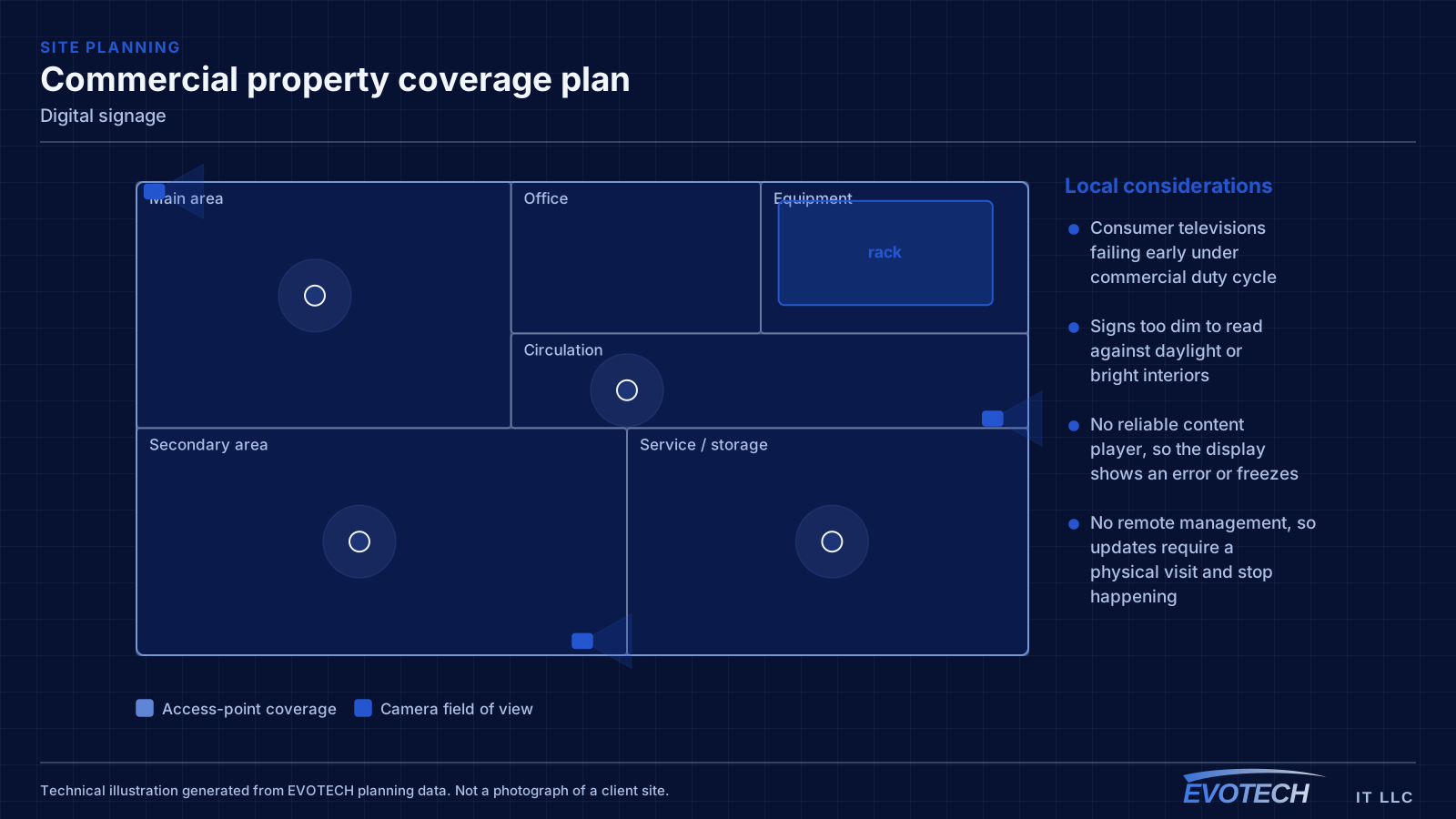
- Consumer televisions failing early under commercial duty cycle
- Signs too dim to read against daylight or bright interiors
- No reliable content player, so the display shows an error or freezes
- No remote management, so updates require a physical visit and stop happening
- Menu boards with fonts and layouts unreadable at viewing distance
- Video walls with visible mismatch or timing differences between panels
Who this work is for
Signage shows up wherever a business wants to display changing information reliably in a public space.
- Restaurants and cafes running digital menu boards
- Retail stores showing promotions and wayfinding
- Offices and lobbies with directories and welcome screens
- Waiting rooms displaying information and scheduling
- Warehouses and facilities showing production or safety information
- Multi-screen video walls for impact displays
Duty cycle, brightness, content delivery, and orientation
Display selection starts with two ratings people skip on consumer sets: the rated daily operating hours and the brightness. A sign running open-to-close needs a panel rated for those hours, and a sign facing daylight needs brightness well above living-room levels to stay readable. Portrait orientation, common for menu boards and directories, also requires a display rated to run rotated — not every panel is.
Content delivery is the system behind the screen. A dedicated media player, networked for remote management, drives scheduled content and recovers on its own after a power blip. That network path is what lets someone change a menu or a promotion from a desk. Signage that depends on a USB drive plugged into a television is signage that will go stale.
Video walls add synchronisation: multiple panels have to be aligned, colour-matched, and driven so the content spans them without visible timing or seam problems. That is a distinct discipline from mounting single displays, with its own mounting and signal-distribution requirements.
- Displays rated for the daily operating hours, not consumer duty cycle
- Brightness matched to the ambient light, especially near windows
- Panels rated for portrait orientation where used
- A networked media player for scheduled content and remote updates
- Automatic recovery after power interructions
- Synchronised mounting and signal distribution for video walls
How the work runs
Signage is planned from the content and the viewing conditions backward to the hardware.
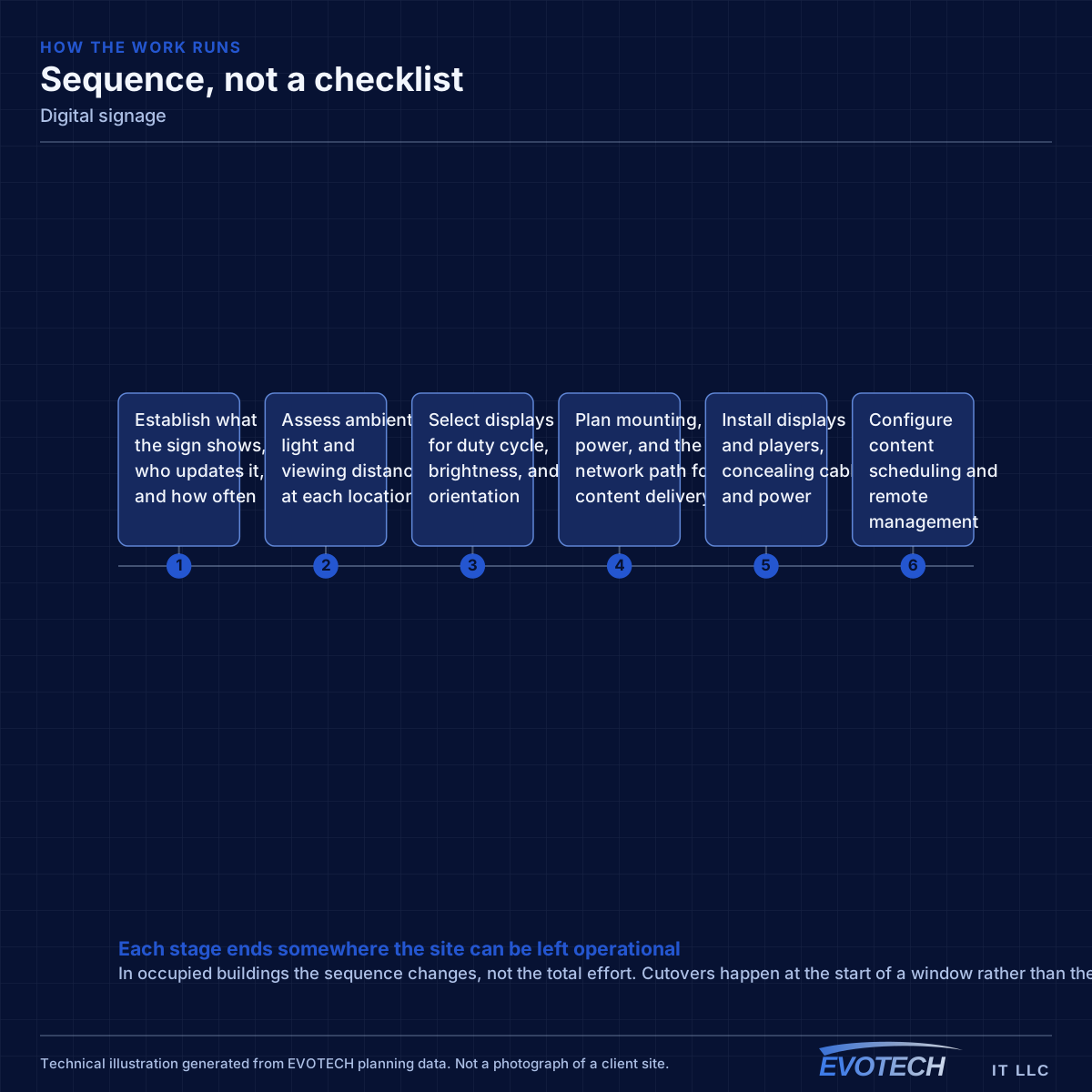
- Establish what the sign shows, who updates it, and how often
- Assess ambient light and viewing distance at each location
- Select displays for duty cycle, brightness, and orientation
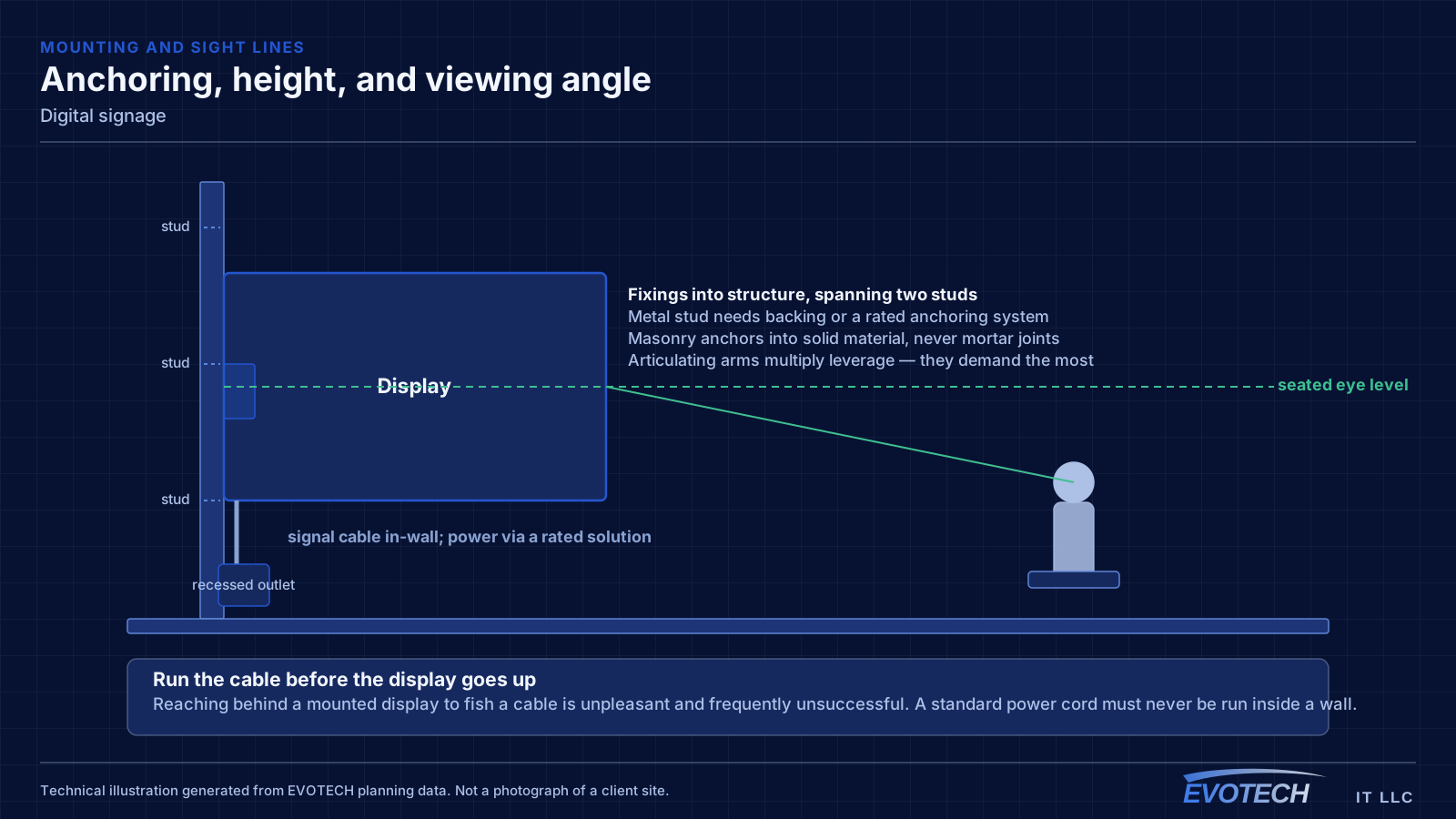
- Plan mounting, power, and the network path for content delivery
- Install displays and players, concealing cable and power
- Configure content scheduling and remote management
- Verify readability at distance and confirm unattended recovery
Testing and verification
Signage is commissioned by confirming it reads correctly and runs unattended.
- Readability checked at the actual viewing distance and ambient light
- Content scheduling verified end to end
- Remote update path tested from off-site
- Unattended recovery confirmed after a simulated power interruption
- Video-wall alignment, colour, and timing verified across panels
- Long-run stability observed before sign-off
What changes the scope
Signage scope is driven by display count, environment, and content complexity.
- Number of displays and whether any form a video wall
- Ambient light and required brightness
- Orientation, size, and viewing distance
- Content player and management platform
- Mounting height and access for service
- Network and power provision at each position
Common mistakes
Signage fails in a small set of predictable ways.
- Using consumer televisions for commercial operating hours
- Under-specifying brightness for a daylight location
- Relying on a USB drive instead of a networked player
- No remote management, so content goes stale
- Portrait mounting a panel not rated to run rotated
- Treating a video wall like several separate televisions
What drives the cost
Commercial displays and the content system carry the cost, not the mounting.
- Number, size, and grade of displays
- Brightness class required by the environment
- Content players and any management subscription
- Video-wall mounting and signal distribution
- Network and power provision
- Mounting height and access requirements
Honest limitations
These are the boundaries of what this service can do, stated up front rather than discovered later.
- Display lifespan depends on the duty cycle it was rated for; consumer sets in commercial use fail sooner.
- Remote content management depends on the network and, for cloud platforms, on the provider's service.
- Brightness has practical and cost limits; a sign in direct sun behind glass has a ceiling on readability.
- Content design — fonts, contrast, timing — affects readability as much as the hardware and is a separate discipline.
Frequently asked questions
Can we just use a regular TV for a menu board?
For a few hours a day, maybe. For open-to-close operation it is a false economy — consumer televisions are not rated for that duty cycle and fail earlier, and they are often too dim to read against daylight. A commercial display rated for the hours and the brightness costs more up front and far less over its life in a signage role.
How do we update what the sign shows?
Through a networked media player and a management platform, so content is scheduled and changed from a desk rather than by visiting the screen. That remote path is the difference between signage that stays current and signage that freezes on an old promotion because updating it is a chore.
Why is our sign hard to read near the window?
Brightness. A display bright enough for a living room is washed out by daylight, so a sign near glass needs a panel with much higher brightness to stay legible. Positioning to reduce direct glare helps, but the primary fix is specifying the right brightness class for the environment when the display is chosen.
What makes a video wall different from several TVs?
Synchronisation and precision. A video wall's panels must align physically, match in colour, and display content that spans them without visible timing or seam problems, which requires specific mounting and signal distribution. It is a distinct discipline from hanging individual displays, and treating it as several separate televisions is what produces a mismatched, disjointed wall.