The short version
Smart-home devices are easy to buy and easy to end up with a drawer of apps that half-work. Getting a home that actually behaves means three decisions up front: which ecosystem everything lives in — a voice platform, a phone platform, or a manufacturer's own app — so devices cooperate instead of each needing their own login; whether devices talk over Wi-Fi or through a hub using a low-power protocol; and which functions must keep working when the internet drops. A smart lock that only unlocks from the cloud is a problem the first time the connection goes down.
Smart locks are the device people care about most and the one that punishes a weak setup hardest. The lock has to fit the door, hold a reliable connection to whatever controls it, keep its batteries monitored, and always retain a physical or offline way in. Guest and temporary codes — the reason short-term-rental hosts want them — only help if the lock is dependable enough to trust with a stranger arriving at nine at night.
What tends to go wrong
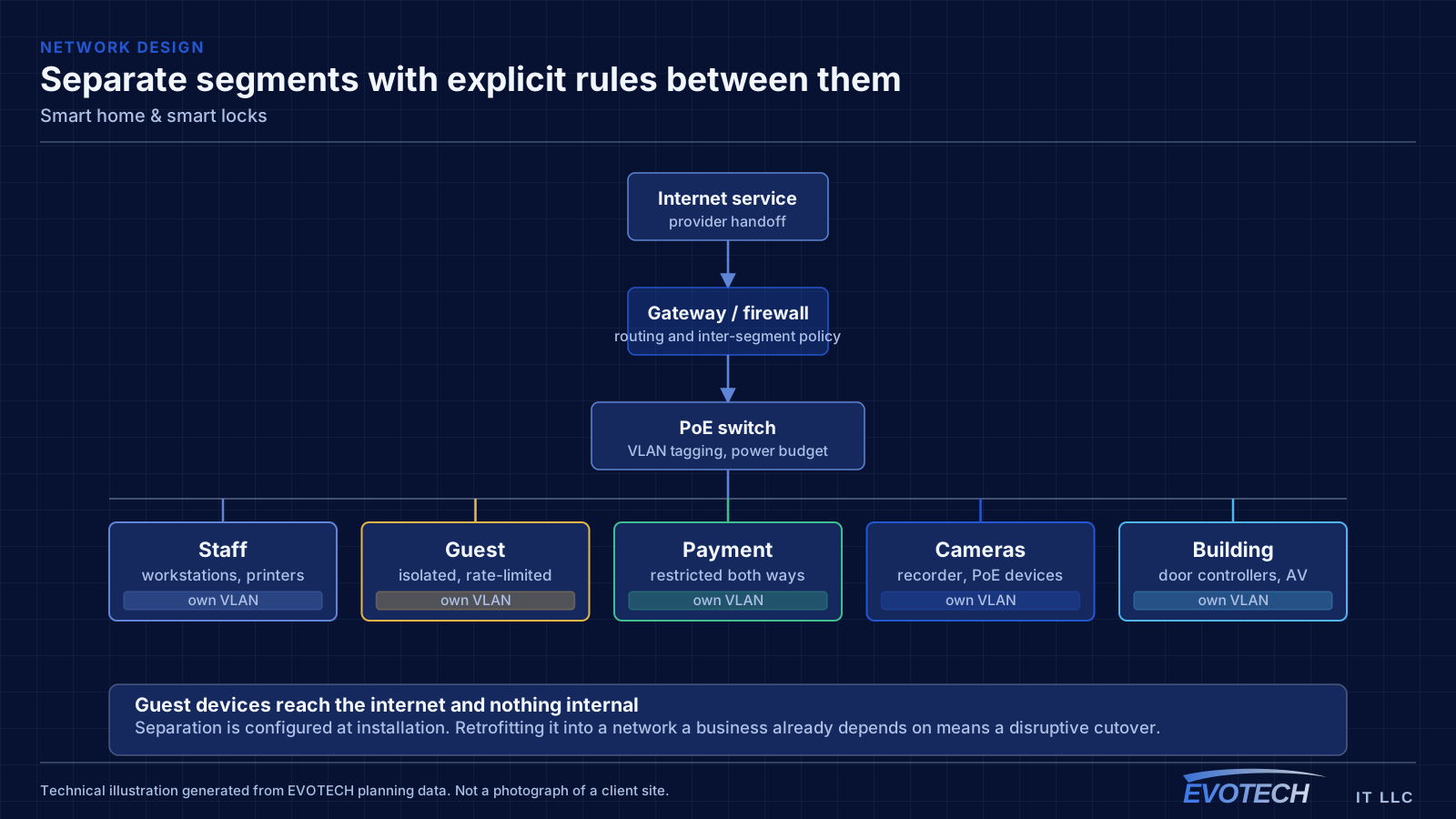
The characteristic smart-home problem is a device that works most of the time — which, for a lock or a camera, is not good enough. The usual causes are weak wireless at the device's location, a cloud dependency that fails when the connection blips, and automations that quietly stop firing without telling anyone.
The second is ecosystem sprawl: five brands, five apps, and no way to make a routine span them. Deciding on one platform, and choosing devices that speak to it, turns a pile of gadgets into a system.
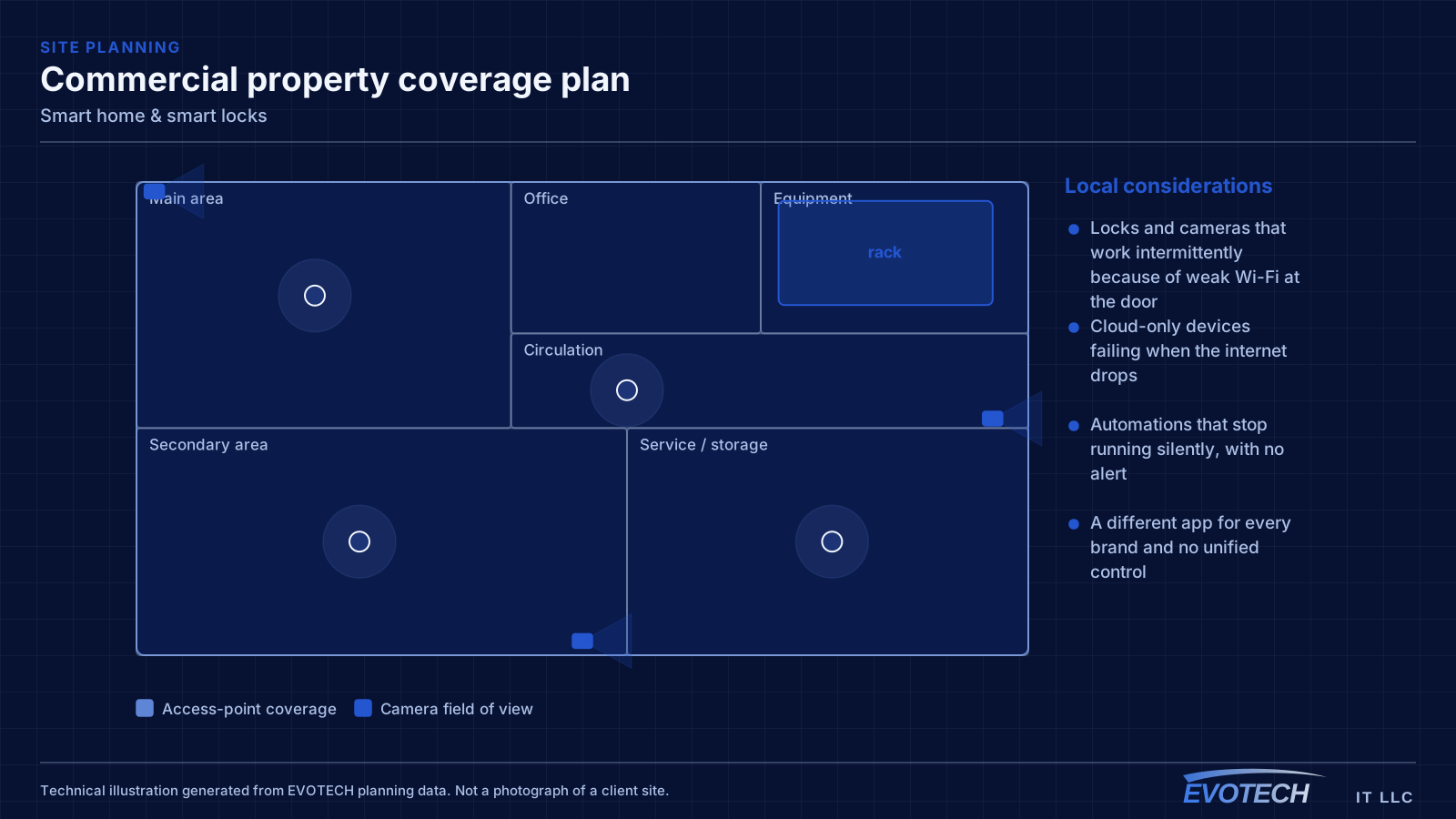
- Locks and cameras that work intermittently because of weak Wi-Fi at the door
- Cloud-only devices failing when the internet drops
- Automations that stop running silently, with no alert
- A different app for every brand and no unified control
- Smart locks fitted to doors that are misaligned or swollen, so they jam
- Dead batteries with no monitoring, locking people out
Ecosystem, hub versus Wi-Fi, local versus cloud, and door fit
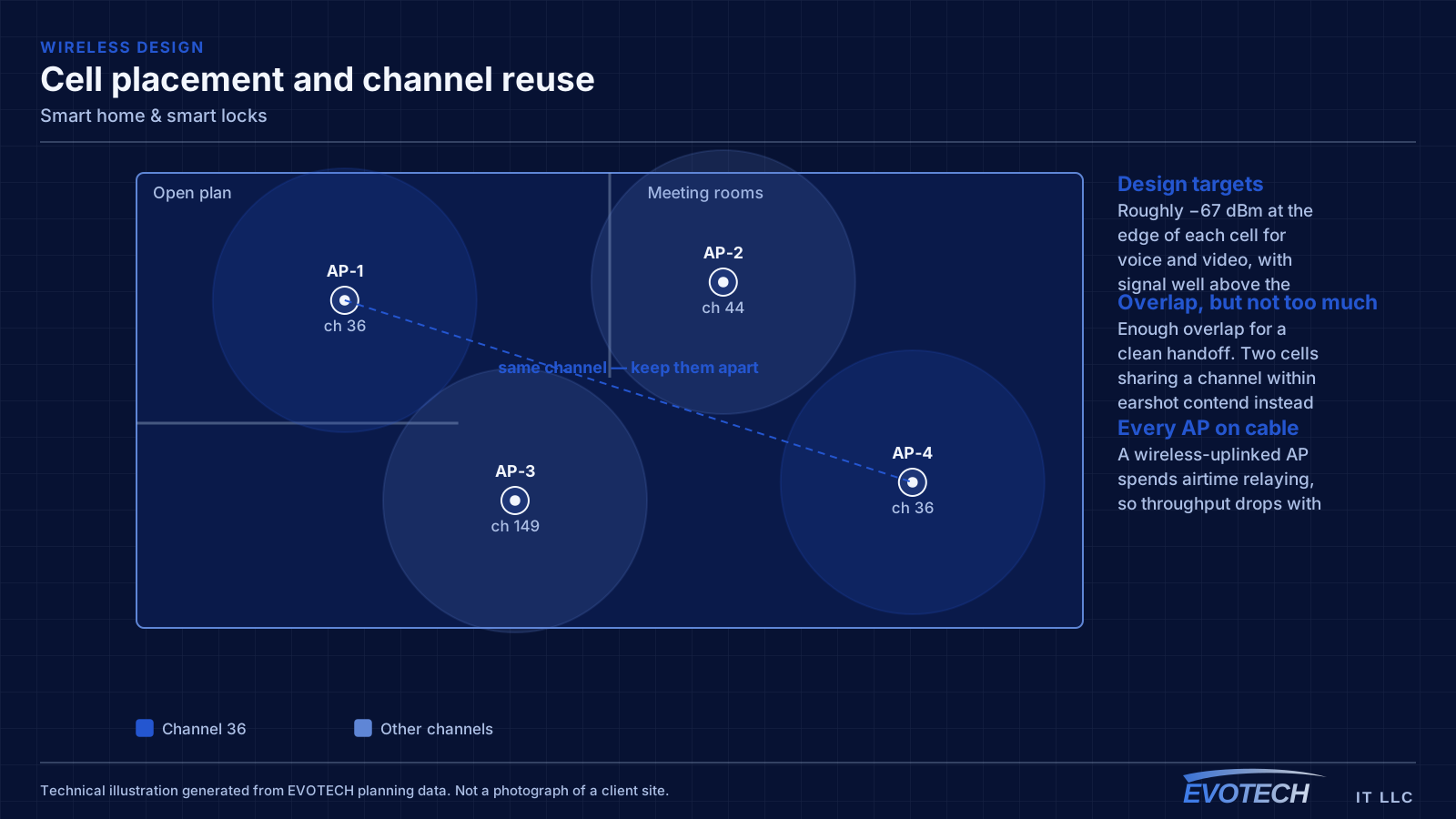
The ecosystem decision is the one that shapes everything else. Committing to a single platform — whichever suits the household's phones and habits — lets devices share routines and one control surface, at the cost of favouring devices that support it. A hub adds a second layer: many reliable smart-home devices use a low-power mesh protocol rather than Wi-Fi, which keeps them off the main network and off the router's client count, and a modern hub bridges those to the chosen platform. Newer interoperability standards are narrowing the gap between ecosystems, but device support still has to be checked rather than assumed.
Local versus cloud is the reliability question. A device that can be controlled locally keeps working on the home network even when the internet is down; a cloud-only device does not. For anything that matters — locks, garage doors, critical cameras — local control or a reliable offline fallback is worth insisting on, and the physical key or manual override should never be removed as a backstop.
Smart locks specifically live or die on the door. A retrofit lock that keeps the existing deadbolt is quick but depends on that deadbolt operating smoothly; a full replacement fits the door properly but has to match the door prep. Either way, a door that is misaligned, swollen, or dragging will jam a motorised bolt, so the fit is checked before the electronics are blamed. Batteries need monitoring, and a low-battery warning that reaches a phone is what prevents a lockout.
- One ecosystem chosen for the household, with devices that support it
- A hub for low-power mesh devices, keeping them off the main Wi-Fi
- Local control or an offline fallback for locks, doors, and key cameras
- A physical key or manual override always retained
- Smart locks matched to a door that actually operates smoothly
- Battery monitoring with alerts before a lockout
Who this work is for
Smart-home work ranges from a single reliable lock to a whole-home setup that a family actually uses without thinking about it.
- Homeowners adding smart locks, cameras, doorbells, and lighting
- Short-term-rental hosts needing dependable guest codes and remote access
- Households with a drawer of half-configured devices wanting them to cooperate
- Homes standardising on one voice or phone ecosystem
- Properties adding app-controlled entry, lighting, or climate
How the work runs
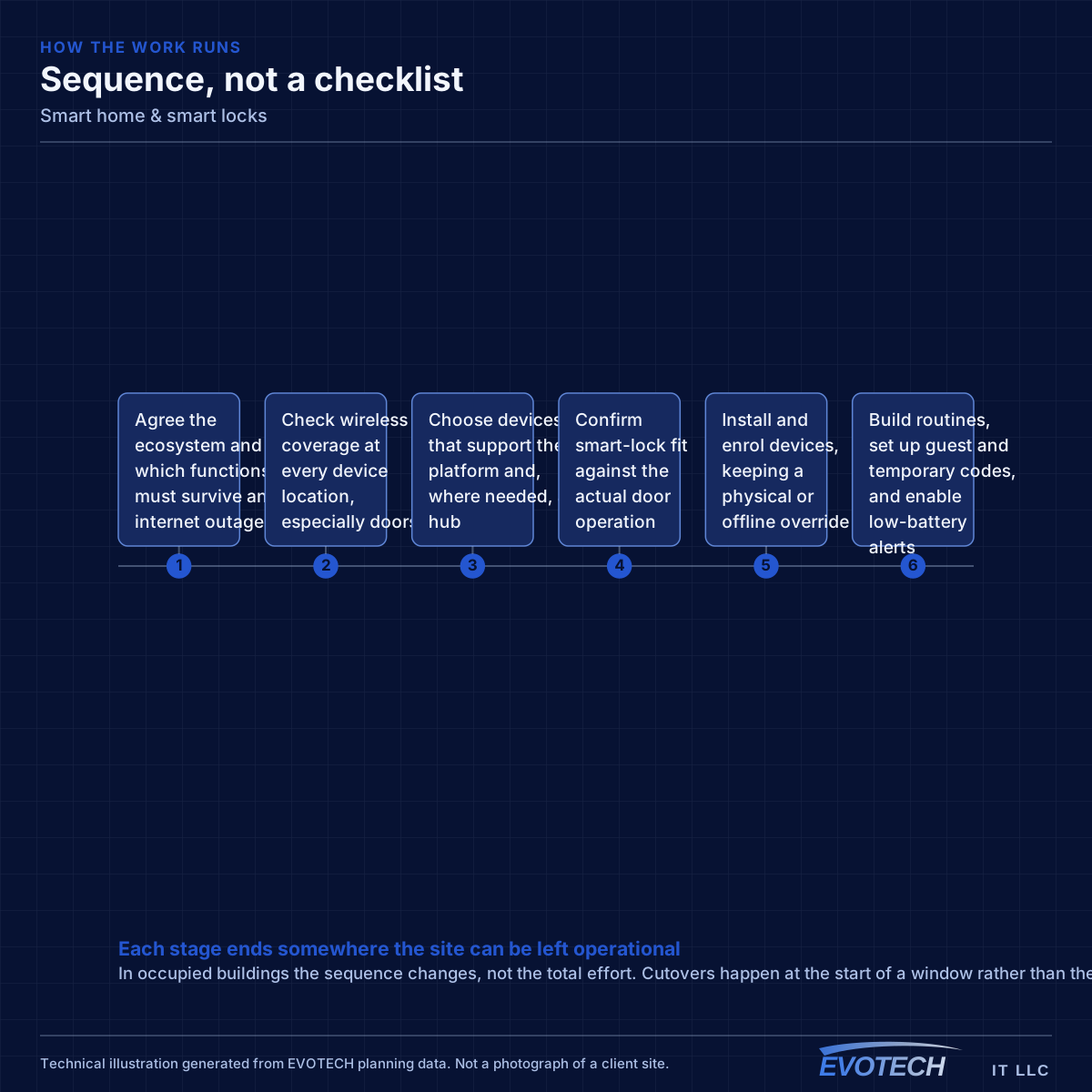
A smart-home setup starts with the ecosystem and the network, not the shopping list.
- Agree the ecosystem and which functions must survive an internet outage
- Check wireless coverage at every device location, especially doors
- Choose devices that support the platform and, where needed, a hub
- Confirm smart-lock fit against the actual door operation
- Install and enrol devices, keeping a physical or offline override
- Build routines, set up guest and temporary codes, and enable low-battery alerts
- Test each critical device offline and hand over how to add or revoke access
Testing and verification
Smart devices are commissioned by proving the important ones still work when things go wrong.
- Every device confirmed reliable at its actual location
- Locks and critical cameras tested with the internet disconnected
- Physical or offline override verified on every lock
- Guest and temporary codes issued, tested, and revoked
- Automations confirmed to fire, with failure alerts where possible
- Low-battery and offline alerts confirmed to reach a phone
What changes the scope
Smart-home scope depends on device count, reliability requirements, and connectivity.
- Number and type of devices, and how critical each is
- Chosen ecosystem and whether a hub is required
- Wireless coverage at device locations, particularly doors
- Smart-lock type: retrofit versus replacement, and door condition
- Whether local control or offline fallback is required
- Guest-access, short-term-rental, and automation complexity
Common mistakes
Smart-home disappointment comes from reliability shortcuts more than device choice.
- Buying across five ecosystems and expecting them to cooperate
- Fitting a smart lock to a door that does not operate smoothly
- Relying on cloud-only control for a lock or garage door
- Ignoring weak Wi-Fi at the door and blaming the device
- Removing the physical key with no offline way in
- No battery monitoring, so the first warning is a lockout
What drives the cost
Device count and the network work behind them drive the cost.
- Number and grade of devices
- Whether a hub and additional wireless coverage are needed
- Smart-lock type and any door adjustment
- Ecosystem and any subscription for remote features
- Automation and guest-access configuration
- Ongoing support expectations
Honest limitations
These are the boundaries of what this service can do, stated up front rather than discovered later.
- Smart-home reliability depends on wireless coverage and, for cloud features, on the internet and the manufacturer's service.
- Ecosystem interoperability is improving but still device-specific; support is confirmed rather than assumed.
- Smart locks depend on a well-operating door; a misaligned or swollen door needs addressing first.
- This is consumer smart-home work; commercial credentialed door access with egress requirements is handled as access control.
Frequently asked questions
Which smart-home ecosystem should we use?
Usually the one that matches the phones and habits in the house, because that is the control surface everyone already reaches for. Committing to one platform lets devices share routines instead of each needing its own app — the tradeoff is favouring devices that support it. Newer interoperability standards are narrowing the differences, but it is still worth checking that the specific devices you want work with the platform you choose.
Will my smart lock still work if the internet goes down?
Only if it supports local control or an offline method — which is exactly why that is worth insisting on for a lock. A cloud-only lock cannot be operated remotely when the connection is down, and a keypad or physical key becomes the fallback. A good setup keeps a physical or offline way in on every lock, so an outage is an inconvenience rather than a lockout.
Why does my smart camera or lock keep dropping offline?
Most often weak wireless at that location. Doors and exterior positions are frequently the furthest points from the router, so the device gets a marginal signal and drops. The fix is real coverage at the device — often an access point positioned for that area — rather than replacing the device, which inherits the same weak signal.
Can guests get temporary access without a key?
Yes, with a dependable smart lock — temporary or scheduled codes are the usual approach, which is why short-term-rental hosts want them. The important part is that the lock is reliable enough to trust with a guest arriving late, which comes back to a well-fitted door, solid connectivity, and monitored batteries. The codes are only as good as the lock underneath them.