
Why this page exists
Katy fits a smart-home page because its recent subdivisions arrive full of builder and owner-added smart devices across mismatched apps, and its large floor plans put locks and cameras at the weak edge of home Wi-Fi.
The typical Katy smart-home situation is a drawer of half-configured devices across five apps, with the front-door lock and camera dropping offline because the door is the furthest point from the router.
Making it reliable means committing to one ecosystem so devices cooperate, giving the important devices solid connectivity, and ensuring locks and other critical devices keep working locally when the internet blips — with a physical key always retained.
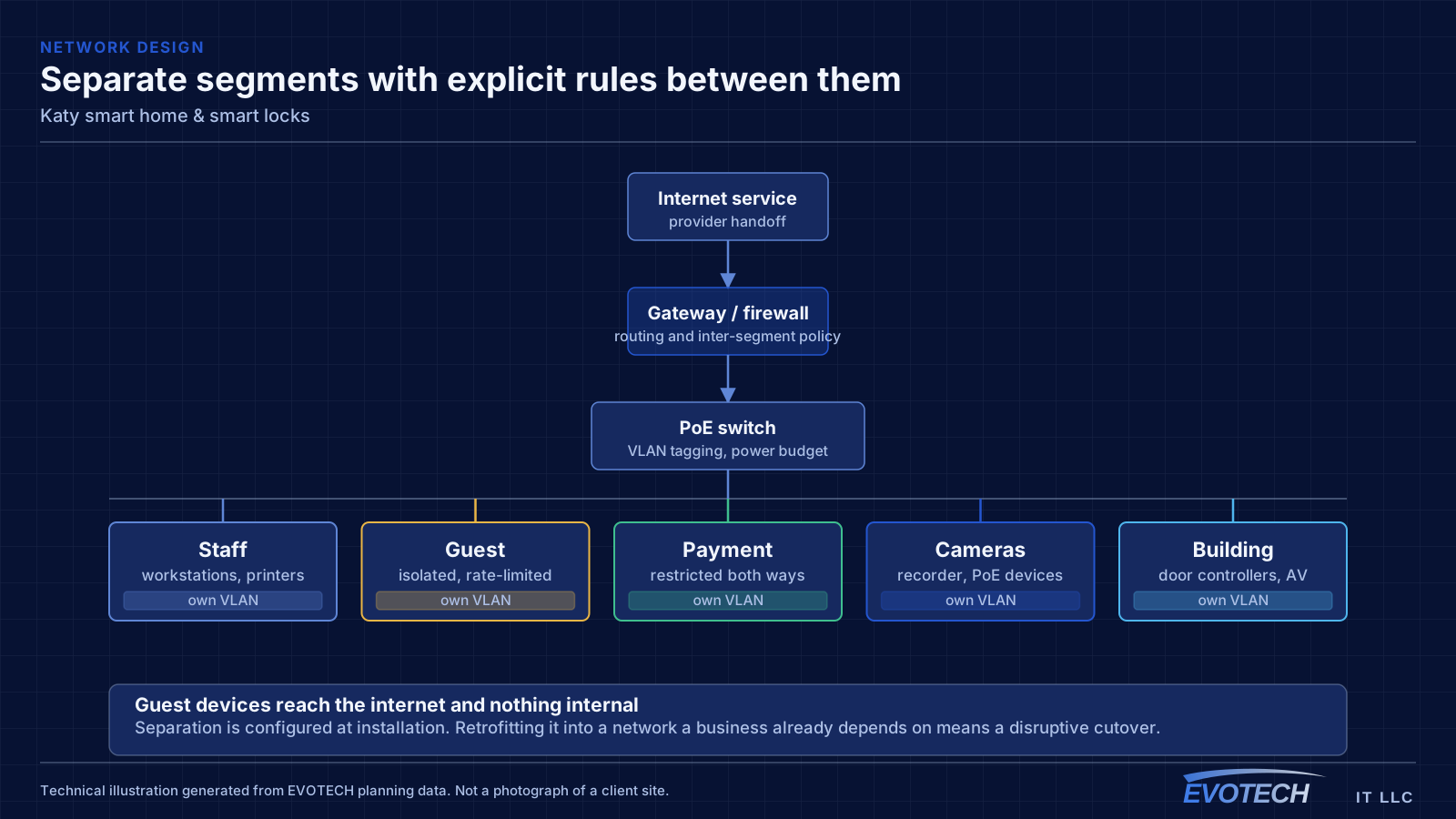
Making a Katy smart home reliable
The ecosystem decision comes first — one platform so devices share routines and one control surface instead of five apps. A hub bridges low-power mesh devices and keeps them off the main Wi-Fi.
Then reliability: real coverage at the door for the lock and camera, local control or an offline fallback for anything critical, a physical key retained on every lock, and battery monitoring with alerts before a lockout.
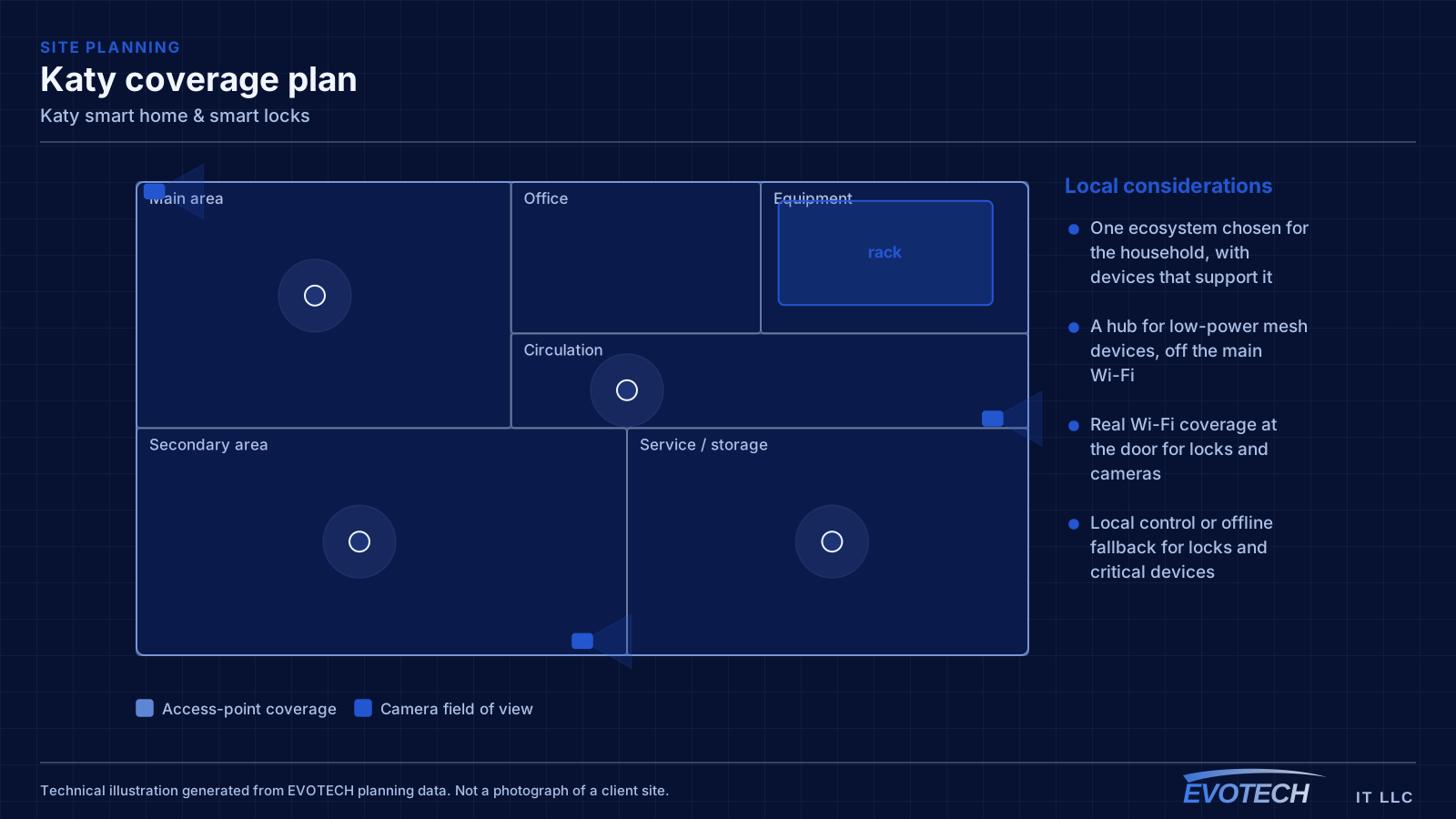
- One ecosystem chosen for the household, with devices that support it
- A hub for low-power mesh devices, off the main Wi-Fi
- Real Wi-Fi coverage at the door for locks and cameras
- Local control or offline fallback for locks and critical devices
- A physical key retained, with battery monitoring and alerts
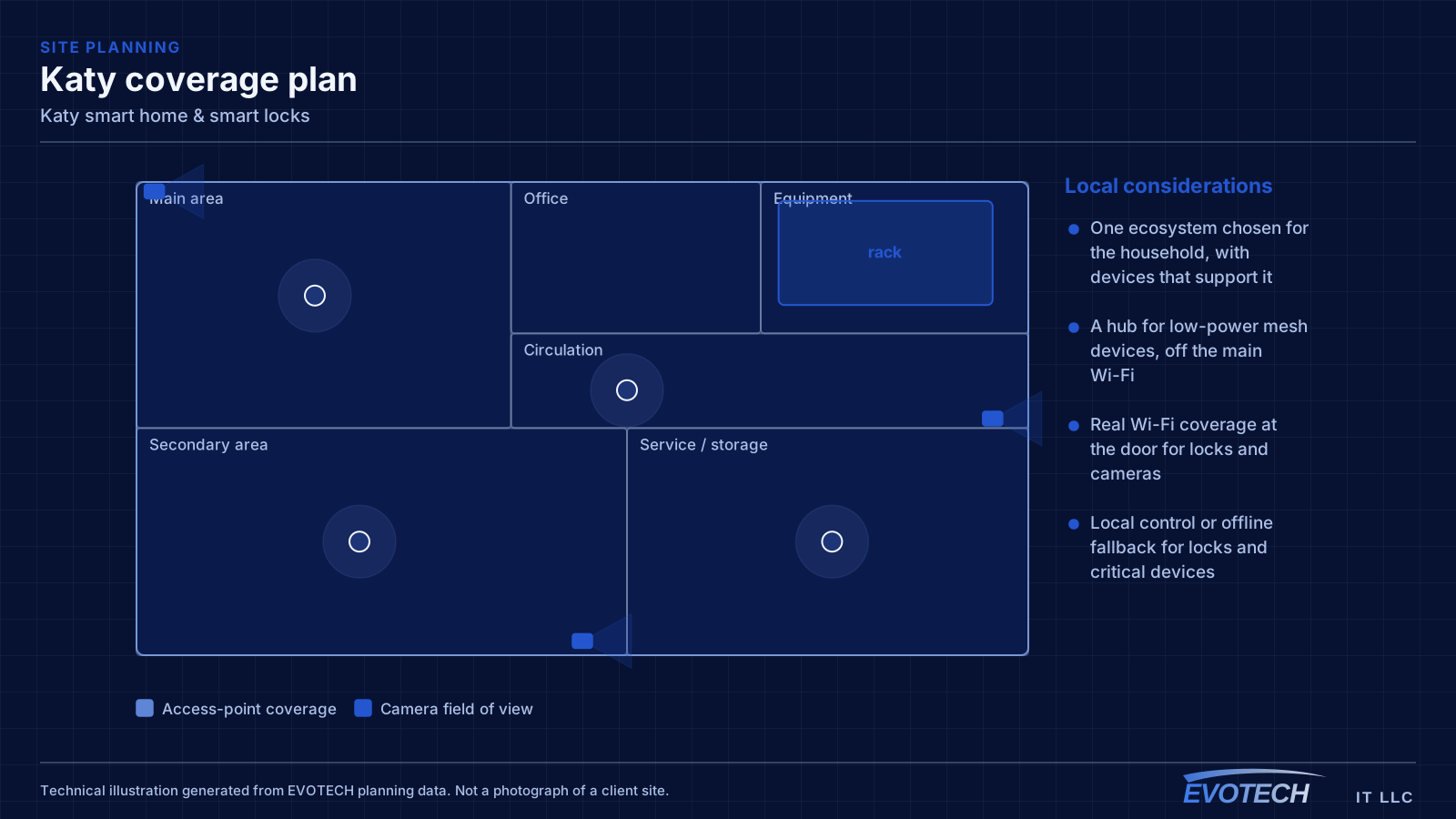
Planning a reliable setup
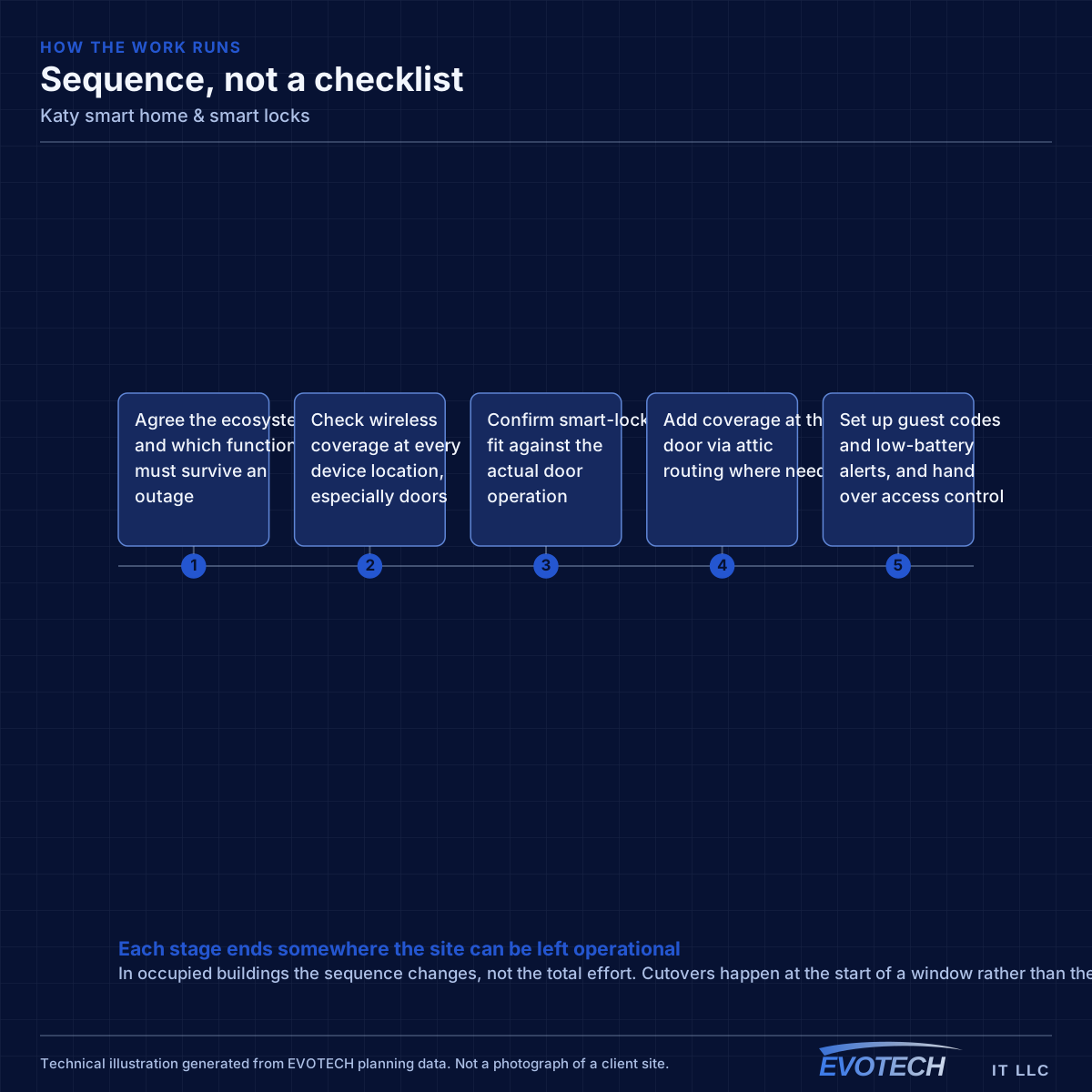
The setup starts with the ecosystem and the network, not the device list, because the reliability problems are almost always connectivity and cloud dependence rather than the devices themselves.
- Agree the ecosystem and which functions must survive an outage
- Check wireless coverage at every device location, especially doors
- Confirm smart-lock fit against the actual door operation
- Add coverage at the door via attic routing where needed
- Set up guest codes and low-battery alerts, and hand over access control
Working in a Katy home
Adding coverage at the door usually means an access point fed from the media panel through the attic, and any lock work is checked against a door that actually operates smoothly before the electronics are blamed.
- Attic-routed access point where the door lacks coverage
- Smart locks matched to a door that operates smoothly
- Critical devices tested with the internet disconnected
- Guest and temporary codes issued, tested, and revoked
- Occupied-home dust control and clean reinstatement
Frequently asked questions
Why does my smart lock or door camera keep dropping offline?
Most often weak Wi-Fi at the door. In Katy's larger homes the front door is frequently the furthest point from the router, so the device gets a marginal signal and drops. The fix is real coverage at the door — usually an access point routed through the attic — rather than replacing the device, which inherits the same weak signal.
Will my smart lock still work if the internet goes down?
Only if it supports local control or an offline method, which is exactly why that is worth insisting on for a lock. A good setup keeps a physical or offline way in on every lock and uses locally-controllable devices for anything critical, so an outage is an inconvenience rather than a lockout.
Can I control everything from one app?
That is the goal, and it comes from committing to one ecosystem and choosing devices that support it, rather than a different app per brand. It turns a pile of gadgets into a system with shared routines. Newer interoperability standards are helping, but device support is confirmed rather than assumed.