

Why this page exists
Houston fits a digital-signage page because its dense retail, restaurant, and lobby environments demand displays that run open-to-close, stay readable against strong daylight through storefront glass, and can be updated remotely across busy locations.
A Houston menu board or retail promo screen is not a television — it runs many hours a day, often near a bright storefront, and has to show scheduled content on its own and be changed from a desk rather than a step-ladder.
That means a commercial display rated for the duty cycle and daylight brightness, a networked content player, and a remote management path — the parts that keep signage current instead of frozen on last month's promotion.
For operators running several Houston locations, that remote path is what makes signage manageable at all: a menu change or a promotion is pushed to every screen from one desk, rather than sending someone to each store with a drive.
Specifying Houston signage that stays on message
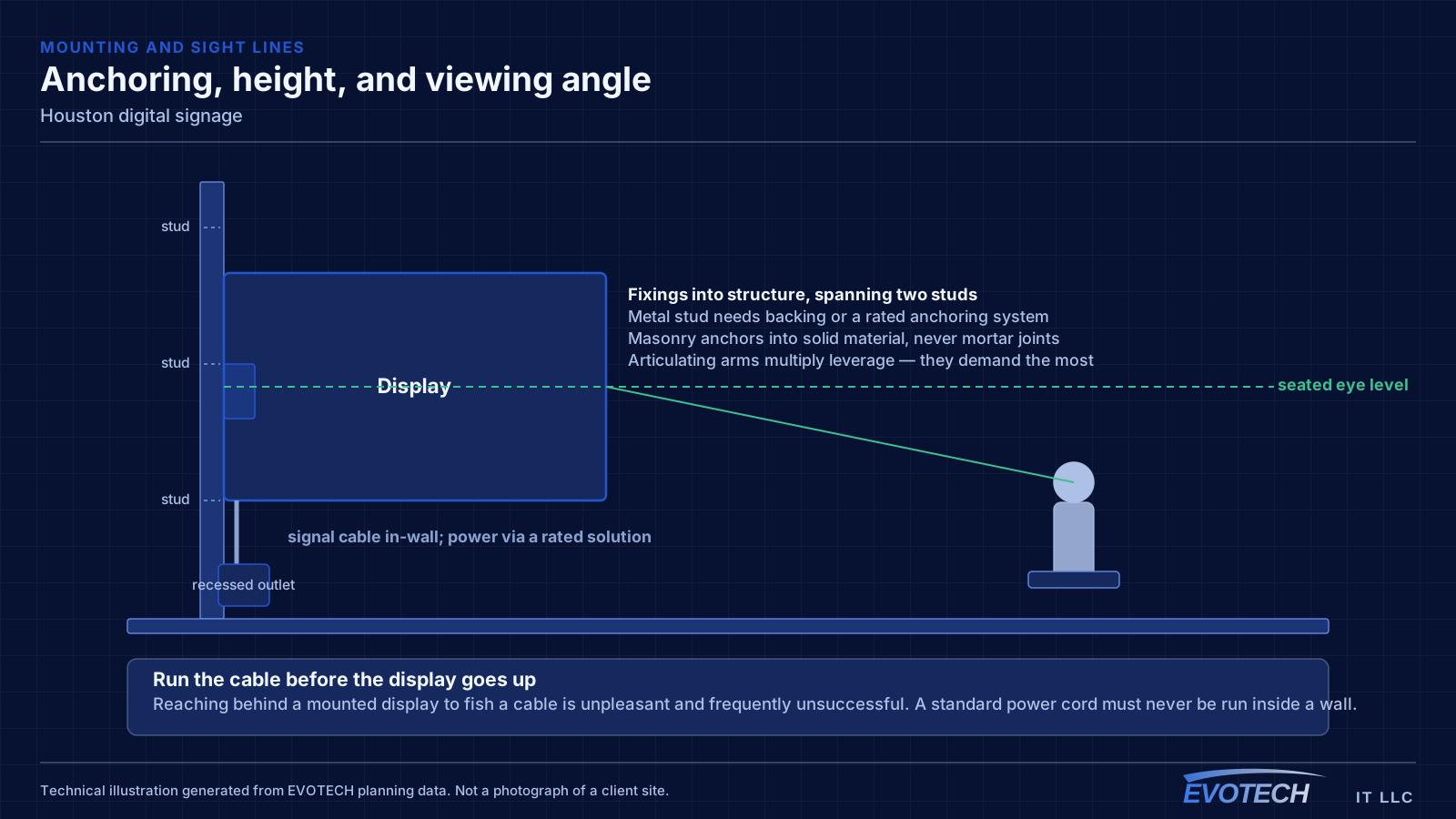
Display selection starts with the ratings consumer sets skip: the daily operating hours and the brightness, matched to a location that may face daylight through glass. Portrait menu boards also need a panel rated to run rotated.
Behind the screen, a networked media player drives scheduled content and recovers after a power blip, and the remote path lets a menu or promotion be changed from a desk across every location.
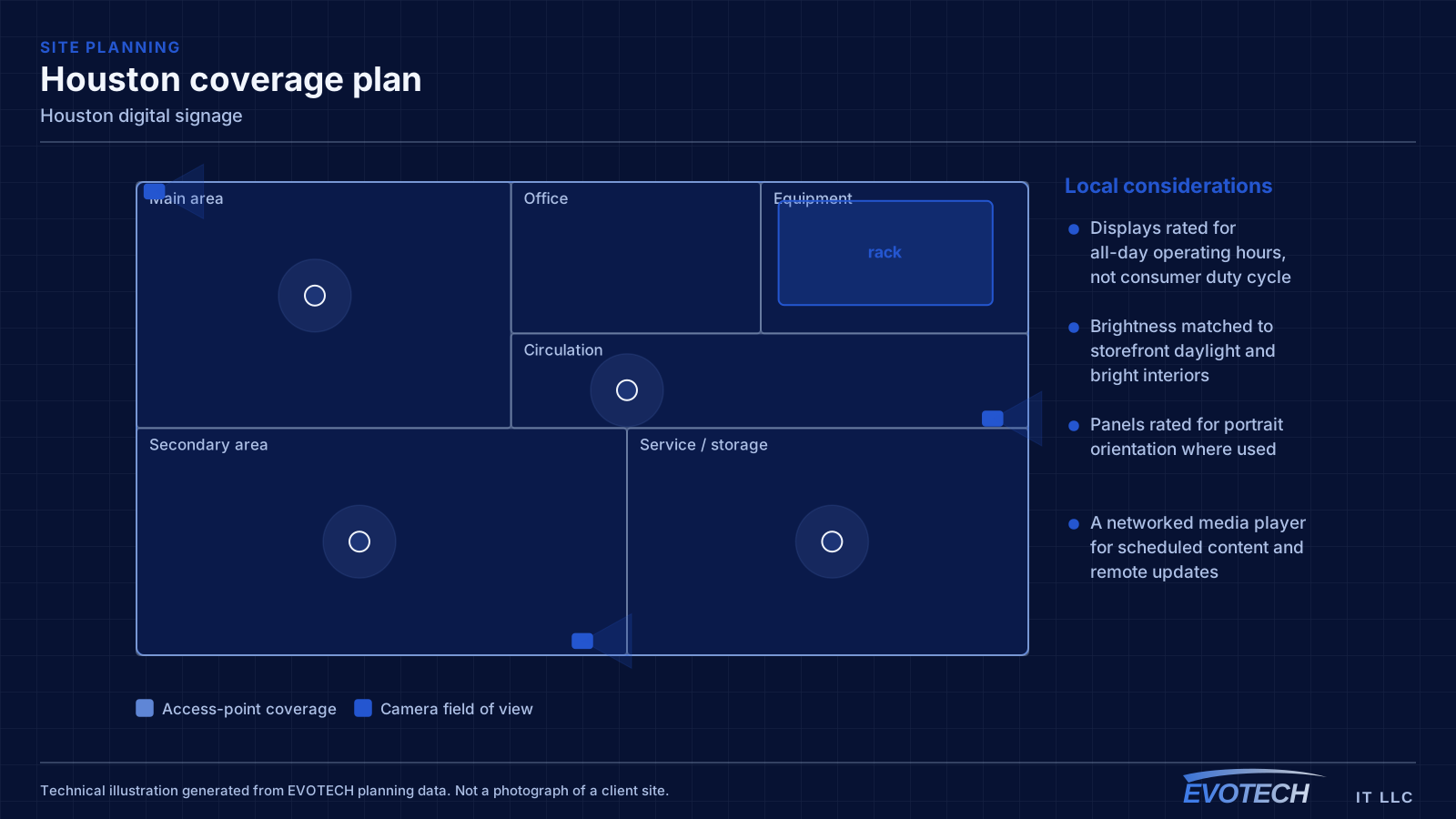
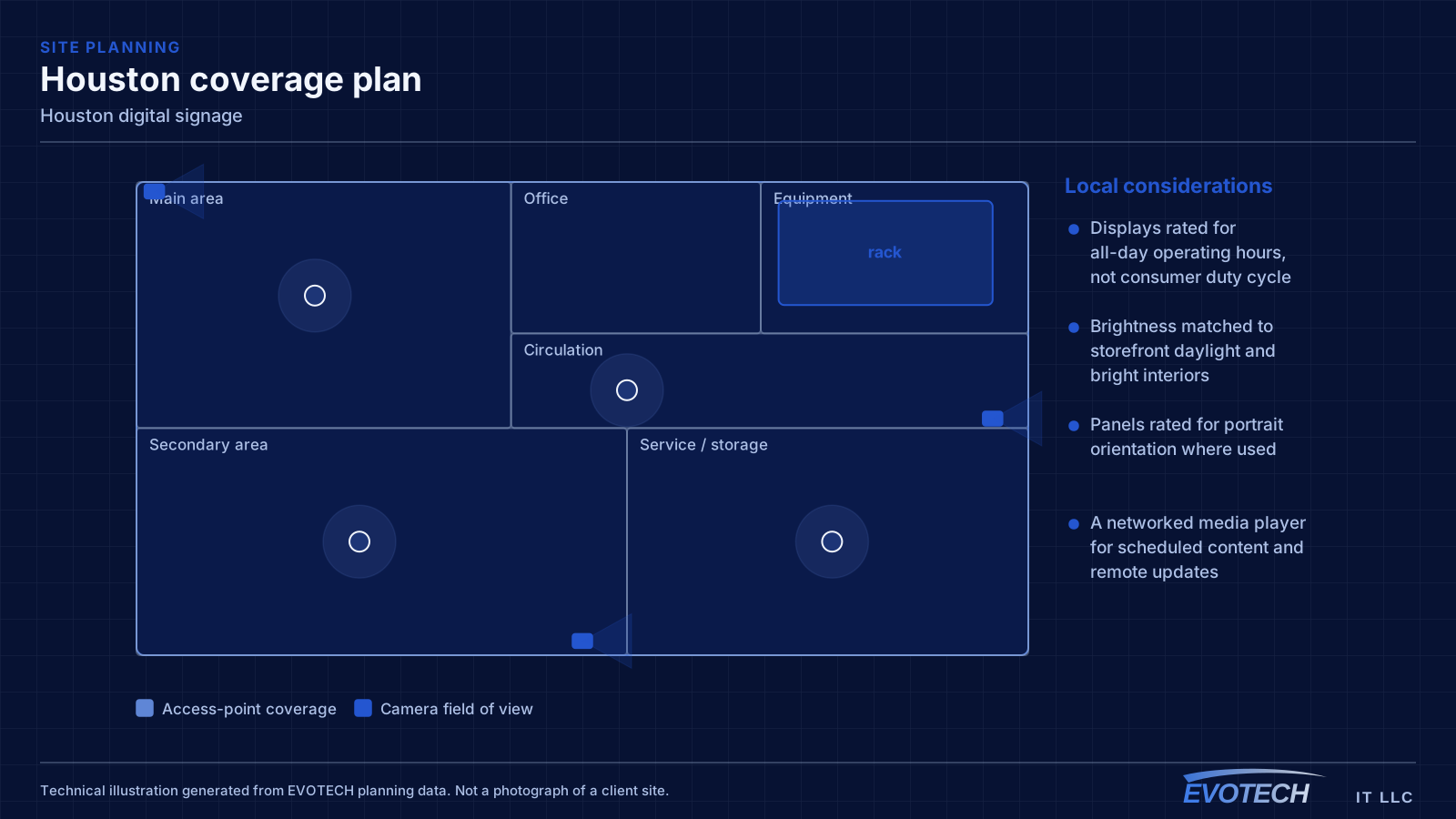
- Displays rated for all-day operating hours, not consumer duty cycle
- Brightness matched to storefront daylight and bright interiors
- Panels rated for portrait orientation where used
- A networked media player for scheduled content and remote updates
- Synchronised mounting and distribution for any video walls
Planning the install
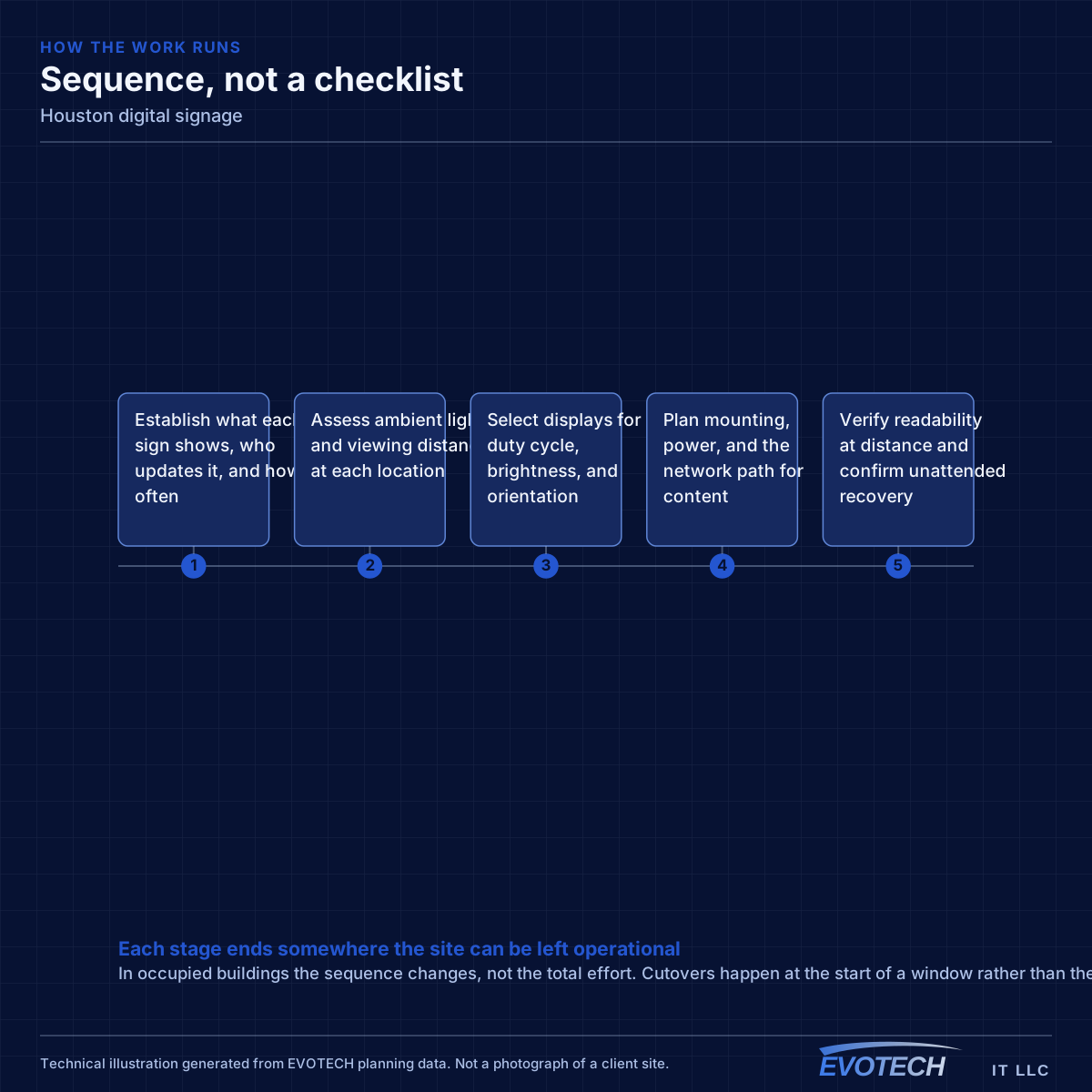
Signage is planned from the content and viewing conditions back to the hardware, so the display suits the light and the update path suits how often content changes.
- Establish what each sign shows, who updates it, and how often
- Assess ambient light and viewing distance at each location
- Select displays for duty cycle, brightness, and orientation
- Plan mounting, power, and the network path for content
- Verify readability at distance and confirm unattended recovery
Working in Houston retail and restaurants
Work is timed around trading and service hours, with mounting adapted to each unit's ceiling and wall construction and containment where the space is occupied.
- Work timed around trading and service hours
- Mounting adapted to each unit's ceiling and wall construction
- Content scheduling and remote management configured and tested
- Readability confirmed at the real viewing distance and light
- Unattended recovery confirmed after a simulated power interruption
Popular services nearby
Frequently searched near this area — the pages people look for most.
Frequently asked questions
Can we use a regular TV for our Houston menu board?
For a few hours a day, maybe; for open-to-close operation it is a false economy. Consumer televisions are not rated for that duty cycle and fail earlier, and they are often too dim to read against storefront daylight. A commercial display rated for the hours and brightness costs more up front and far less over its life in a signage role.
How do we update content across several locations?
Through networked media players and a management platform, so content is scheduled and changed from a desk rather than by visiting each screen. That remote path is the difference between signage that stays current and signage that freezes on an old promotion because updating it means a trip to every store.
Why is our sign hard to read near the window?
Brightness. A display bright enough for a living room is washed out by daylight through glass, so a storefront sign needs a much higher brightness class to stay legible. Positioning to reduce direct glare helps, but the primary fix is specifying the right brightness for the environment when the display is chosen.