Why this page exists
Ubiquiti UniFi installation for schools and educational facilities is shaped by how the space is used, not just by the service itself. Schools and educational facilities bring their own operating constraints, and this page pairs what ubiquiti unifi installation actually involves with what that environment changes about it.
A UniFi deployment puts the gateway, switching, wireless, and often cameras and door access under one controller. The practical benefit is operational rather than raw performance: one interface for network configuration, client visibility, firmware updates, and camera review, instead of separate systems that each need their own knowledge.
Density in bursts, across a campus
A classroom with thirty students on devices is one of the densest wireless environments in any building type, and it happens simultaneously in every classroom on a bell schedule. That is a capacity problem of a specific shape: predictable, synchronised, and concentrated.
The campus dimension compounds it. Multiple buildings, outdoor circulation, portable classrooms, gymnasiums, and administrative areas each need coverage, and the distances involved usually exceed what copper alone can serve from one position.
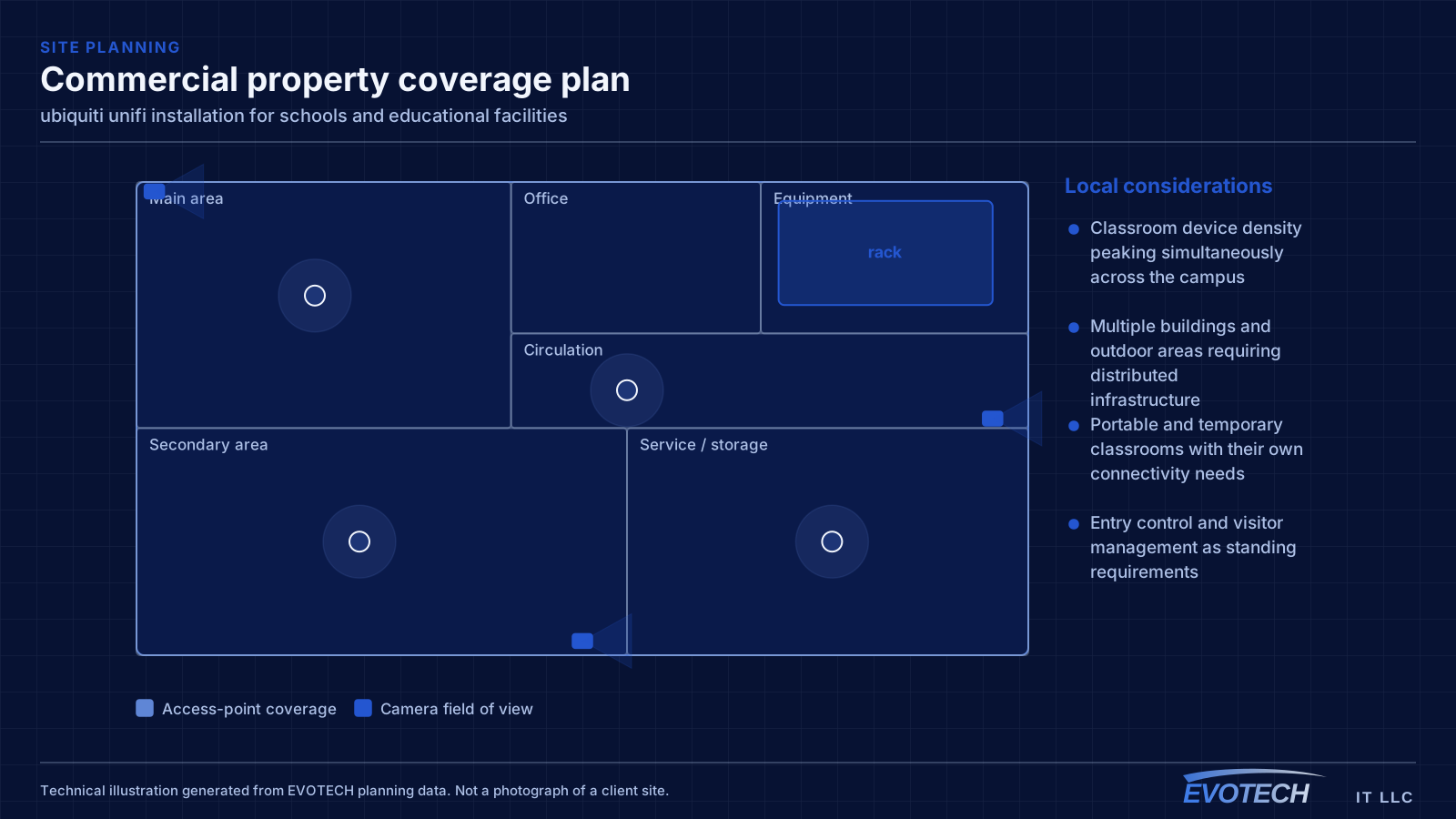
- Classroom device density peaking simultaneously across the campus
- Multiple buildings and outdoor areas requiring distributed infrastructure
- Portable and temporary classrooms with their own connectivity needs
- Entry control and visitor management as standing requirements
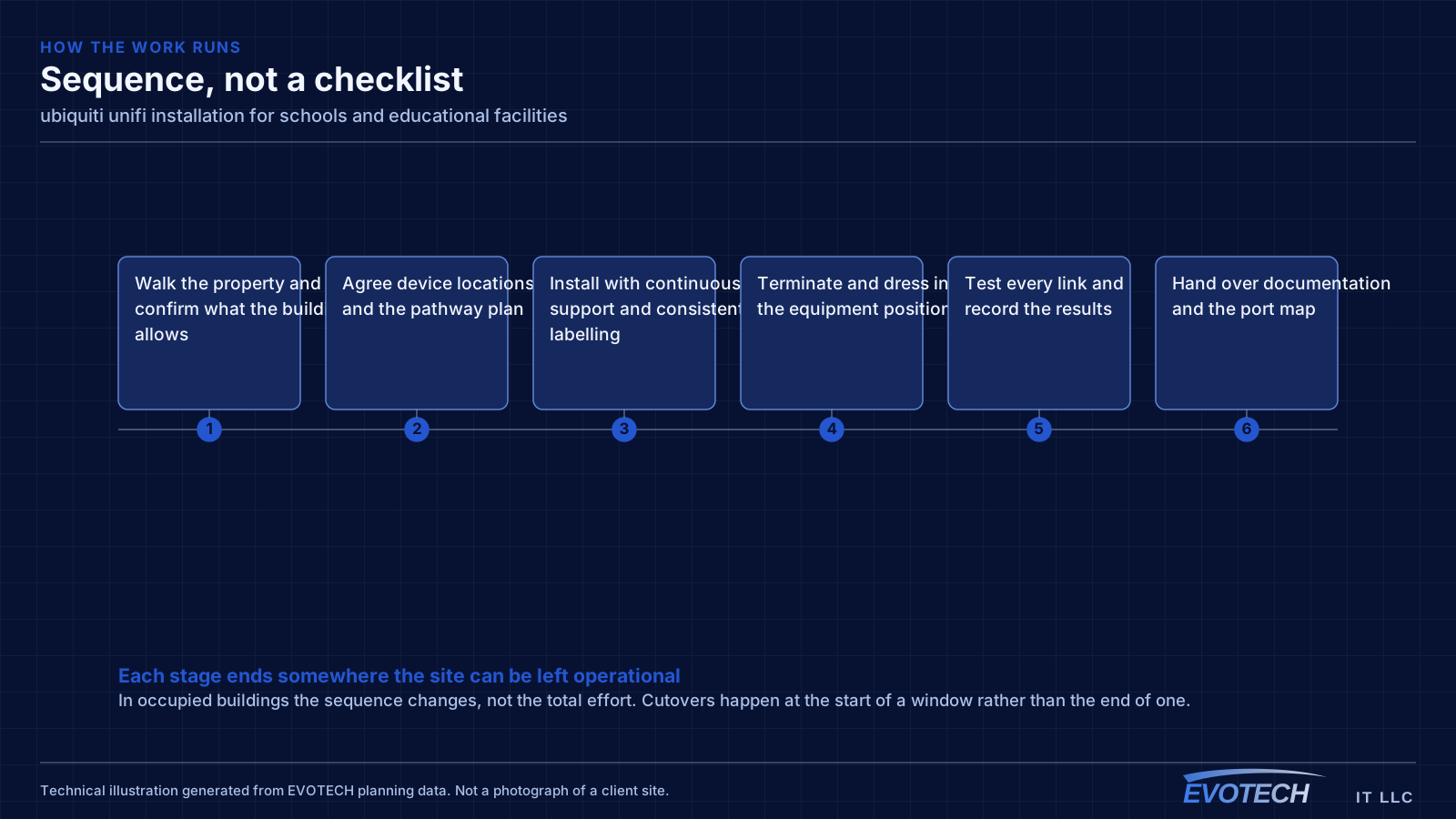
What ubiquiti unifi installation usually involves
The most common problem with an existing UniFi installation is that it was deployed as a set of boxes rather than as a design. Adopted devices on default settings, no VLANs, no channel plan, and firmware left wherever it landed will underperform, and the interface makes that easy to overlook because everything reports as online.
The second is powering. UniFi access points, cameras, and door hardware draw power over Ethernet at different classes, and a switch chosen on port count alone can run out of PoE budget before it runs out of ports. That shows up as devices rebooting under load rather than as an obvious power error.
- Devices adopted with default settings and no segmentation plan
- Switch PoE budget exhausted before the port count is
- Controller running on an unreliable host or with no backup of its configuration
- Firmware versions drifting apart across devices
- Wireless left fully automatic in a dense environment where it needs guidance
- Camera storage sized without regard to retention expectations
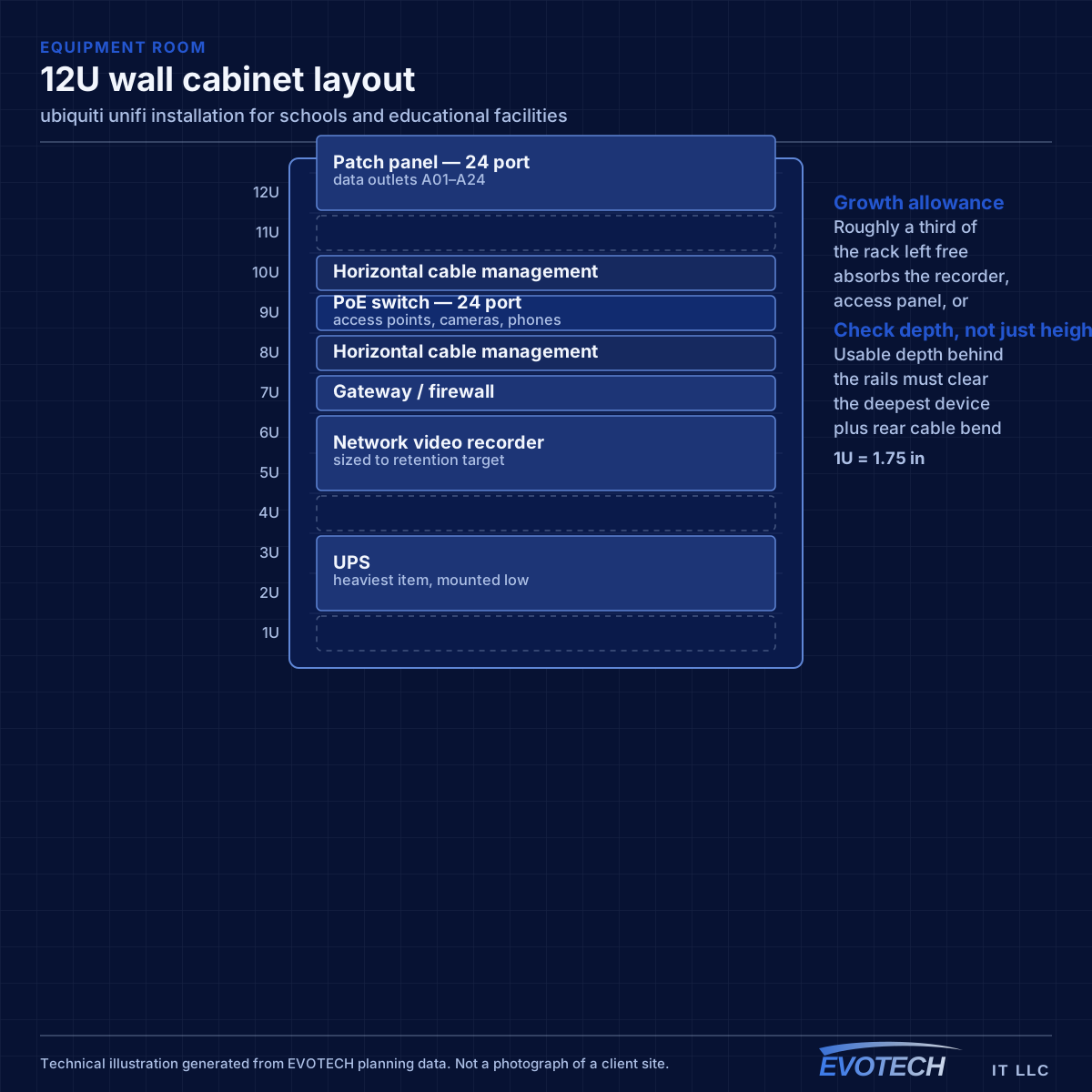
Classroom capacity and campus topology
Classroom wireless is a capacity design. A single access point serving a full class of devices needs adequate spectrum, and neighbouring classrooms on the same channel will contend with each other through the wall. That makes the channel plan across a corridor of classrooms as important as the access-point count — a plan that ignores the neighbours produces a corridor where every room is slow.
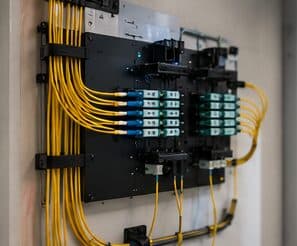
Campus topology follows standard structured-cabling practice at a larger scale: a main equipment position, fiber to distribution points in each building or wing, and copper from those points out to classrooms within the distance limit. Between-building links are fiber for both distance and electrical isolation.
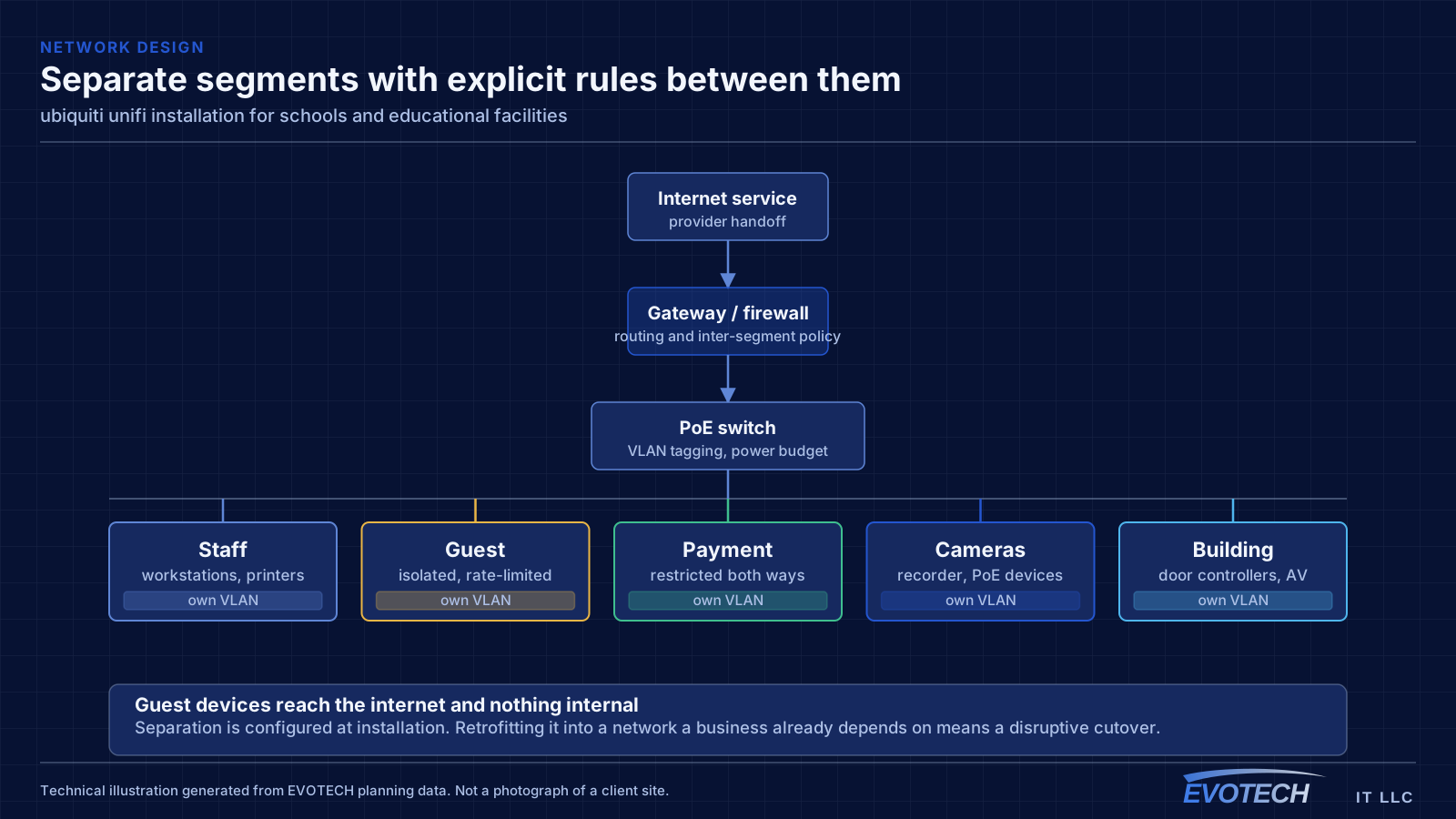
Segmentation separates student devices, staff devices, administrative systems, and building systems such as cameras and door controllers. Student access is typically the most restricted and the most heavily used, and separating it means student traffic cannot affect administrative systems.
- Capacity designed per classroom with a corridor-wide channel plan
- Fiber backbone between buildings and to per-building distribution
- Student, staff, administrative, and building-system segments
- Coverage for gymnasiums, libraries, cafeterias, and outdoor areas
- Portable classroom connectivity planned rather than improvised
Gateway, switching, PoE budget, and controller placement
The gateway handles routing, firewalling, and inter-VLAN policy. Segmentation is where most of the practical value sits: separate networks for staff, guests, payment systems, cameras, and building devices, with rules controlling what may talk to what. A guest network that cannot reach the camera recorder is a meaningful improvement over a flat network, and it takes configuration rather than extra hardware.
- Segment staff, guest, payment, camera, and building traffic with explicit inter-network rules
- Size switches on PoE budget as well as port count, with headroom
- Account for higher-draw devices: PTZ cameras, illuminators, and door hardware
- Host the controller on reliable hardware and back up its configuration
- Keep firmware deliberately aligned rather than drifting
Frequently asked questions
What changes about ubiquiti unifi installation in schools and educational facilities?
The operating environment does. Schools and educational facilities bring specific constraints — how the space is used, when work can happen, and what has to keep running — and those shape the ubiquiti unifi installation plan as much as the service's own technical requirements.
Is UniFi the right choice for a small business?
It suits sites that want proper segmentation, decent wireless, and cameras under one interface without employing a network administrator. The tradeoff is committing to one vendor's ecosystem. A mixed-vendor design gives more freedom to pick the best component for each role; the single-vendor version is easier to live with day to day. Both are defensible — it is worth choosing on purpose.
How many access points does a classroom need?
It is a capacity question rather than a coverage one. A classroom with a full class on devices concentrates demand into one cell, and neighbouring classrooms on the same channel contend through the wall. That usually means one access point per classroom with a corridor-wide channel plan, rather than fewer access points at higher power.