

Why this page exists
Fulshear fits an outdoor-TV page because its larger new-build lots commonly include covered patios, outdoor kitchens, and pool decks — genuine outdoor living areas where weather rating, daylight brightness, and patio Wi-Fi all come into play.
An outdoor television on a Fulshear patio has to survive Gulf Coast heat and humidity and stay readable against daylight — which a regular indoor TV under a cover does neither of, degrading within a season and washing out in the sun.
The rest follows: an outdoor-rated display with brightness matched to the exposure, weatherproof mounting and sealed cable entry, and enough Wi-Fi signal at the patio to actually stream, since the patio is usually the far edge of the home's coverage.
On the larger Fulshear lots, a detached outdoor kitchen or pool cabana can sit far enough from the house that its display and speakers need their own deliberate cable or link rather than an attempt to stretch indoor coverage outward across the yard.
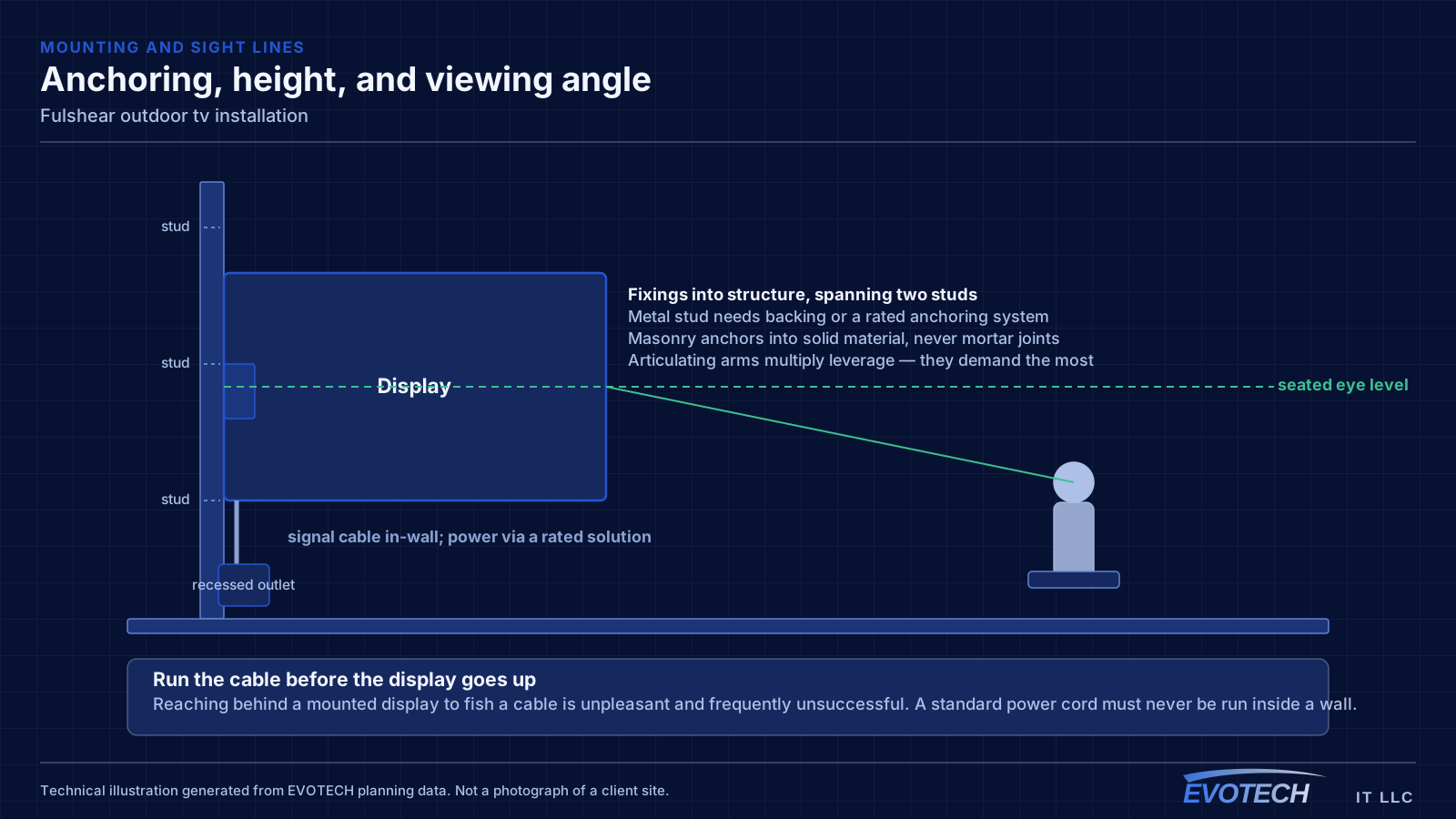
What a Fulshear patio TV needs
The display has to be built for outdoors — rated for the temperature and humidity, and bright enough to read against daylight, with the brightness class matched to how much sun the position gets.
Then the weatherproofing: an outdoor-rated mount that will not corrode, cable entries sealed with proper drip loops, and a position chosen to avoid heat build-up. And real Wi-Fi at the patio, often a dedicated access point rather than indoor signal through the wall.
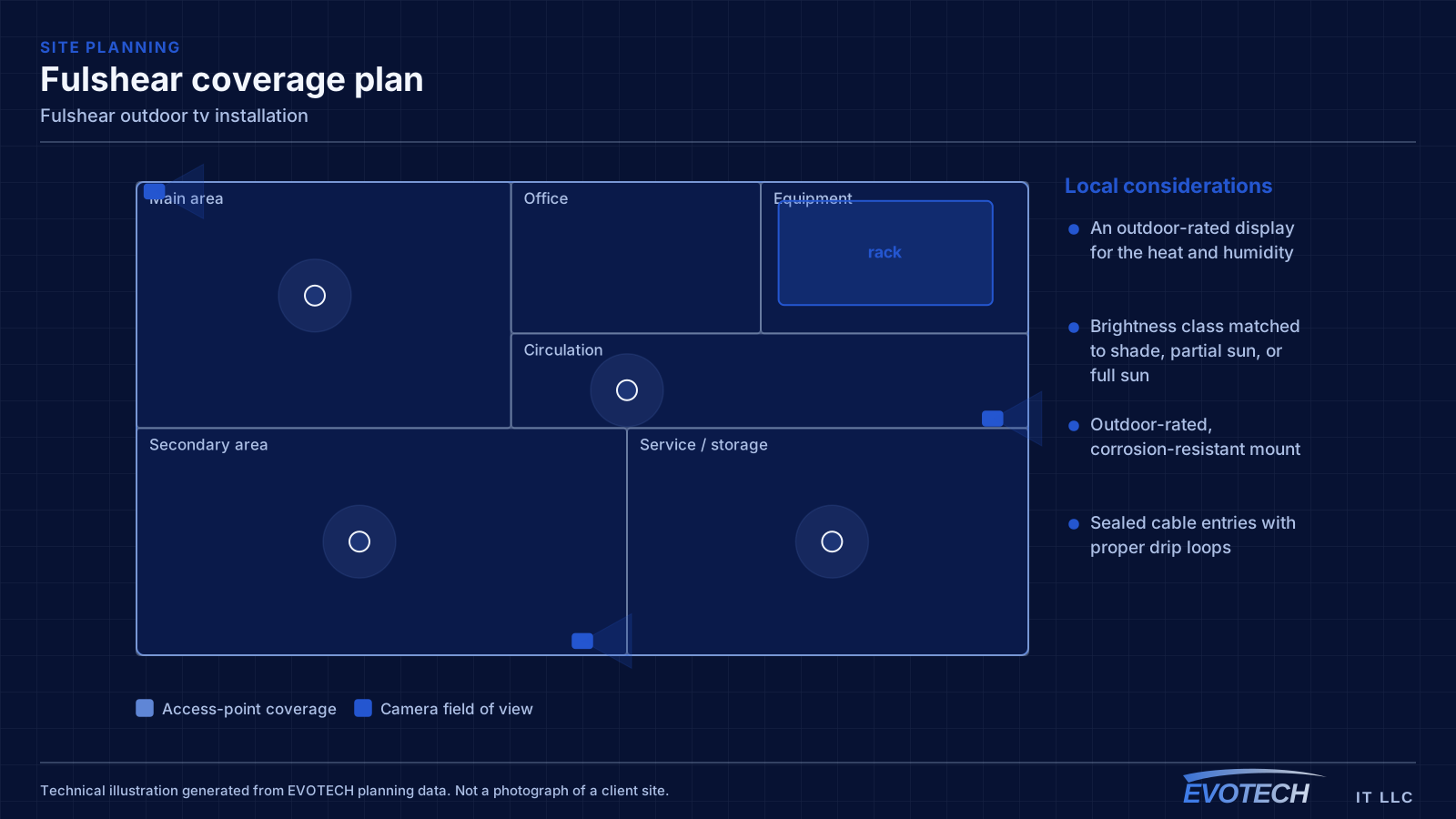
- An outdoor-rated display for the heat and humidity
- Brightness class matched to shade, partial sun, or full sun
- Outdoor-rated, corrosion-resistant mount
- Sealed cable entries with proper drip loops
- Real Wi-Fi coverage at the patio, often a dedicated access point
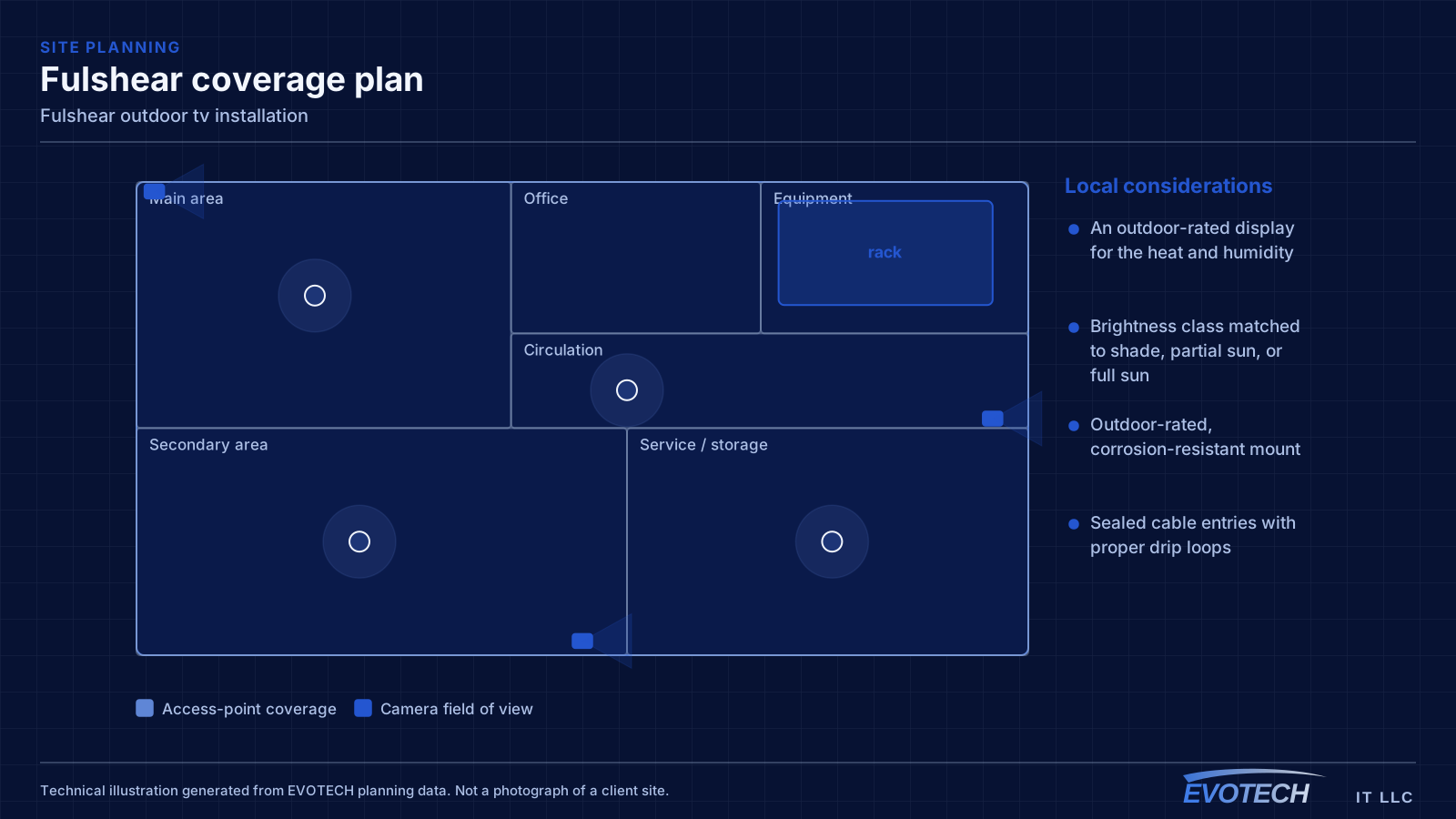
Planning around the exposure
The install is planned around the specific position's exposure, because a fully shaded covered patio and a west-facing pool deck are different jobs.
- Assess shade, partial sun, full sun, and driven-rain exposure
- Select the display and brightness class to match
- Confirm Wi-Fi at the patio, adding an access point where needed
- Plan weatherproof mounting and sealed cable entry
- Verify daylight readability at the position before sign-off
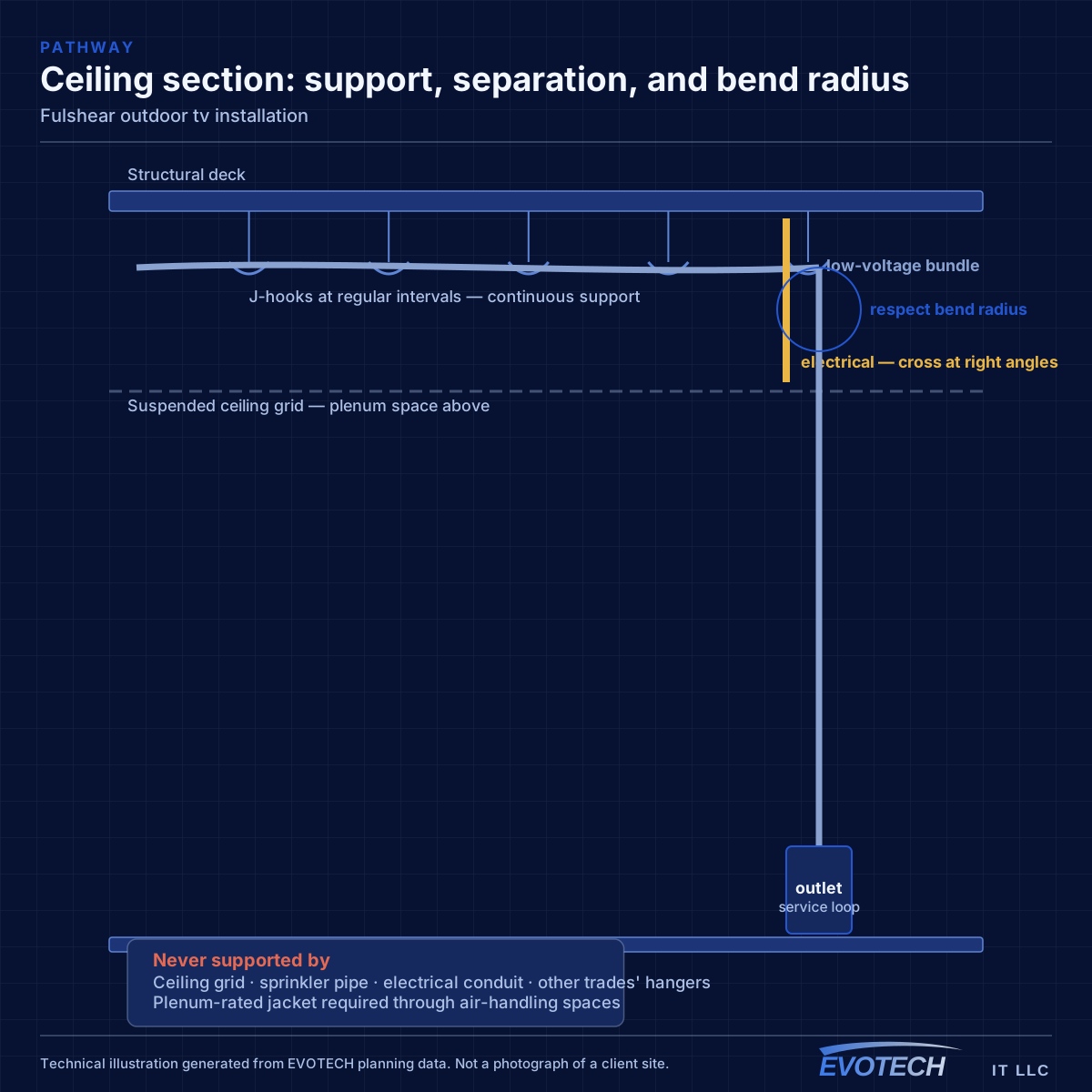
Exterior work in this climate
Every penetration is sealed with a drip loop, and exterior hardware is rated for driven rain rather than nominal weather resistance — the same discipline that keeps exterior cameras alive here, applied to a larger device.
- Exterior penetrations sealed with proper drip loops
- Housings and mounts rated for driven rain and humidity
- Masonry or stone anchoring where the exterior surface requires it
- Position checked for afternoon heat build-up
- Streaming verified over the patio Wi-Fi at the position
Frequently asked questions
Can I use a regular TV on my covered Fulshear patio?
It rarely lasts or reads well. Even under a cover, the heat and humidity here subject an indoor set to conditions it was not built for, and it is usually too dim to see in daylight. An outdoor-rated display for the temperature and moisture, with brightness matched to the exposure, is what survives and stays watchable through the day.
Why does streaming stutter on the patio?
Usually weak Wi-Fi. The patio is typically the furthest point from the router, often through an exterior wall, so the signal arriving there is marginal. The fix is real coverage at the patio — commonly a dedicated access point positioned for the outdoor area — rather than relying on indoor signal leaking through the wall.
How is the water kept out?
Rated hardware and sealing discipline. An outdoor-rated display and mount resist the environment, and every cable entry is sealed with a proper drip loop so moisture cannot track into the connections. It is what makes the difference over several wet Gulf Coast seasons, when unsealed connections and indoor-rated mounts fail.