Why this page exists
Commercial Wi-Fi for schools and educational facilities is shaped by how the space is used, not just by the service itself. Schools and educational facilities bring their own operating constraints, and this page pairs what commercial wi-fi actually involves with what that environment changes about it.
In a business space the binding constraint is usually capacity, not coverage. A twelve-person conference room with laptops, phones, a display system, and a room controller can put more demand into one cell than an entire floor of scattered desks. Design starts by counting devices per area and what those devices are doing, then works out how many access points and how much spectrum that area needs.
Density in bursts, across a campus
A classroom with thirty students on devices is one of the densest wireless environments in any building type, and it happens simultaneously in every classroom on a bell schedule. That is a capacity problem of a specific shape: predictable, synchronised, and concentrated.
The campus dimension compounds it. Multiple buildings, outdoor circulation, portable classrooms, gymnasiums, and administrative areas each need coverage, and the distances involved usually exceed what copper alone can serve from one position.
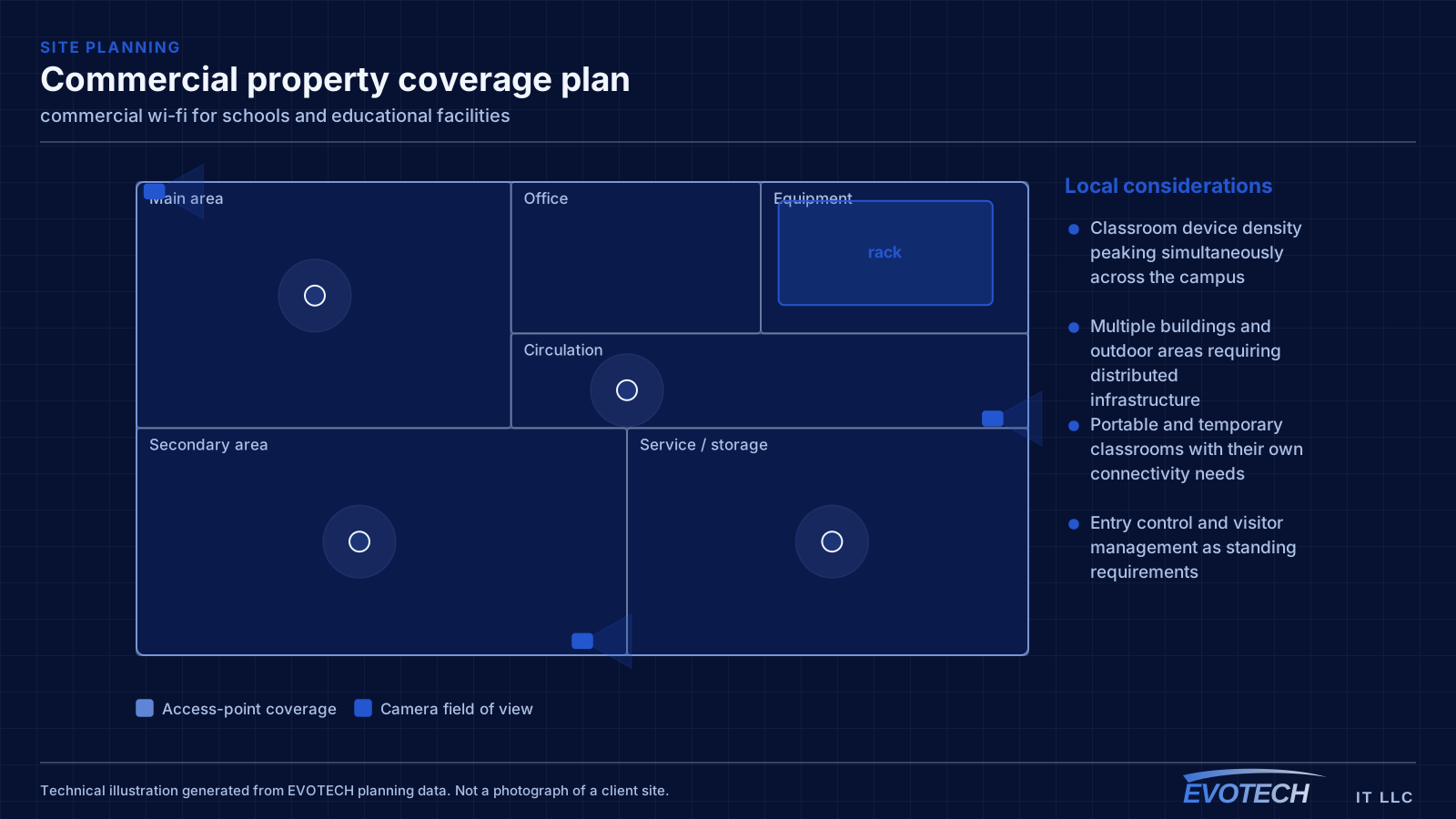
- Classroom device density peaking simultaneously across the campus
- Multiple buildings and outdoor areas requiring distributed infrastructure
- Portable and temporary classrooms with their own connectivity needs
- Entry control and visitor management as standing requirements
What commercial wi-fi usually involves
The characteristic commercial failure is the meeting room that fails at the worst moment. Everyone joins the same call from the same cell, the shared channel saturates, and the video degrades for the whole room. This is a capacity design issue that a coverage-only survey will never surface.
The second is guest traffic with no boundary. An open network that reaches the same address space as the point-of-sale system or the camera recorder is a real exposure, and it is also a support problem, because guest usage then competes directly with business systems for bandwidth.
- Conference and training rooms saturating a single cell during meetings
- Guest devices sharing address space with business and payment systems
- Warehouse racking absorbing and reflecting signal in ways an empty-building survey missed
- Patio and outdoor areas covered by indoor access points firing through glass
- Neighbouring tenants' networks occupying the same channels
- Access points added ad hoc without revisiting the channel plan
Classroom capacity and campus topology
Classroom wireless is a capacity design. A single access point serving a full class of devices needs adequate spectrum, and neighbouring classrooms on the same channel will contend with each other through the wall. That makes the channel plan across a corridor of classrooms as important as the access-point count — a plan that ignores the neighbours produces a corridor where every room is slow.
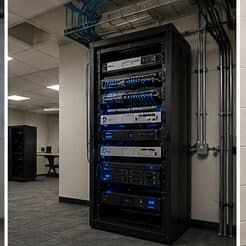
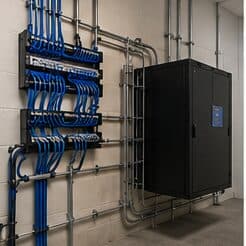
Campus topology follows standard structured-cabling practice at a larger scale: a main equipment position, fiber to distribution points in each building or wing, and copper from those points out to classrooms within the distance limit. Between-building links are fiber for both distance and electrical isolation.
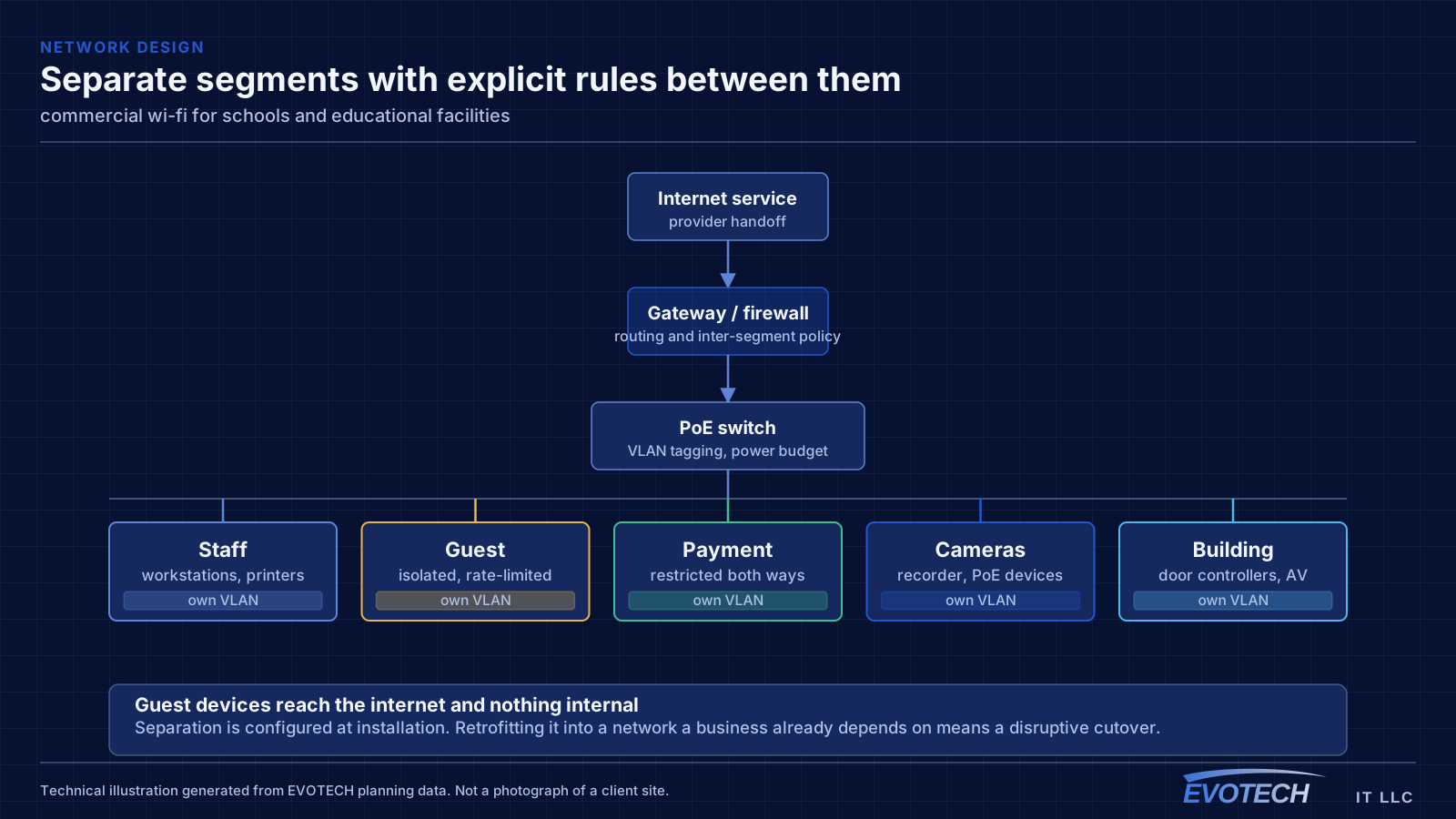
Segmentation separates student devices, staff devices, administrative systems, and building systems such as cameras and door controllers. Student access is typically the most restricted and the most heavily used, and separating it means student traffic cannot affect administrative systems.
- Capacity designed per classroom with a corridor-wide channel plan
- Fiber backbone between buildings and to per-building distribution
- Student, staff, administrative, and building-system segments
- Coverage for gymnasiums, libraries, cafeterias, and outdoor areas
- Portable classroom connectivity planned rather than improvised
Capacity per area, segmentation, and what warehouses do to signal
Capacity planning works from the airtime side. Every device on a channel takes turns; a slower device holds the channel longer for the same amount of data. That is why one legacy device on 2.4 GHz can visibly slow a cell, and why moving capable clients to higher bands and to narrower, more numerous channels usually helps more than adding hardware.
- Plan capacity by devices per area and their airtime demand, not by square footage
- Separate staff, guest, payment, and building-system traffic onto distinct networks
- Isolate guest clients from each other and from internal systems, with rate limits
- Survey warehouses under realistic stock conditions, not empty
- Choose AP mounting height deliberately in high-ceiling spaces
Frequently asked questions
What changes about commercial wi-fi in schools and educational facilities?
The operating environment does. Schools and educational facilities bring specific constraints — how the space is used, when work can happen, and what has to keep running — and those shape the commercial wi-fi plan as much as the service's own technical requirements.
How many access points does a business space need?
It comes out of density rather than area. A quiet office floor might be covered by a handful of access points; a conference-heavy floor with the same square footage might need more, concentrated where people gather. The count is an output of counting devices per area and understanding what they do — which is why a walkthrough beats a per-square-foot rule.
How many access points does a classroom need?
It is a capacity question rather than a coverage one. A classroom with a full class on devices concentrates demand into one cell, and neighbouring classrooms on the same channel contend through the wall. That usually means one access point per classroom with a corridor-wide channel plan, rather than fewer access points at higher power.