Why this page exists
Network cabling for medical offices is shaped by how the space is used, not just by the service itself. Medical offices bring their own operating constraints, and this page pairs what network cabling actually involves with what that environment changes about it.
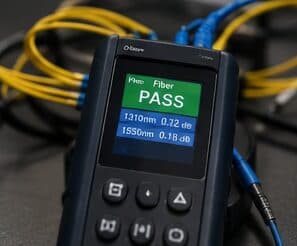
Network cabling is the permanent copper and fiber pathway between a building's equipment room and every device location. Done properly it is a structured system — horizontal runs from a patch panel out to labeled outlets, each one under the 90-metre permanent-link limit, each one tested and documented. Done casually it is a bundle of unlabeled patch cords stapled to a joist, and every future change costs someone an afternoon of tracing.
Controlled areas and uninterruptible systems
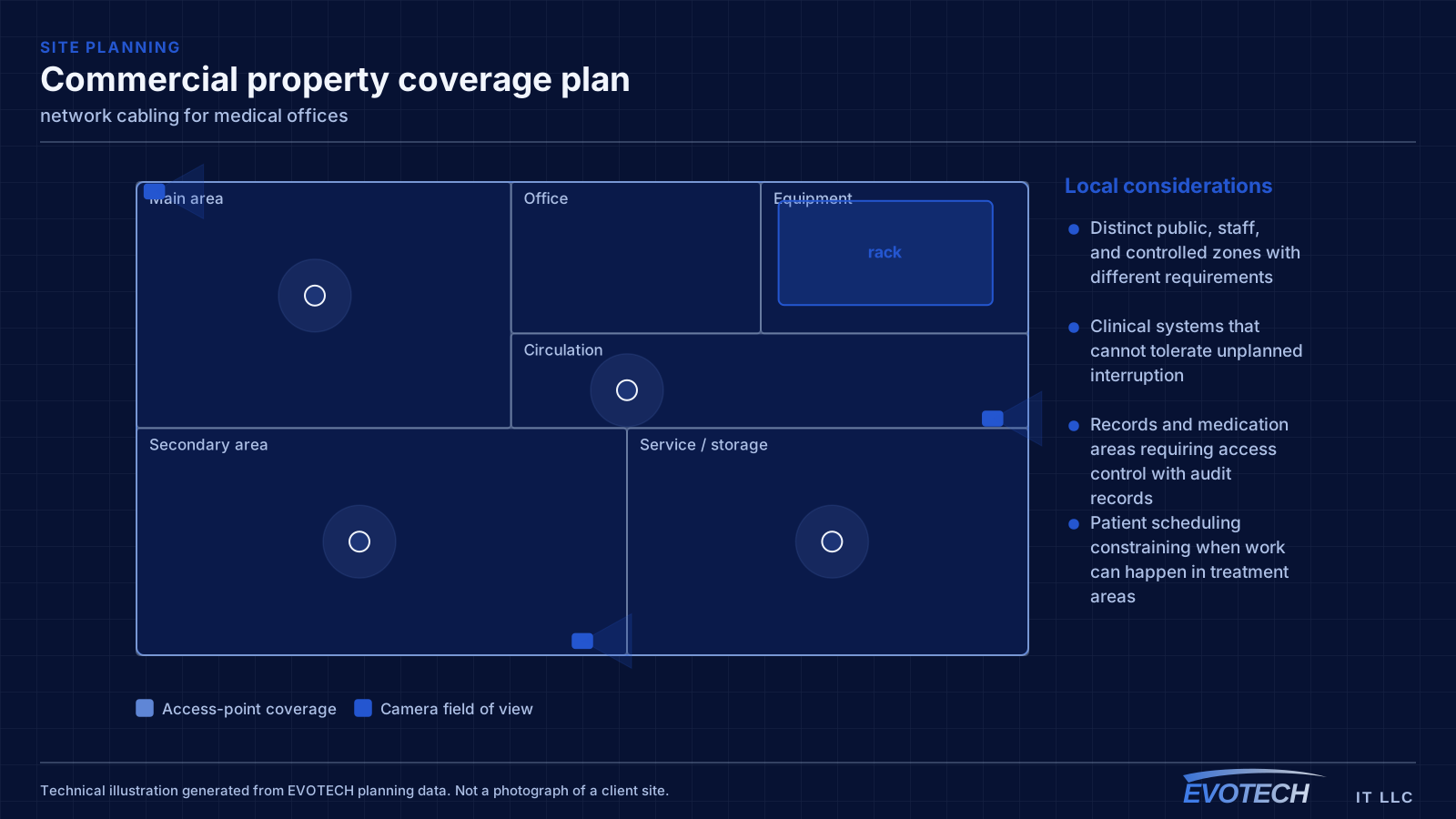
A medical office has a clear division between public, staff, and controlled areas, and the technology follows that division. Waiting areas need guest connectivity that reaches nothing internal. Treatment rooms need reliable connectivity for clinical systems. Records areas and medication storage need controlled access with a usable audit trail.
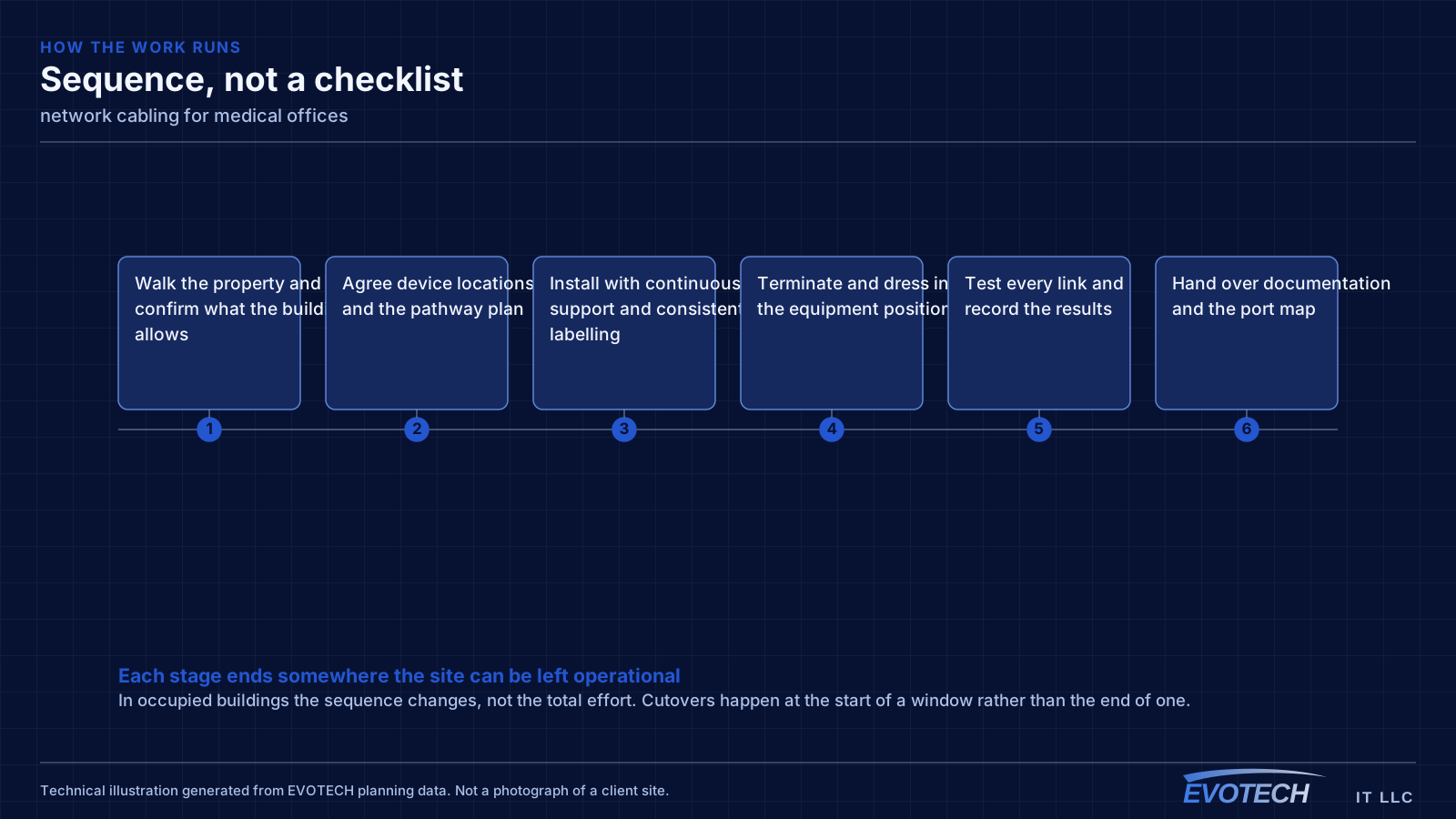
The other defining characteristic is that some systems cannot simply be taken down for an afternoon. Practice management, imaging, and anything connected to patient scheduling has a real cost when interrupted, so cutover planning matters more here than in most commercial environments.
- Distinct public, staff, and controlled zones with different requirements
- Clinical systems that cannot tolerate unplanned interruption
- Records and medication areas requiring access control with audit records
- Patient scheduling constraining when work can happen in treatment areas
What network cabling usually involves
Most cabling complaints are not really about speed. They are about traceability and change cost. When nobody can tell which jack feeds which port, a five-minute move becomes a two-hour investigation, and the temptation is to run one more cable rather than fix the underlying mess.
The second cluster of problems is physical: runs that exceed distance limits, cable that has been kinked or over-tensioned during the pull, terminations that violate the pair twist, and shared pathways with electrical conduit that inject noise the switch then has to correct for.
- Unlabeled outlets and patch panels that make every move-add-change expensive
- Runs pushed past the 90-metre permanent-link limit, so the link negotiates down or drops
- Untwisted pairs at the termination point degrading crosstalk performance
- Cable draped on ceiling grid or tie-wrapped to sprinkler pipe rather than supported properly
- No spare capacity, so every new device triggers a new pull
Segmentation and clinical connectivity
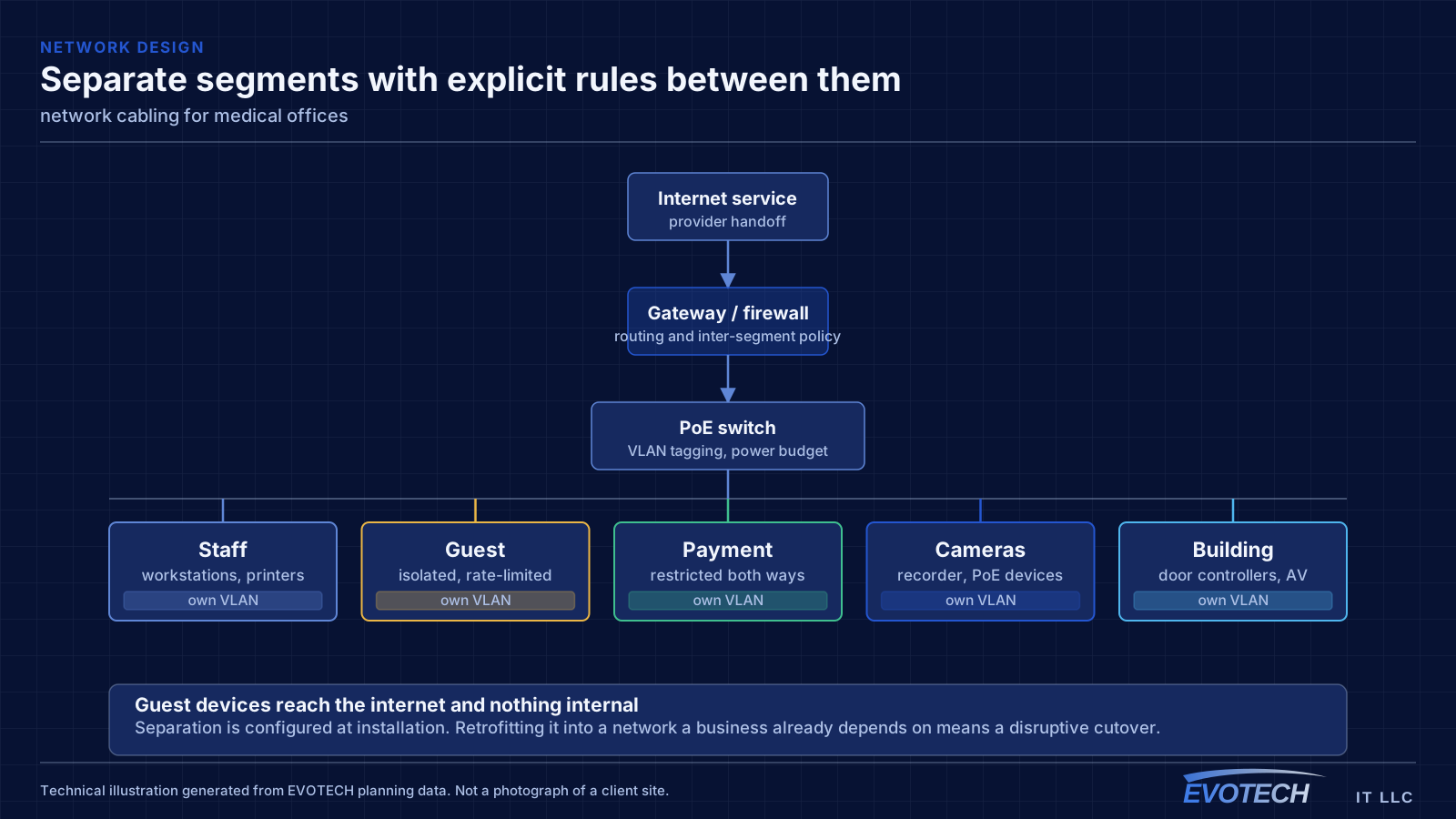
Clinical systems belong on their own segment, separate from staff general-purpose devices, separate again from patient guest access, and separate from building systems such as cameras and door controllers. This limits what any single compromised device can reach and makes the network far easier to reason about when something misbehaves.
For clinical equipment that moves large files — imaging in particular — wired connections are worth insisting on where the equipment supports them. Wireless is fine for tablets and general staff use, but a modality pushing studies across a congested wireless cell produces exactly the kind of intermittent slowness that is difficult to diagnose and disruptive to a clinic day.
Guest access in a waiting area should be isolated from everything internal and rate-limited. It is a courtesy, and it should be architecturally incapable of touching anything clinical.
- Clinical, staff, guest, and building-system traffic on separate segments
- Wired connections for imaging and other high-throughput clinical equipment
- Waiting-area guest access isolated and capped
- Access points placed for coverage in treatment rooms without relying on corridor spill
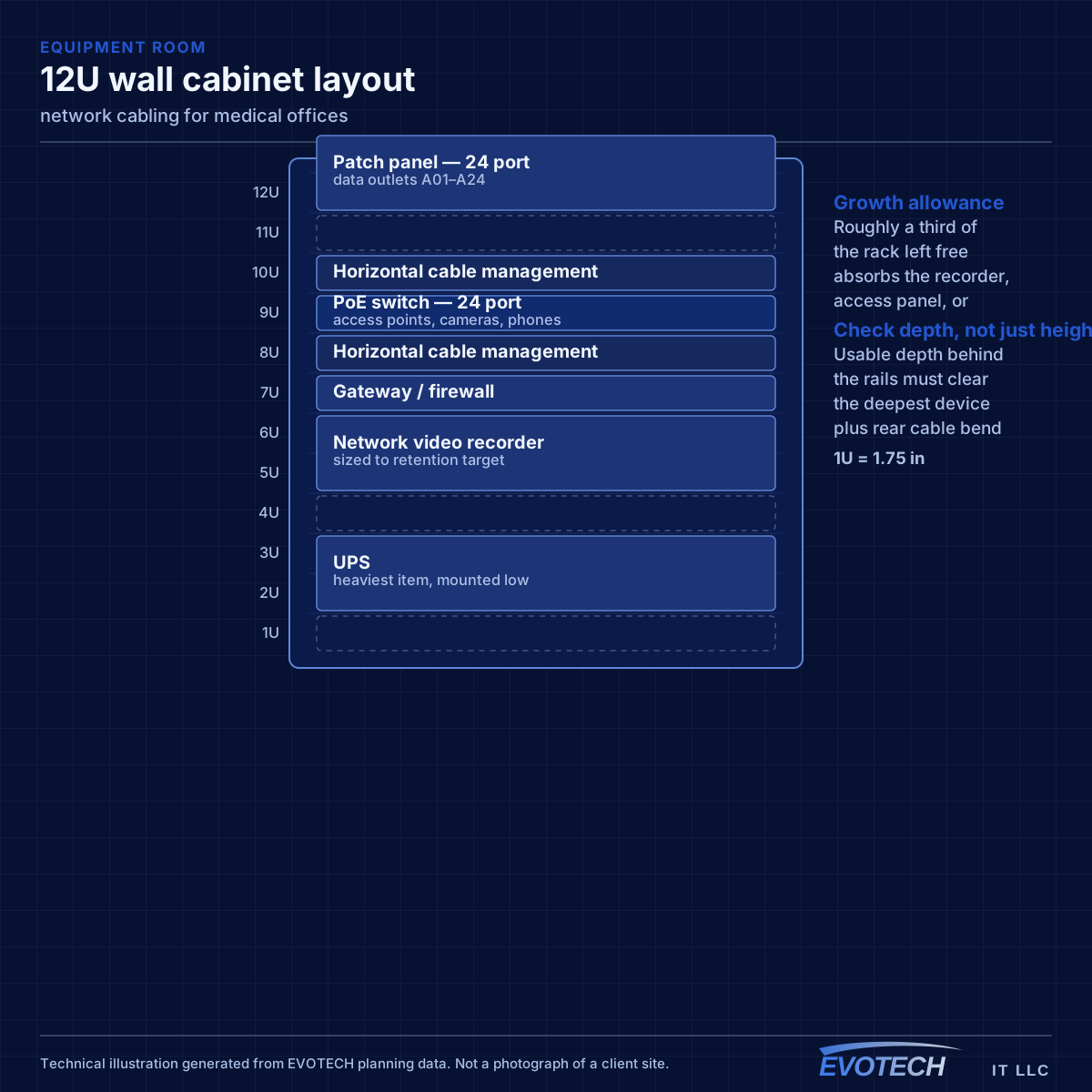
- Equipment room secured, since it holds the systems everything depends on
Distance, pathway, and pair-twist decisions that set the outcome
The governing number is the 90-metre permanent link: the fixed cable from patch panel to outlet. Adding patch cords at both ends brings the total channel to 100 metres. That budget disappears faster than people expect once the cable goes up into the ceiling, across the building, down a wall, and back. A run that measures 70 metres on a floor plan can easily land at 95 metres in reality.
- 90 m permanent link, 100 m total channel including patch cords
- Continuous cable support rather than ceiling-tile or pipe bearing
- Separation from parallel electrical runs; cross at right angles where unavoidable
- Bend radius respected at corners, in the rack, and behind the outlet
- Plenum-rated jacket where the pathway shares an air-handling space
Frequently asked questions
What changes about network cabling in medical offices?
The operating environment does. Medical offices bring specific constraints — how the space is used, when work can happen, and what has to keep running — and those shape the network cabling plan as much as the service's own technical requirements.
How long can a single network cable run be?
The fixed cable between patch panel and outlet is limited to 90 metres, with patch cords at each end bringing the total channel to 100 metres. Beyond that, the answer is not a longer cable — it is either an intermediate equipment location or a fiber link to a secondary switch.
Should patient guest Wi-Fi be offered?
It is common in waiting areas, and the requirement is that it is architecturally isolated: unable to reach clinical systems, staff devices, or building systems, and rate-limited so it cannot affect anything operational. Configured that way it is a low-risk courtesy; configured as a shared flat network it is not.