Why this page exists
Network cabling for home offices is shaped by how the space is used, not just by the service itself. Home offices bring their own operating constraints, and this page pairs what network cabling actually involves with what that environment changes about it.
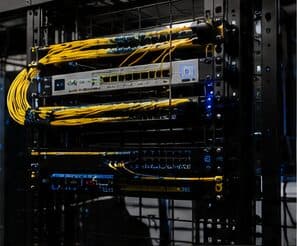
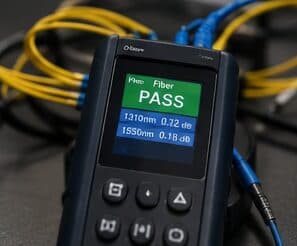
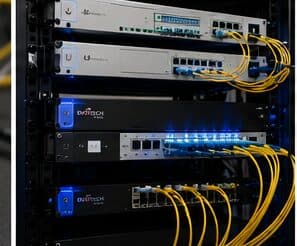
Network cabling is the permanent copper and fiber pathway between a building's equipment room and every device location. Done properly it is a structured system — horizontal runs from a patch panel out to labeled outlets, each one under the 90-metre permanent-link limit, each one tested and documented. Done casually it is a bundle of unlabeled patch cords stapled to a joist, and every future change costs someone an afternoon of tracing.
The house is competing with the work
A home office shares its connection with everything else in the house, and household demand is highest during exactly the hours that matter least to the household and most to the person working. Streaming, gaming, backups, and connected devices all contend for the same circuit and, if the office is on wireless, for the same airtime.
The second factor is position. Home offices frequently end up in a spare bedroom at the far corner of the house, which is often the worst wireless position in the building — furthest from the router, through the most walls.
- Household traffic peaking during working hours
- Office often located at the far edge of wireless coverage
- Video calls being the least tolerant workload in the house
- Work equipment sharing a flat network with household devices
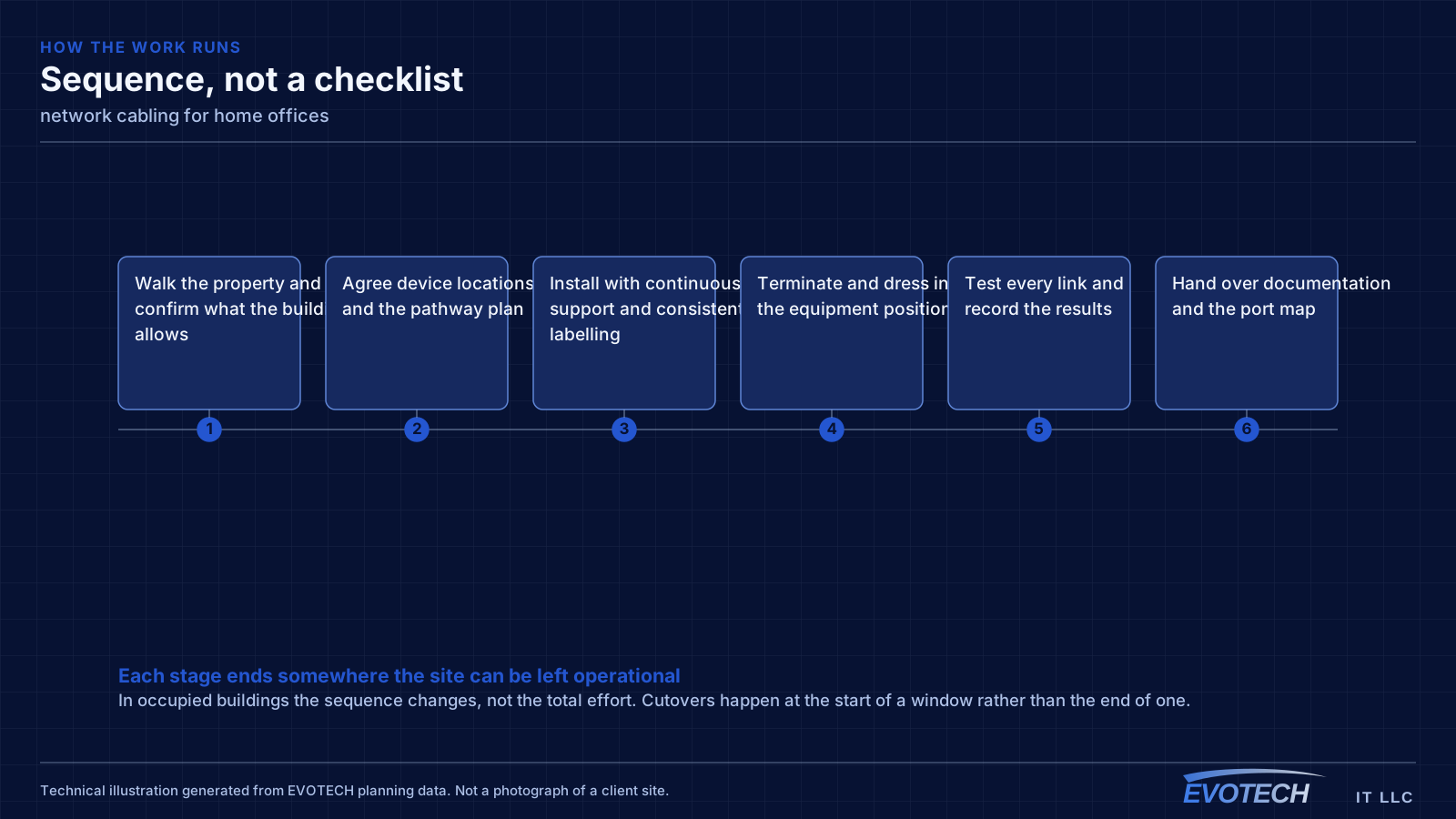
What network cabling usually involves
Most cabling complaints are not really about speed. They are about traceability and change cost. When nobody can tell which jack feeds which port, a five-minute move becomes a two-hour investigation, and the temptation is to run one more cable rather than fix the underlying mess.
The second cluster of problems is physical: runs that exceed distance limits, cable that has been kinked or over-tensioned during the pull, terminations that violate the pair twist, and shared pathways with electrical conduit that inject noise the switch then has to correct for.
- Unlabeled outlets and patch panels that make every move-add-change expensive
- Runs pushed past the 90-metre permanent-link limit, so the link negotiates down or drops
- Untwisted pairs at the termination point degrading crosstalk performance
- Cable draped on ceiling grid or tie-wrapped to sprinkler pipe rather than supported properly
- No spare capacity, so every new device triggers a new pull
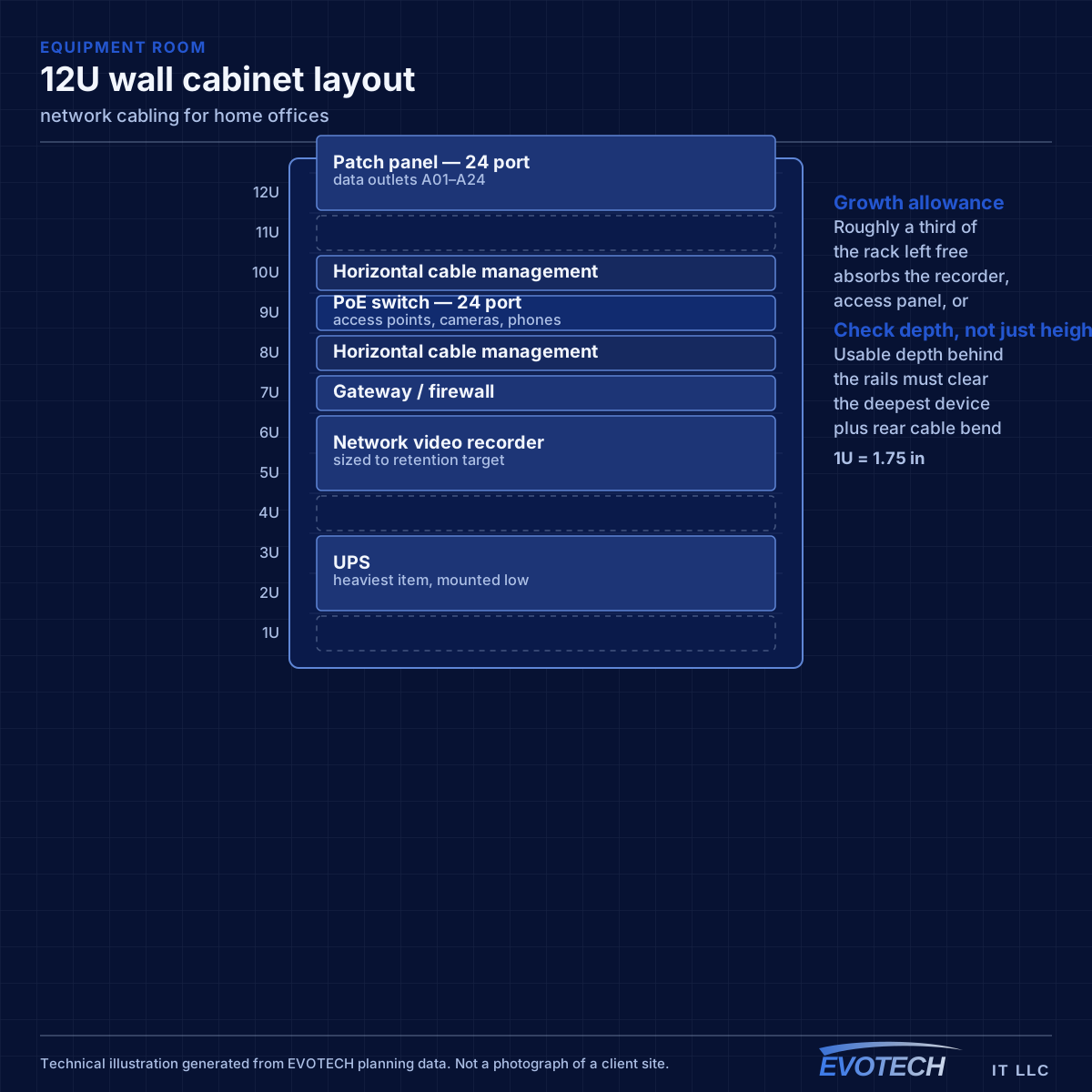
The single cable that fixes most of it
A wired connection to the desk eliminates the variables that cause most home-office call problems: signal strength, interference from neighbouring networks, and contention with household devices for airtime. In slab-foundation construction the run typically goes up into the attic and down an interior wall, which is why the destination wall matters more than the distance.
Where the office must stay wireless, the fix is placement rather than power. An access point in the hallway near the office, mounted on the ceiling and connected by cable, serves the room far better than a more powerful router at the other end of the house. Turning up transmit power on a distant router mostly raises interference.
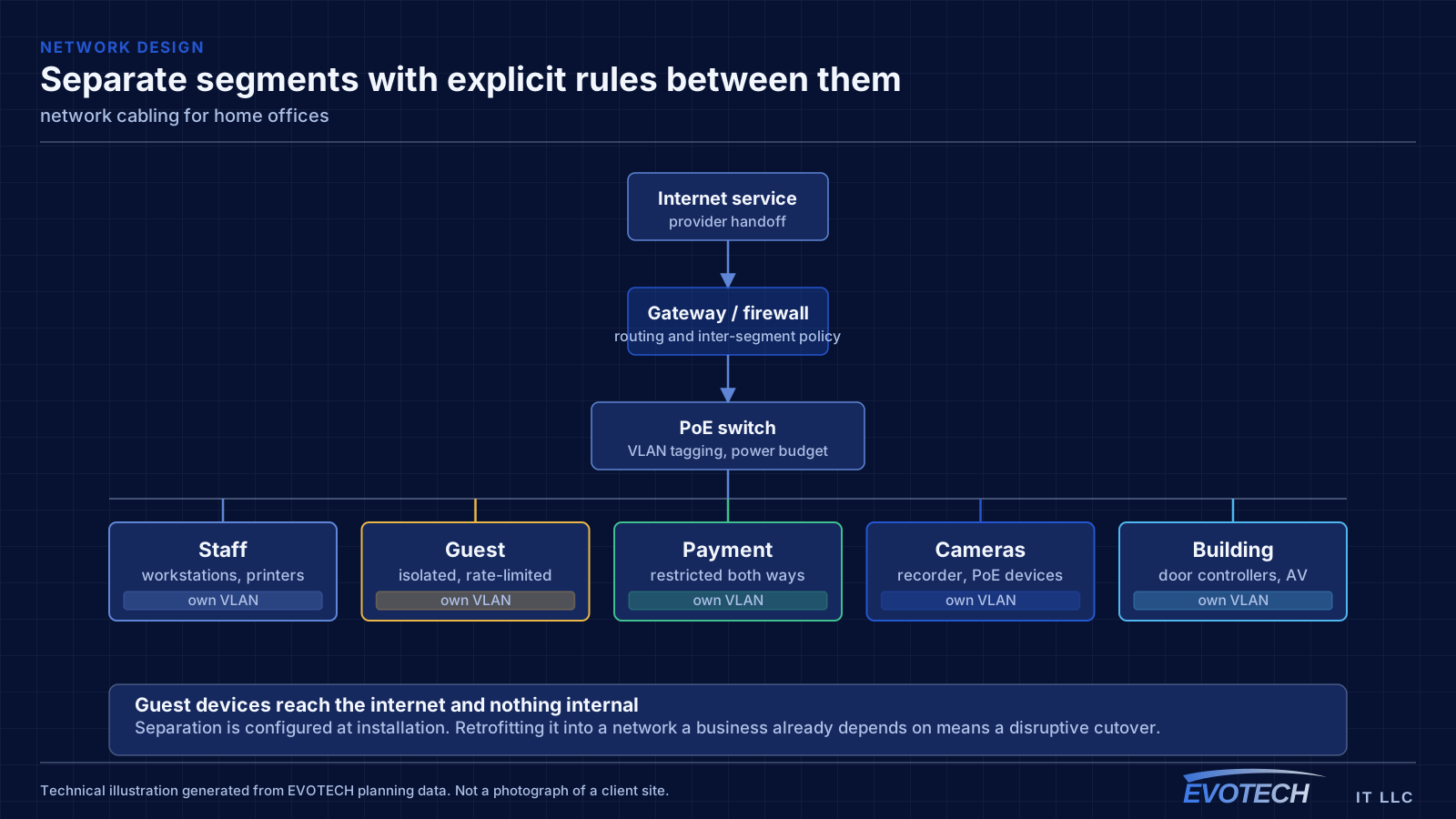
Separation is worth doing even at home. A separate network for work equipment, distinct from household devices and from guests, limits what a compromised household device can reach. This is straightforward on most current equipment and costs nothing but configuration.
- Wired run to the desk as the highest-value single change
- Access point placed near the office rather than more power from a distant router
- Attic-to-interior-wall routing in slab-foundation homes
- Separate network segment for work equipment
- Stationary household devices wired to free up airtime
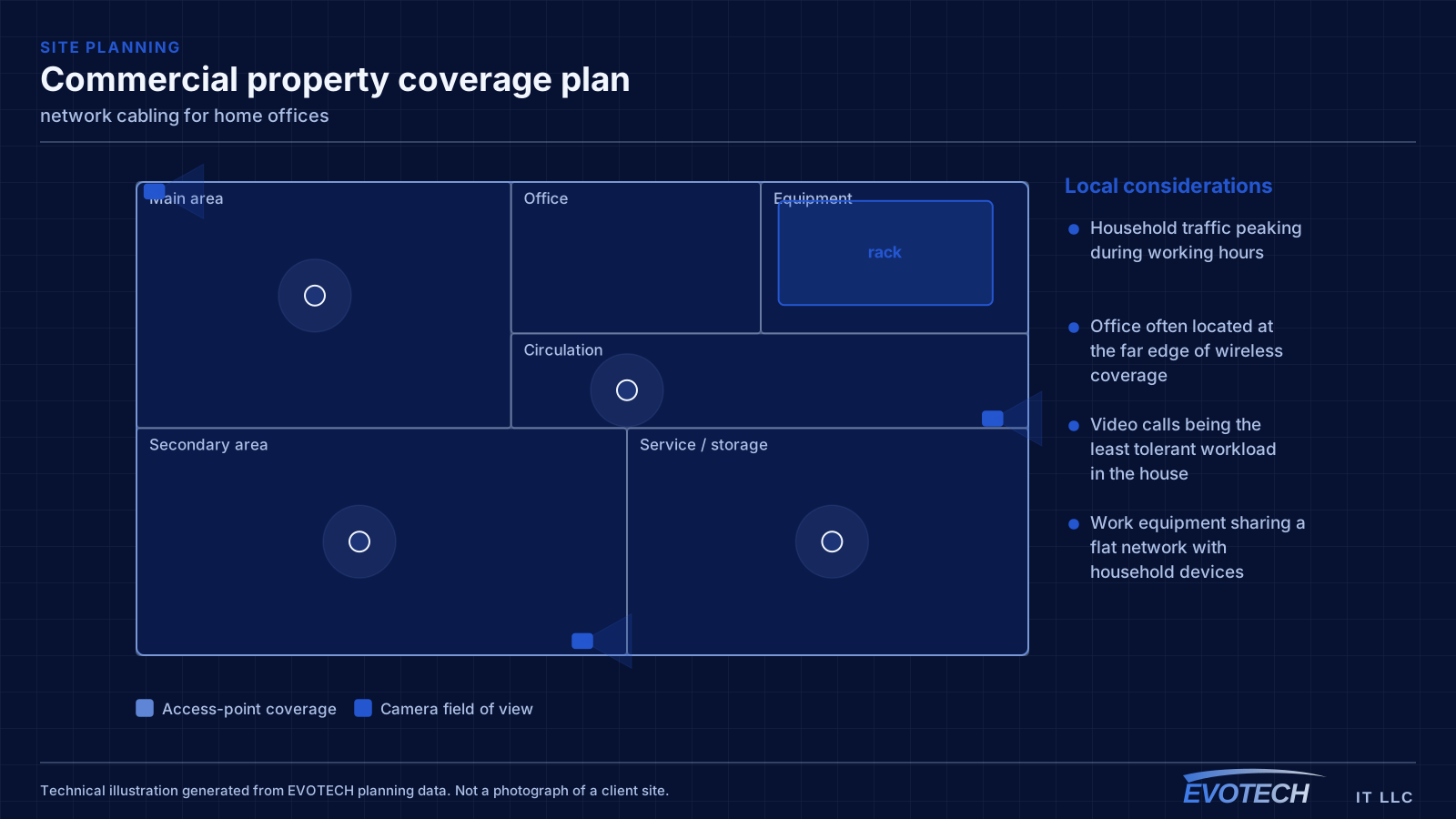
Distance, pathway, and pair-twist decisions that set the outcome
The governing number is the 90-metre permanent link: the fixed cable from patch panel to outlet. Adding patch cords at both ends brings the total channel to 100 metres. That budget disappears faster than people expect once the cable goes up into the ceiling, across the building, down a wall, and back. A run that measures 70 metres on a floor plan can easily land at 95 metres in reality.
- 90 m permanent link, 100 m total channel including patch cords
- Continuous cable support rather than ceiling-tile or pipe bearing
- Separation from parallel electrical runs; cross at right angles where unavoidable
- Bend radius respected at corners, in the rack, and behind the outlet
- Plenum-rated jacket where the pathway shares an air-handling space
Frequently asked questions
What changes about network cabling in home offices?
The operating environment does. Home offices bring specific constraints — how the space is used, when work can happen, and what has to keep running — and those shape the network cabling plan as much as the service's own technical requirements.
How long can a single network cable run be?
The fixed cable between patch panel and outlet is limited to 90 metres, with patch cords at each end bringing the total channel to 100 metres. Beyond that, the answer is not a longer cable — it is either an intermediate equipment location or a fiber link to a secondary switch.
Why do work calls degrade in the afternoon?
Usually contention. Household demand rises when people are home, and if the office is on wireless it competes both for the internet circuit and for airtime on the same radio channel. A wired connection to the desk removes the airtime half of that immediately, which is why it is the first thing worth doing.