Why this page exists
NVR installation for churches is shaped by how the space is used, not just by the service itself. Churches bring their own operating constraints, and this page pairs what nvr installation actually involves with what that environment changes about it.
A network video recorder receives streams from the cameras, writes them to disk, and serves them back for review. Its capacity determines how far back the footage goes, and that number is arithmetic, not a product feature: camera count, resolution, frame rate, compression efficiency, and how much of the day actually gets recorded all multiply together against the drive capacity.
Built for volunteers, used intermittently
The defining constraint in church technology is who operates it. Systems are typically run by volunteers who rotate, may have limited technical background, and are operating live in front of a congregation. A system that requires specialist knowledge to start is a system that will fail publicly.
The second constraint is the building. Sanctuaries are large, often with high ceilings and hard reflective surfaces, and were frequently not designed with audio or cable pathways in mind. Older buildings add masonry walls, limited ceiling access, and additions built across several decades.
- Volunteer operators rotating through the roles
- Live use with no opportunity to troubleshoot mid-service
- Large, acoustically challenging main spaces
- Buildings extended over time with inconsistent construction and pathways
- Many small rooms used intermittently rather than continuously
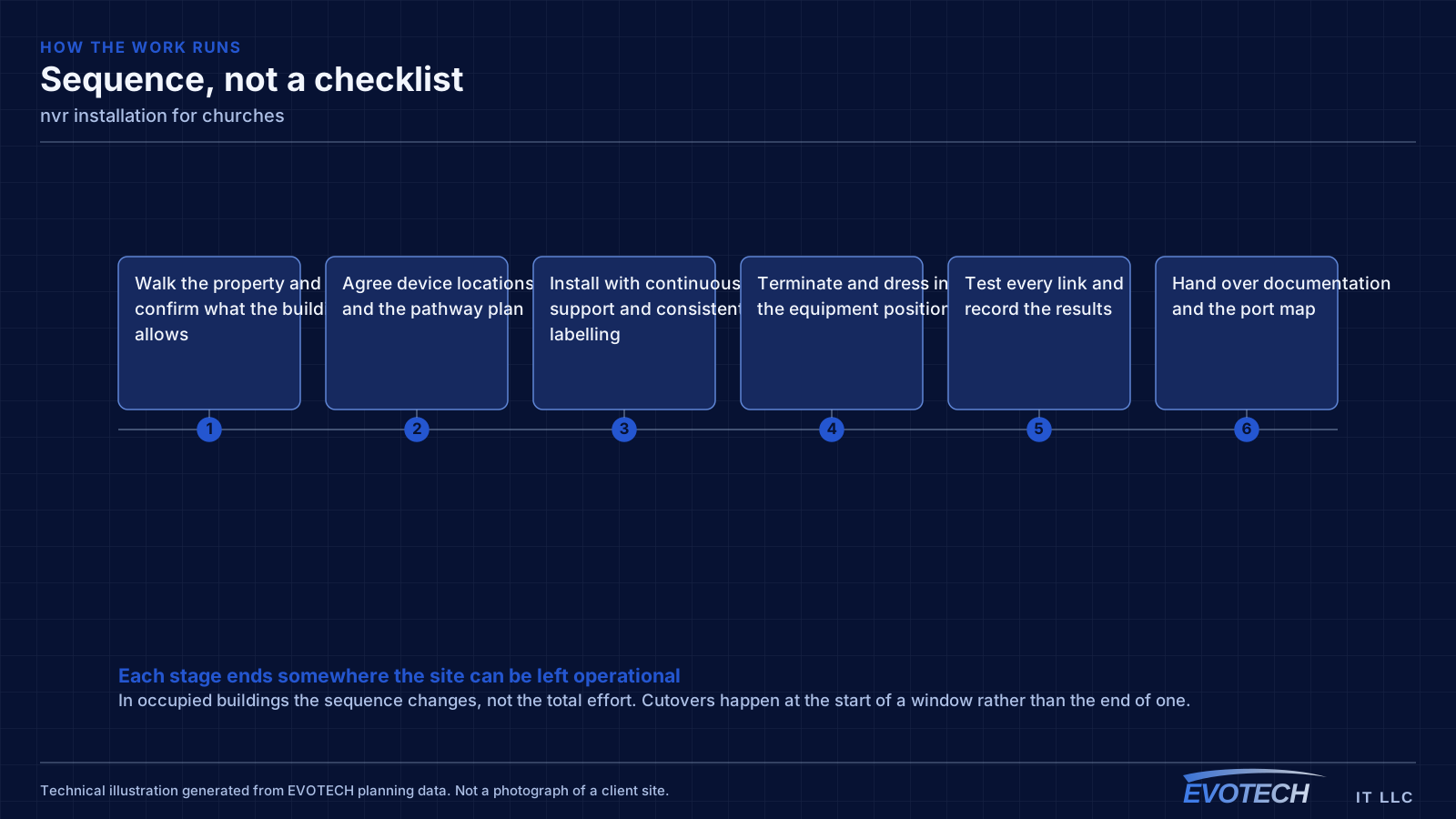
What nvr installation usually involves
The recurring problem is retention that does not match the expectation. It is rarely deception — it is usually that the estimate assumed motion-triggered recording, a modest frame rate, or a compression ratio that busy outdoor scenes do not deliver. A camera watching a parking area with moving trees generates far more data than one watching a quiet corridor.
The second problem is drive selection. Recorders write continuously to their drives, which is a different duty cycle from a desktop computer. Drives designed for continuous surveillance write loads last considerably longer in that role than general-purpose drives, and a recorder with no drive health monitoring will simply stop recording one day without announcing it.
- Retention overestimated because the calculation assumed motion-only recording
- Busy scenes compressing far less efficiently than the estimate assumed
- General-purpose drives used for a continuous-write workload
- No monitoring, so a failed drive is discovered when footage is needed
- Recorder exposed directly to the internet for remote viewing
- Default credentials left in place
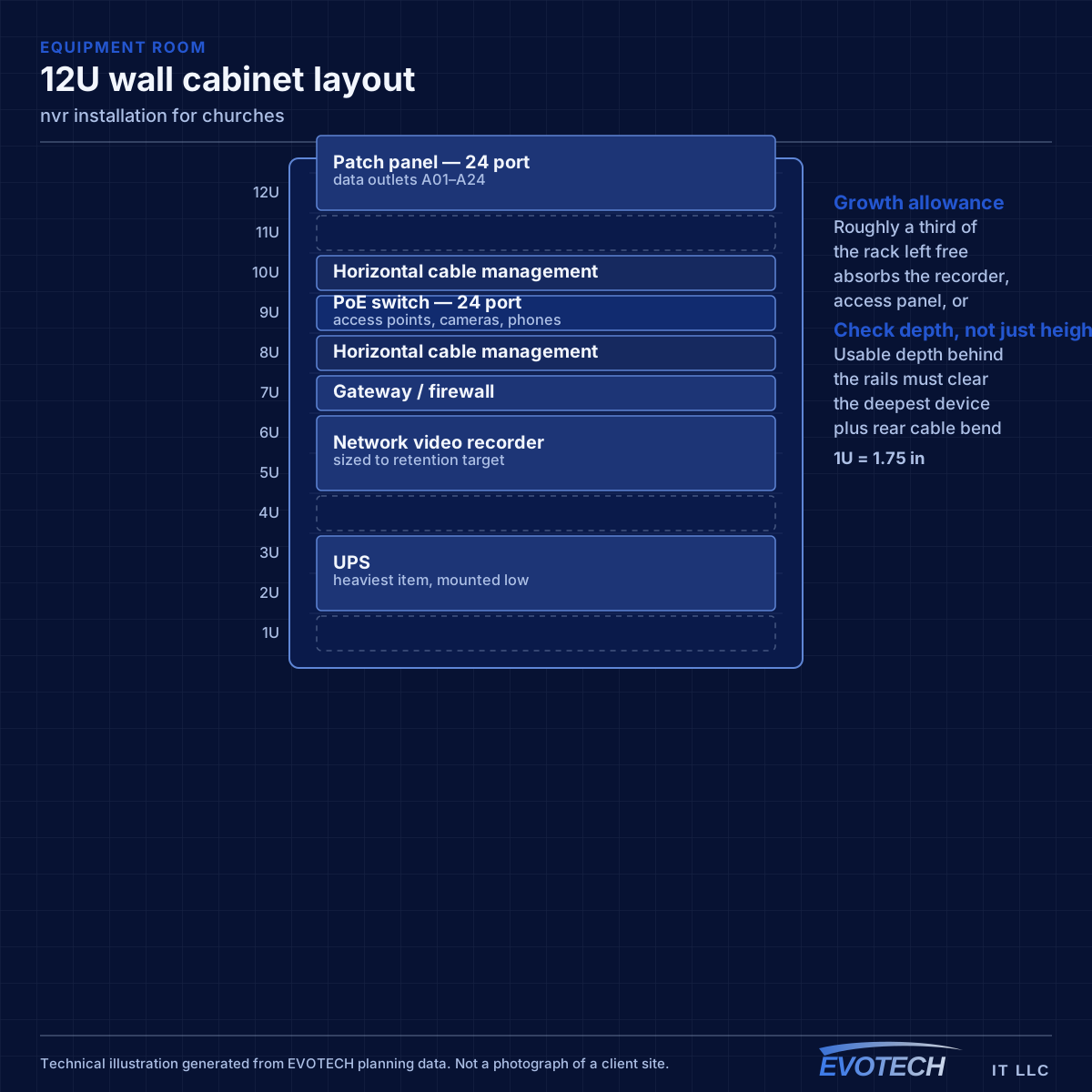
Campus coverage and the systems that share it
Church networks often have to cover a surprising spread: a sanctuary, classrooms, offices, a fellowship hall, and sometimes separate buildings. Where separate structures are involved, the link between them should be fiber rather than copper, both for distance and because a copper run between buildings carries genuine electrical risk.
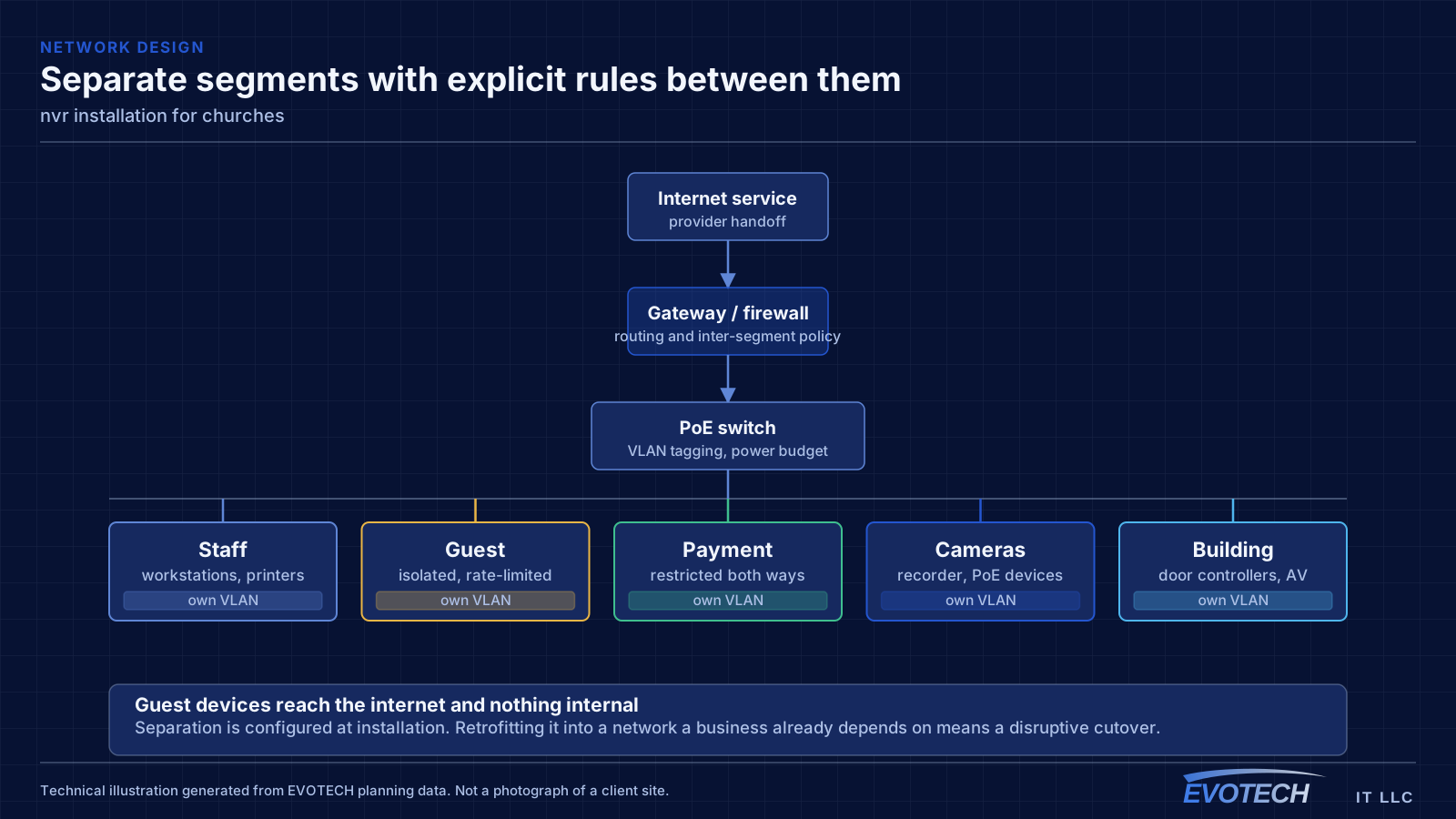
Segmentation is worth doing here for a specific reason: churches typically offer guest wireless, run children's-ministry check-in systems, operate AV equipment on the network, and have office computers handling sensitive information. Those should not share one flat network, and separating them is straightforward at installation.
Streaming has become a standard requirement, and it adds an upload-bandwidth dependency that most other building systems do not have. Confirming the circuit's upload capacity, and separating streaming traffic so it does not contend with guest use during a service, is worth doing before rather than after the first stream.
- Fiber between separate buildings on the campus
- Separate segments for guest, office, AV, and check-in systems
- Upload bandwidth confirmed where services are streamed
- Coverage extended to classrooms and fellowship areas, not just the sanctuary
- AV control devices wired rather than depending on wireless during a service
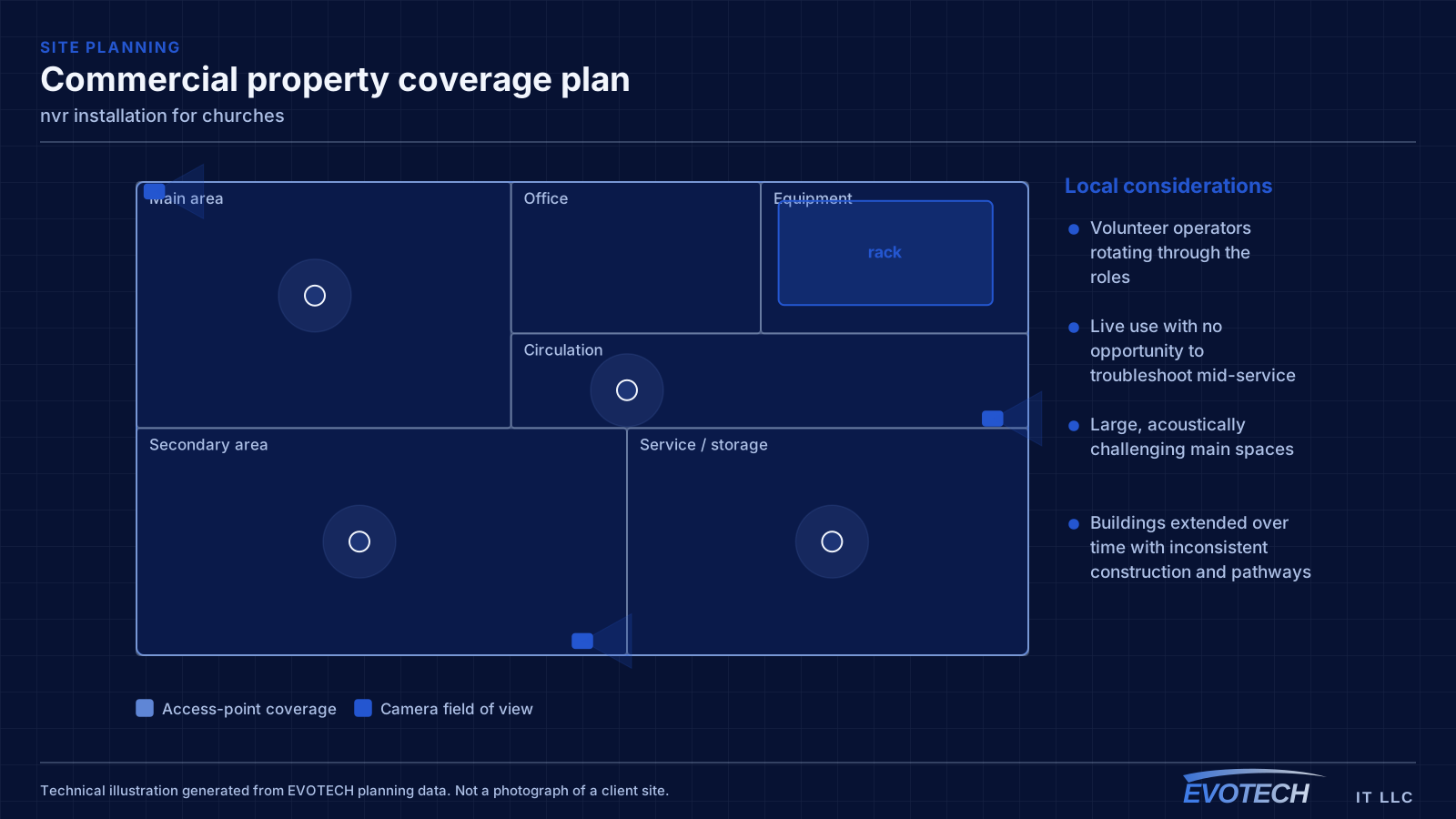
Storage arithmetic, recording modes, and access control
Storage need is the product of per-camera bitrate, hours recorded per day, and retention days, summed across cameras. Bitrate rises with resolution and frame rate, and falls with more efficient compression — but compression efficiency depends on the scene. Static indoor views compress well; exterior views with moving foliage, traffic, or changing light compress poorly. A safe calculation uses the higher end of the expected bitrate range rather than the marketing figure.
- Storage = per-camera bitrate × hours per day × retention days, summed
- Use realistic bitrates for the actual scenes, not best-case figures
- Continuous, motion-triggered, or a hybrid rate — the choice dominates capacity
- Drives rated for continuous surveillance workloads
- Individual user accounts with appropriate permissions; no shared default logins
- Supported remote-access path rather than direct port exposure
Popular services nearby
Frequently searched near this area — the pages people look for most.
Frequently asked questions
What changes about nvr installation in churches?
The operating environment does. Churches bring specific constraints — how the space is used, when work can happen, and what has to keep running — and those shape the nvr installation plan as much as the service's own technical requirements.
How much storage is needed for 30 days of footage?
It is a calculation, not a fixed number: per-camera bitrate multiplied by hours recorded per day multiplied by thirty, summed across cameras. Resolution, frame rate, recording mode, and how busy each scene is all move the result substantially. Two eight-camera systems can differ by a factor of three for the same retention target.
What makes a church AV system volunteer-friendly?
A small number of clearly labeled controls that produce the normal configuration reliably, with complexity hidden behind them. If starting a service requires selecting sources, adjusting levels, and remembering a sequence, it will eventually fail during a service. The design goal is that a new volunteer can run the routine case on their first attempt.