Why this page exists
Network troubleshooting for warehouses is shaped by how the space is used, not just by the service itself. Warehouses bring their own operating constraints, and this page pairs what network troubleshooting actually involves with what that environment changes about it.
Effective troubleshooting is a process of elimination against a specific, reproducible symptom. 'The internet is slow' is not yet a diagnosis — slow for whom, on which devices, wired or wireless, at what times, to which destinations. Those answers usually point at a layer before any equipment is touched.
The building changes its own radio environment
A warehouse surveyed empty and a warehouse full of stock are different radio environments. Metal racking reflects, palletised inventory absorbs, and coverage that measured well across an open floor can disappear once the aisles fill. Any design based on an empty-building survey should be treated as provisional.
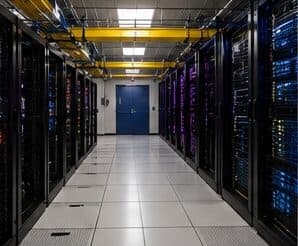
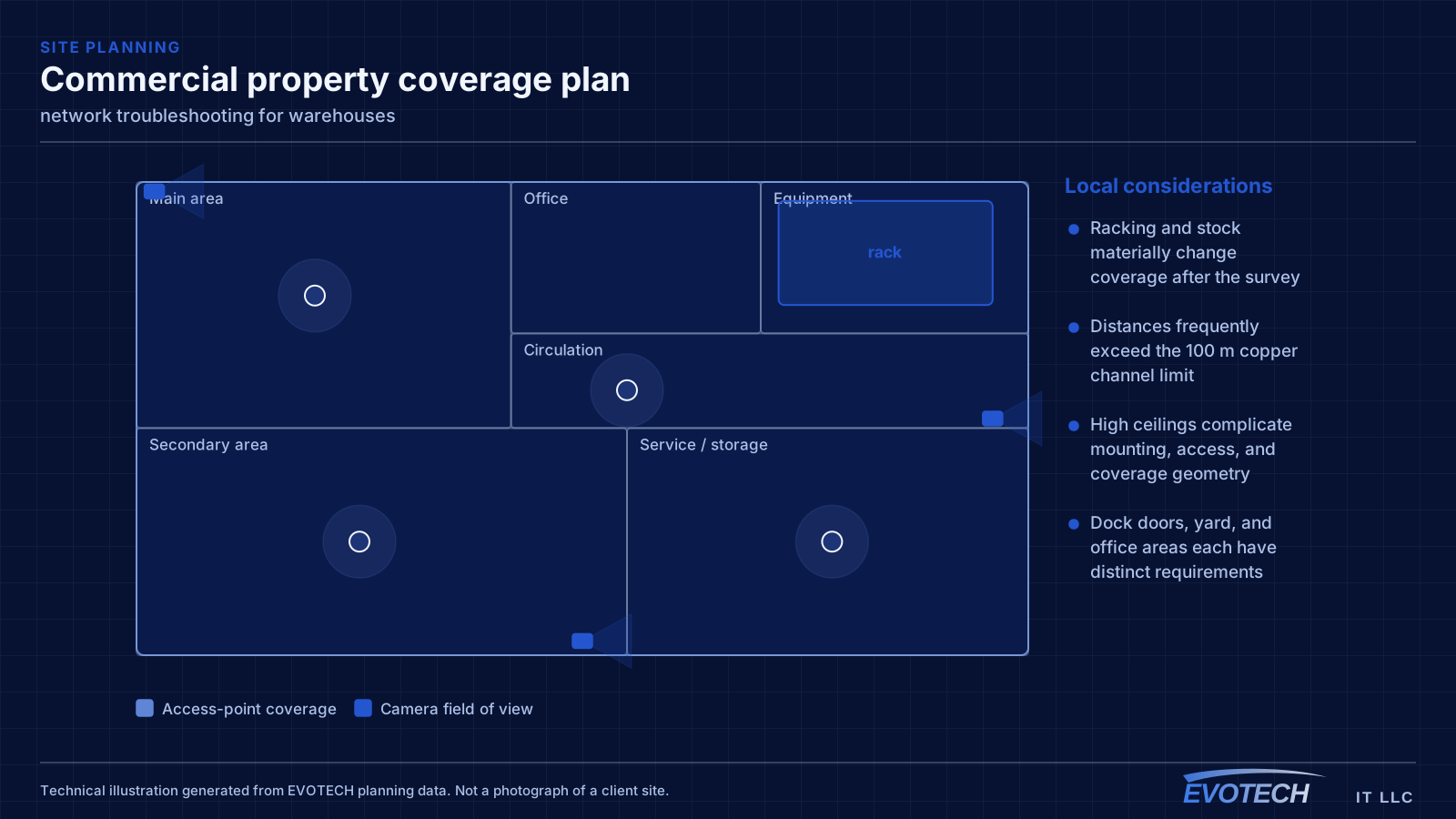
The second defining feature is distance. Warehouse footprints regularly exceed what a single equipment room can serve within the 100-metre copper limit, which means either intermediate equipment positions connected by fiber or a deliberately distributed design.
- Racking and stock materially change coverage after the survey
- Distances frequently exceed the 100 m copper channel limit
- High ceilings complicate mounting, access, and coverage geometry
- Dock doors, yard, and office areas each have distinct requirements
What network troubleshooting usually involves
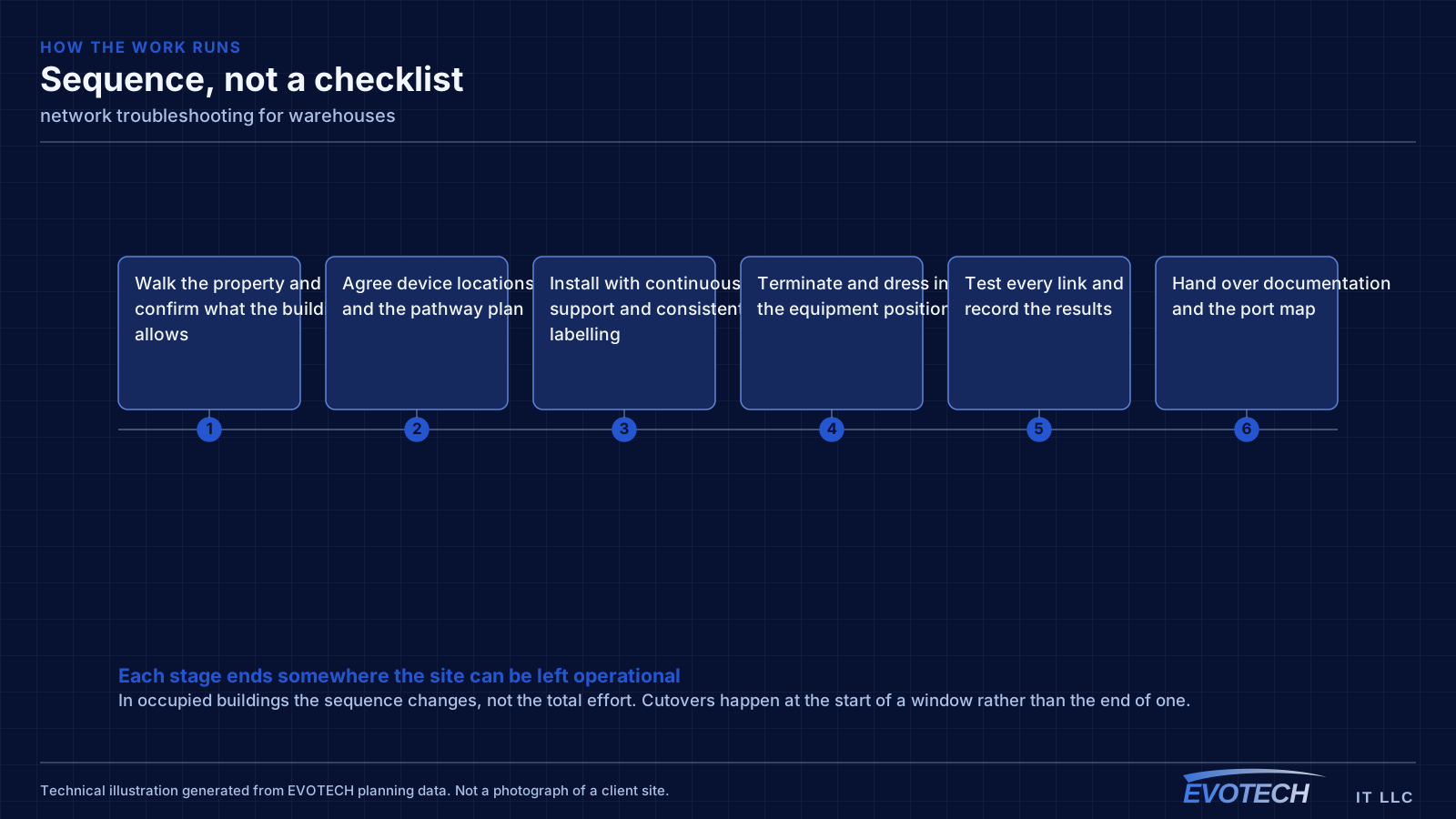
The single most useful distinction is between a problem affecting everything and a problem affecting one device or area. Everything at once points toward the shared path — the circuit, the gateway, or the main switch. One area points toward that area's cabling, its access point, or its switch. One device points at the device or its port.
Timing is the second most useful clue. A problem that appears mid-morning and disappears at night is capacity related. A problem that appears after dark suggests something engaging on a schedule — camera illuminators pushing a PoE budget over is the classic example. A problem that appears at random is more often physical: a marginal termination, a failing port, or a cable that moves.
- Whole-site symptoms pointing at the circuit, gateway, or core switch
- Area-specific symptoms pointing at local cabling or wireless
- Time-correlated symptoms indicating capacity or a scheduled load
- Random symptoms suggesting a physical fault or marginal link
- Duplicate addressing or a rogue device handing out addresses
- Switching loops flooding a network after a cable was patched in twice
- Speed or duplex mismatches producing errors rather than outright failure
Topology, mounting height, and roaming for handhelds
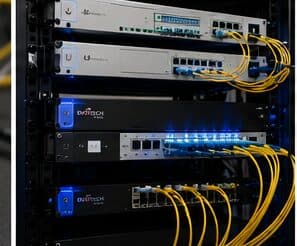
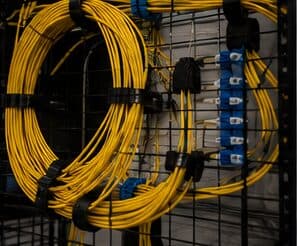
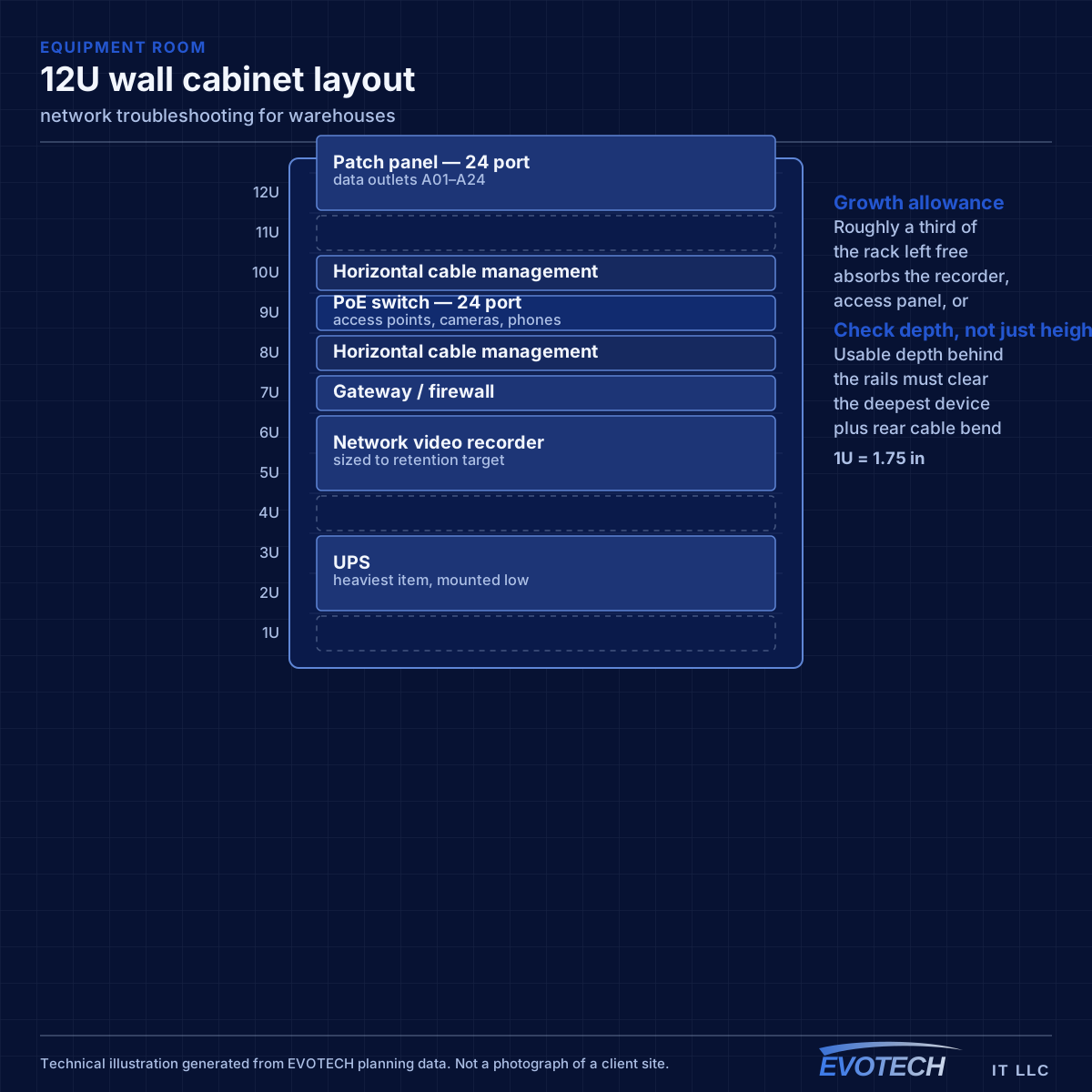
Where a building exceeds copper reach from a single position, the usual answer is one or more intermediate distribution points fed by fiber, each serving its area with copper within the limit. This is standard structured-cabling practice and it is far more reliable than attempting to stretch copper or bridge wirelessly across the building.
Access-point mounting height is a genuine design decision in high-ceiling spaces, not a default. Mounting at the roof deck maximises line of sight but puts the access point far from the devices and often above the racking, where the signal has to travel down through stock. Mounting lower — at or just above racking height, aimed along the aisles — frequently produces better coverage where the scanners actually are.
Roaming matters because the primary clients are mobile. A forklift-mounted or handheld scanner moving down an aisle needs clean handoffs between cells. That is a function of overlap and channel planning, and it is best validated by walking the aisles with the racking loaded.
- Fiber to intermediate distribution points where distance exceeds copper limits
- Mounting height chosen deliberately rather than defaulting to the roof deck
- Coverage designed along aisles, with directional antennas where useful
- Roaming validated by walking loaded aisles, not an empty floor
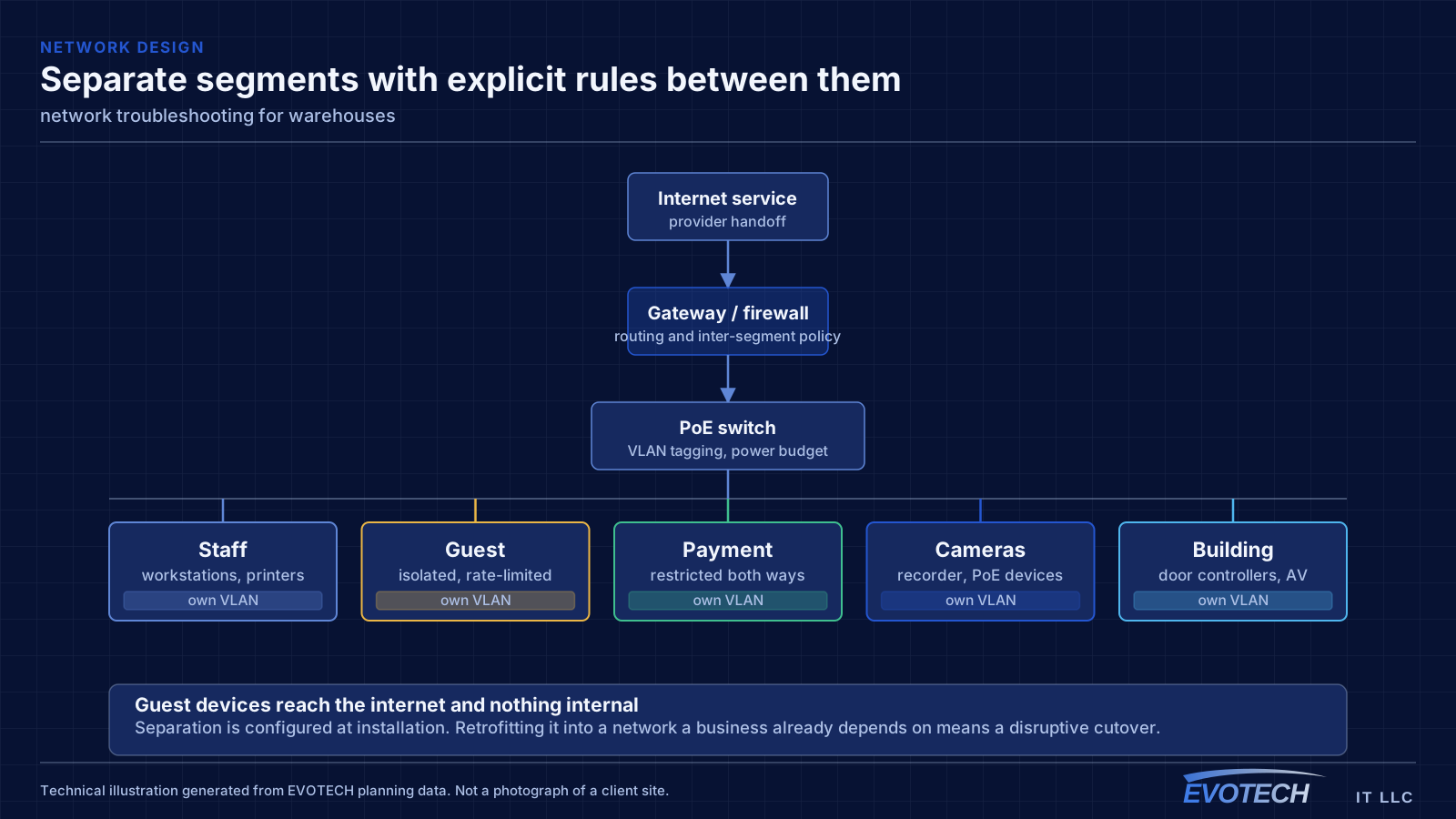
- Office, operations, and building-system traffic segmented
Isolating the layer, and reading what the equipment already knows
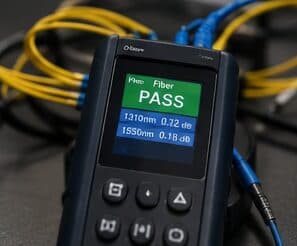
Switch port statistics are the most underused diagnostic resource on most networks. Error counters, discards, and negotiated speed for each port are already being recorded, and a port showing rising errors identifies a cable or connector problem without any additional testing. A port that negotiated 100 Mbps when it should be at 1 Gbps points at a damaged pair or a marginal termination.
- Read switch port error counters, discards, and negotiated speeds first
- Measure wireless signal and noise at the complaint location, not at the access point
- Identify which AP and channel the affected client is actually using
- Measure at the gateway to separate internal problems from circuit problems
- Check for duplicate addressing and unexpected devices offering addresses
- Look for loops when a network degrades suddenly after a change
Frequently asked questions
What changes about network troubleshooting in warehouses?
The operating environment does. Warehouses bring specific constraints — how the space is used, when work can happen, and what has to keep running — and those shape the network troubleshooting plan as much as the service's own technical requirements.
Why is the network slow only in the afternoon?
Time-correlated symptoms usually mean capacity rather than a fault. Something is consuming the shared resource at that time — backups, updates, more people on site, or a scheduled process. Measuring at the gateway during the slow period, and comparing it to a quiet period, distinguishes a saturated circuit from an internal bottleneck quickly.
Why did warehouse Wi-Fi get worse after the racking was stocked?
Because the stock changed the radio environment. Metal racking reflects and palletised goods absorb, so coverage measured across an open floor no longer applies. This is why warehouse designs should assume loaded conditions and why validation should happen with the aisles full.