Why this page exists
Network troubleshooting for new construction is shaped by how the space is used, not just by the service itself. New construction bring their own operating constraints, and this page pairs what network troubleshooting actually involves with what that environment changes about it.
Effective troubleshooting is a process of elimination against a specific, reproducible symptom. 'The internet is slow' is not yet a diagnosis — slow for whom, on which devices, wired or wireless, at what times, to which destinations. Those answers usually point at a layer before any equipment is touched.
One window, and it does not reopen
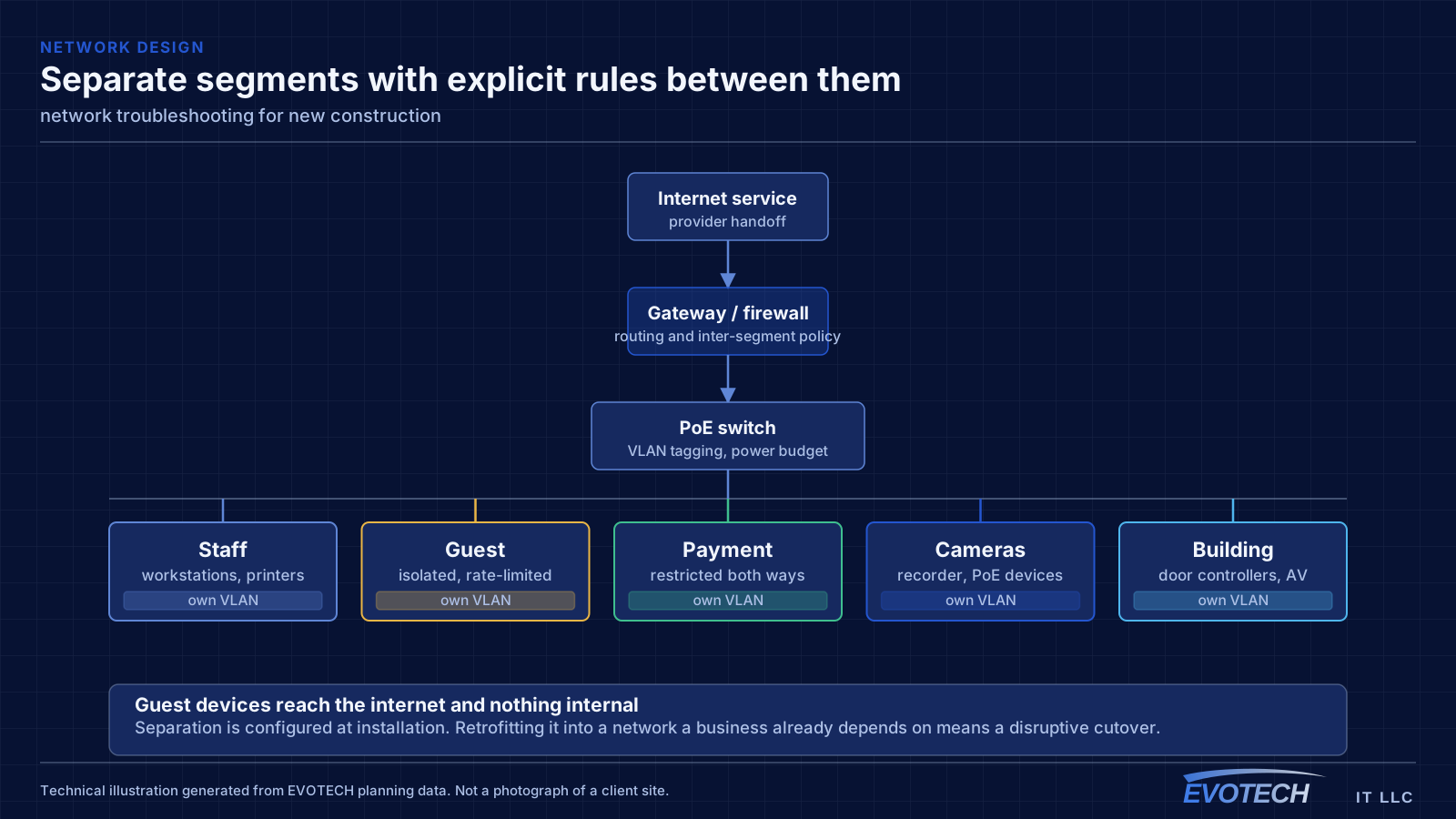
Low-voltage rough-in happens in a specific slot: after framing and electrical, before insulation and drywall. Inside that window, running a cable anywhere is straightforward. Once drywall goes up, the same cable costs many times more and sometimes cannot be run at all.
The asymmetry is the whole story of new-construction low voltage. Decisions made cheaply during rough-in become expensive or impossible afterwards, which is why the pre-rough-in planning conversation is worth more than any equipment choice made later.
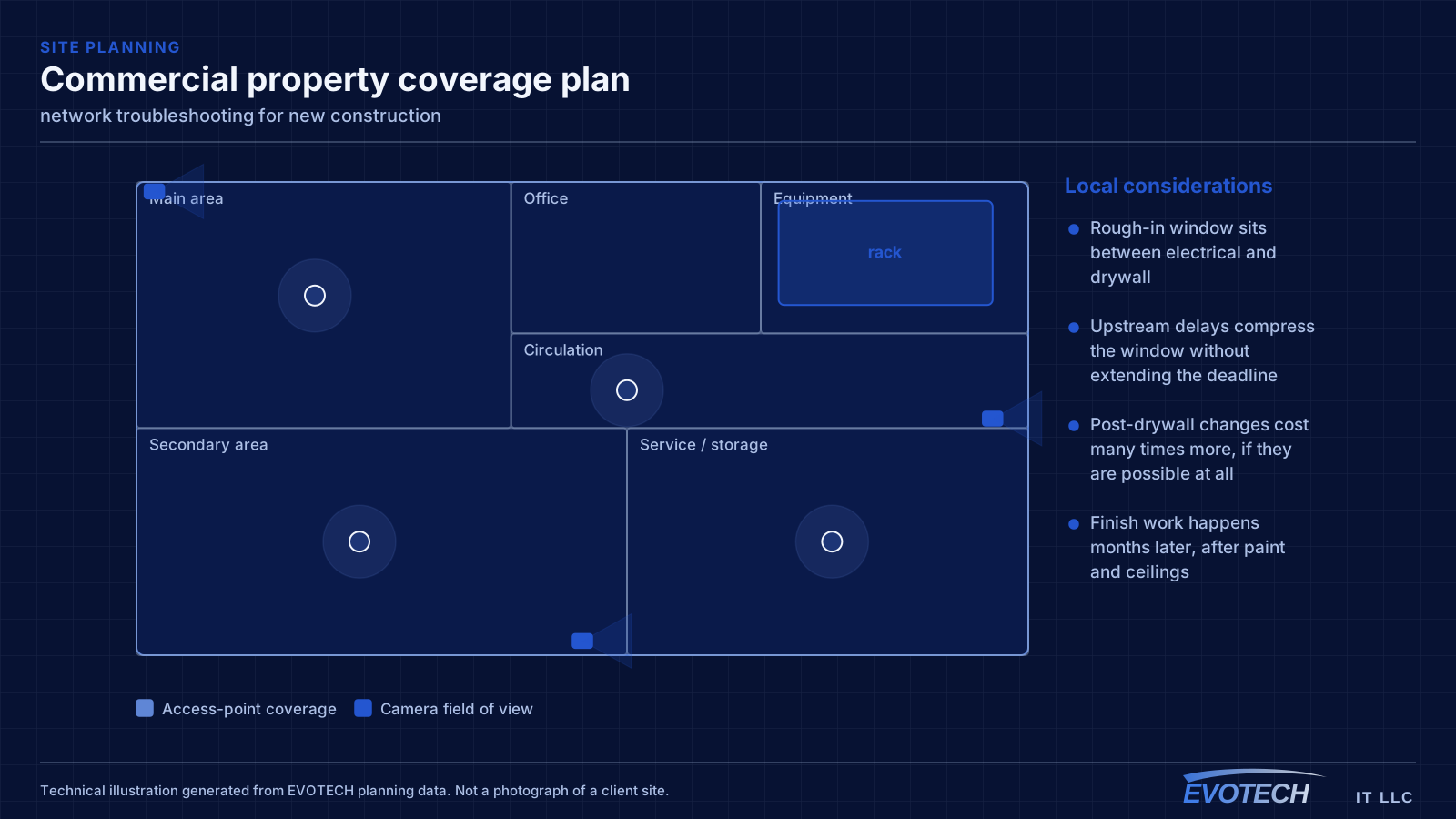
- Rough-in window sits between electrical and drywall
- Upstream delays compress the window without extending the deadline
- Post-drywall changes cost many times more, if they are possible at all
- Finish work happens months later, after paint and ceilings
What network troubleshooting usually involves
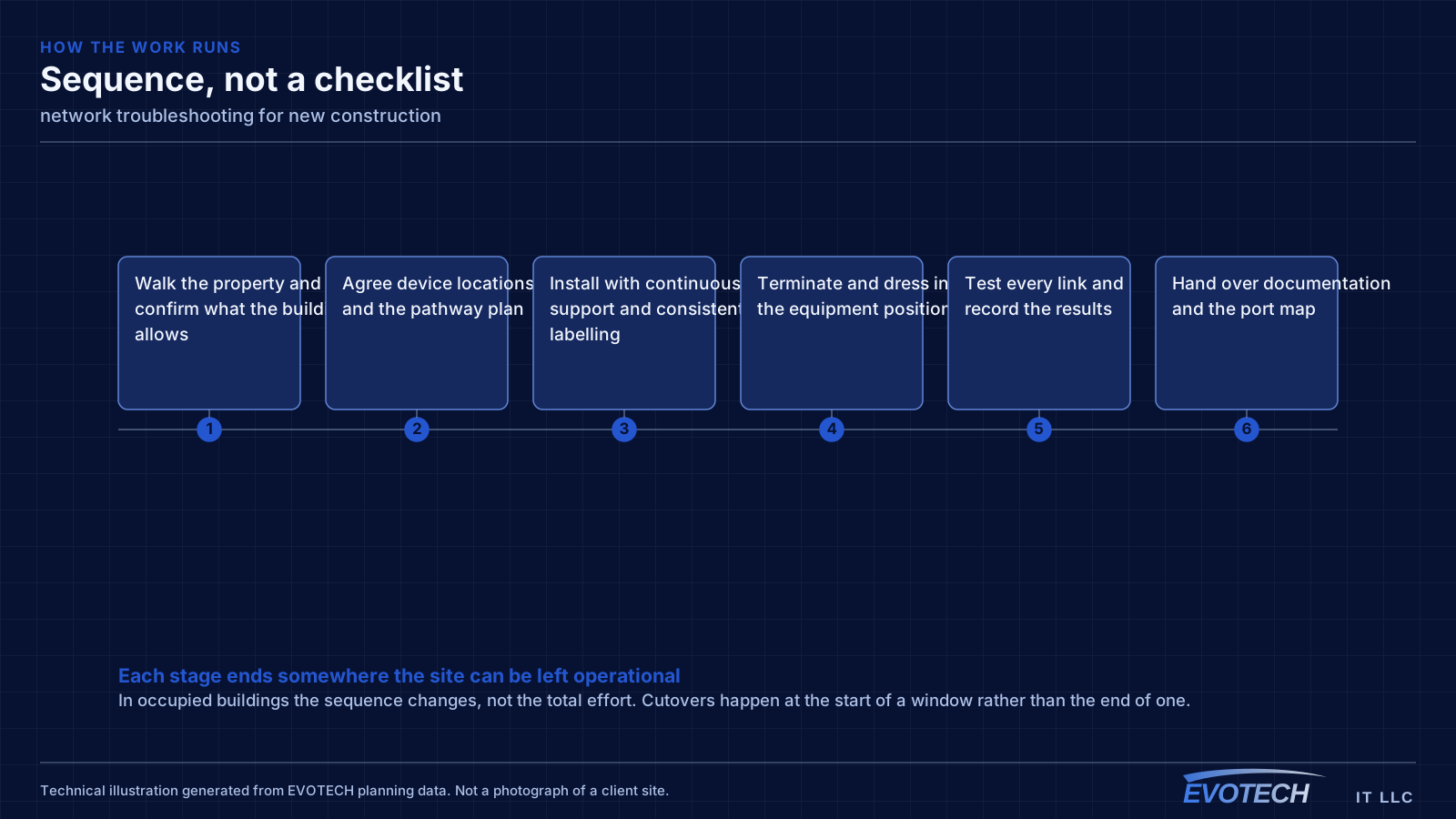
The single most useful distinction is between a problem affecting everything and a problem affecting one device or area. Everything at once points toward the shared path — the circuit, the gateway, or the main switch. One area points toward that area's cabling, its access point, or its switch. One device points at the device or its port.
Timing is the second most useful clue. A problem that appears mid-morning and disappears at night is capacity related. A problem that appears after dark suggests something engaging on a schedule — camera illuminators pushing a PoE budget over is the classic example. A problem that appears at random is more often physical: a marginal termination, a failing port, or a cable that moves.
- Whole-site symptoms pointing at the circuit, gateway, or core switch
- Area-specific symptoms pointing at local cabling or wireless
- Time-correlated symptoms indicating capacity or a scheduled load
- Random symptoms suggesting a physical fault or marginal link
- Duplicate addressing or a rogue device handing out addresses
- Switching loops flooding a network after a cable was patched in twice
- Speed or duplex mismatches producing errors rather than outright failure
What to rough in even without a final design
Full system design is often not finished when the rough-in window arrives. That is normal, and it is not a reason to skip the pathway. Running conduit or sleeves to likely positions preserves the option cheaply even when the eventual equipment is undecided.
For a commercial building, the reliable rough-in set is: cable to every likely device outlet, ceiling positions for access points spaced for the intended coverage, camera positions at entries and approaches, door positions with cable to the controller location, and pathway to any likely display or AV position. Plus, in every case, a properly located equipment room.
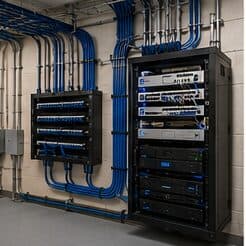
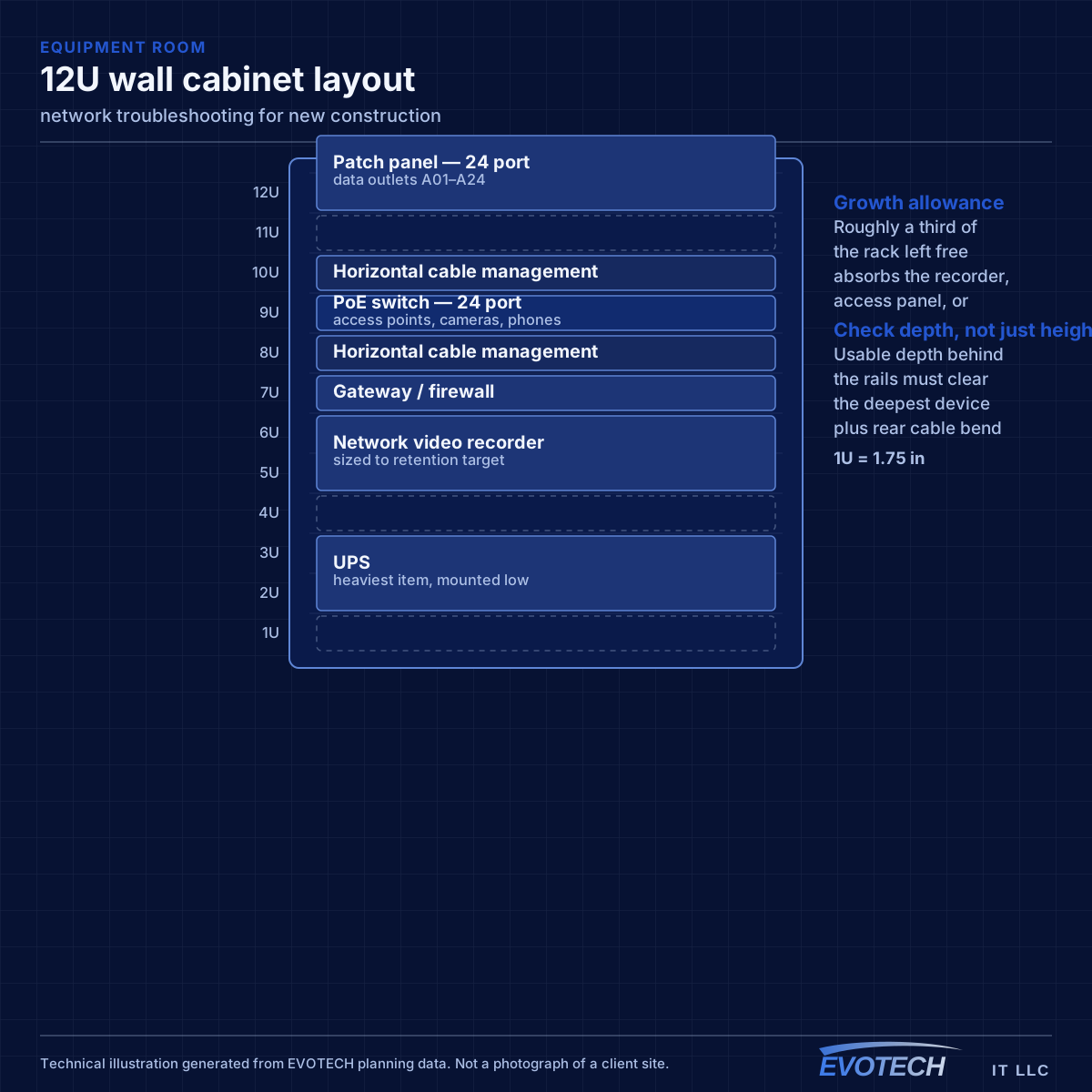
The equipment room deserves particular emphasis because it is the most commonly under-provisioned item. It has to hold the network rack, camera recorder, access-control panel, and any AV equipment, with dedicated power, ventilation, and clearance to work. Sizing it from the network alone is a decision that gets discovered eighteen months later.
- Sleeves and conduit to likely positions even before final design
- Ceiling access-point positions spaced for the intended coverage
- Camera positions at entries, approaches, and service areas
- Cable from every controlled door to the controller position
- Equipment room with dedicated power, ventilation, and working clearance
Isolating the layer, and reading what the equipment already knows
Switch port statistics are the most underused diagnostic resource on most networks. Error counters, discards, and negotiated speed for each port are already being recorded, and a port showing rising errors identifies a cable or connector problem without any additional testing. A port that negotiated 100 Mbps when it should be at 1 Gbps points at a damaged pair or a marginal termination.
- Read switch port error counters, discards, and negotiated speeds first
- Measure wireless signal and noise at the complaint location, not at the access point
- Identify which AP and channel the affected client is actually using
- Measure at the gateway to separate internal problems from circuit problems
- Check for duplicate addressing and unexpected devices offering addresses
- Look for loops when a network degrades suddenly after a change
Frequently asked questions
What changes about network troubleshooting in new construction?
The operating environment does. New construction bring specific constraints — how the space is used, when work can happen, and what has to keep running — and those shape the network troubleshooting plan as much as the service's own technical requirements.
Why is the network slow only in the afternoon?
Time-correlated symptoms usually mean capacity rather than a fault. Something is consuming the shared resource at that time — backups, updates, more people on site, or a scheduled process. Measuring at the gateway during the slow period, and comparing it to a quiet period, distinguishes a saturated circuit from an internal bottleneck quickly.
What has to be decided before rough-in?
Device locations, the equipment room position, and the pathway plan. Equipment selection can wait — you can run cable to a position without knowing which camera or access point will go there. What cannot wait is the decision about where things go, because that is what determines where cable is pulled while the walls are open.