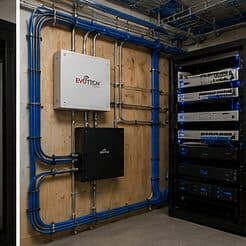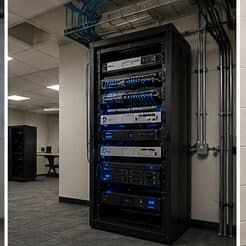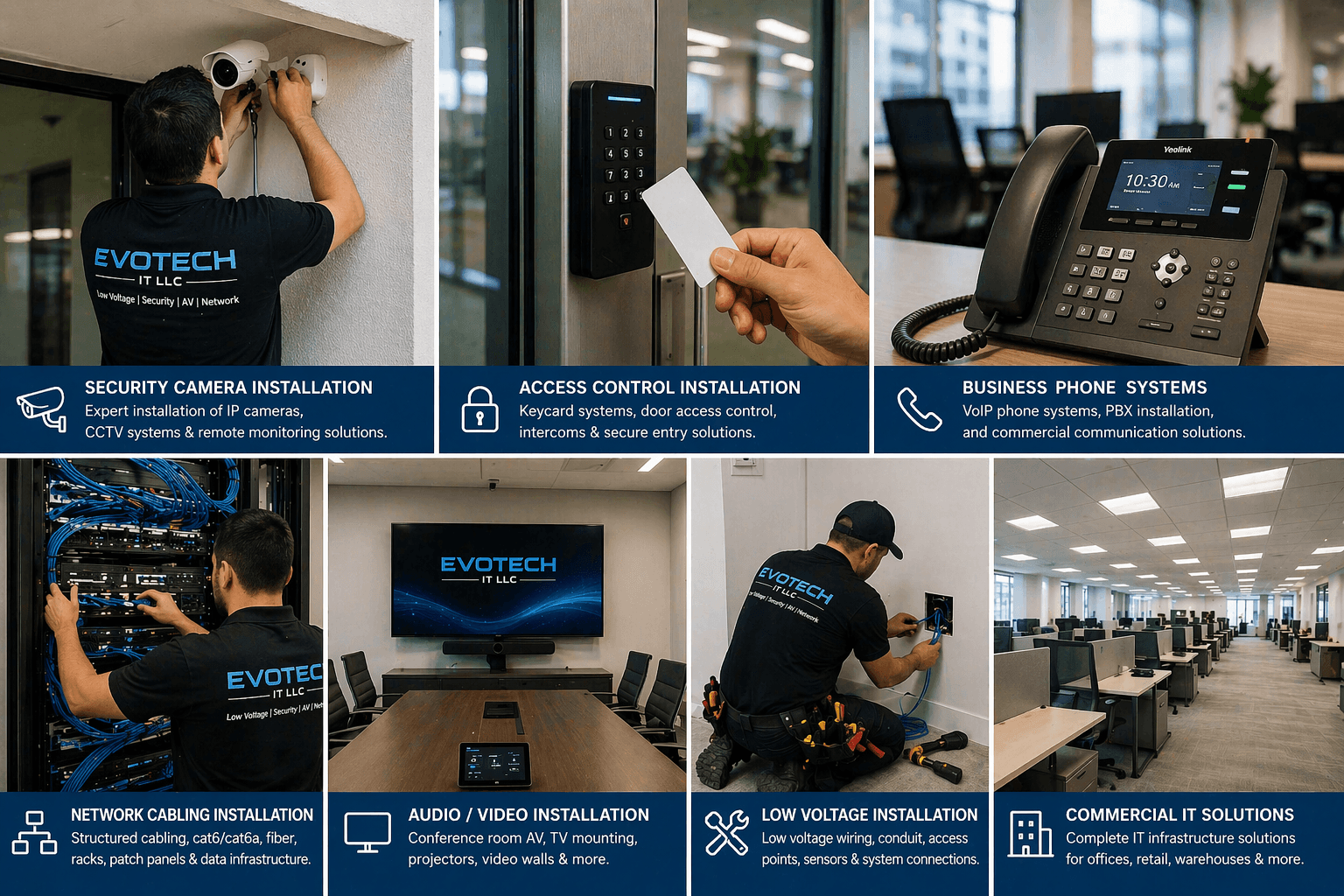
Why this page exists
Smart home & smart locks for multifamily properties is shaped by how the space is used, not just by the service itself. Multifamily properties bring their own operating constraints, and this page pairs what smart home & smart locks actually involves with what that environment changes about it.
Smart-home devices are easy to buy and easy to end up with a drawer of apps that half-work. Getting a home that actually behaves means three decisions up front: which ecosystem everything lives in — a voice platform, a phone platform, or a manufacturer's own app — so devices cooperate instead of each needing their own login; whether devices talk over Wi-Fi or through a hub using a low-power protocol; and which functions must keep working when the internet drops. A smart lock that only unlocks from the cloud is a problem the first time the connection goes down.
Two audiences, one building
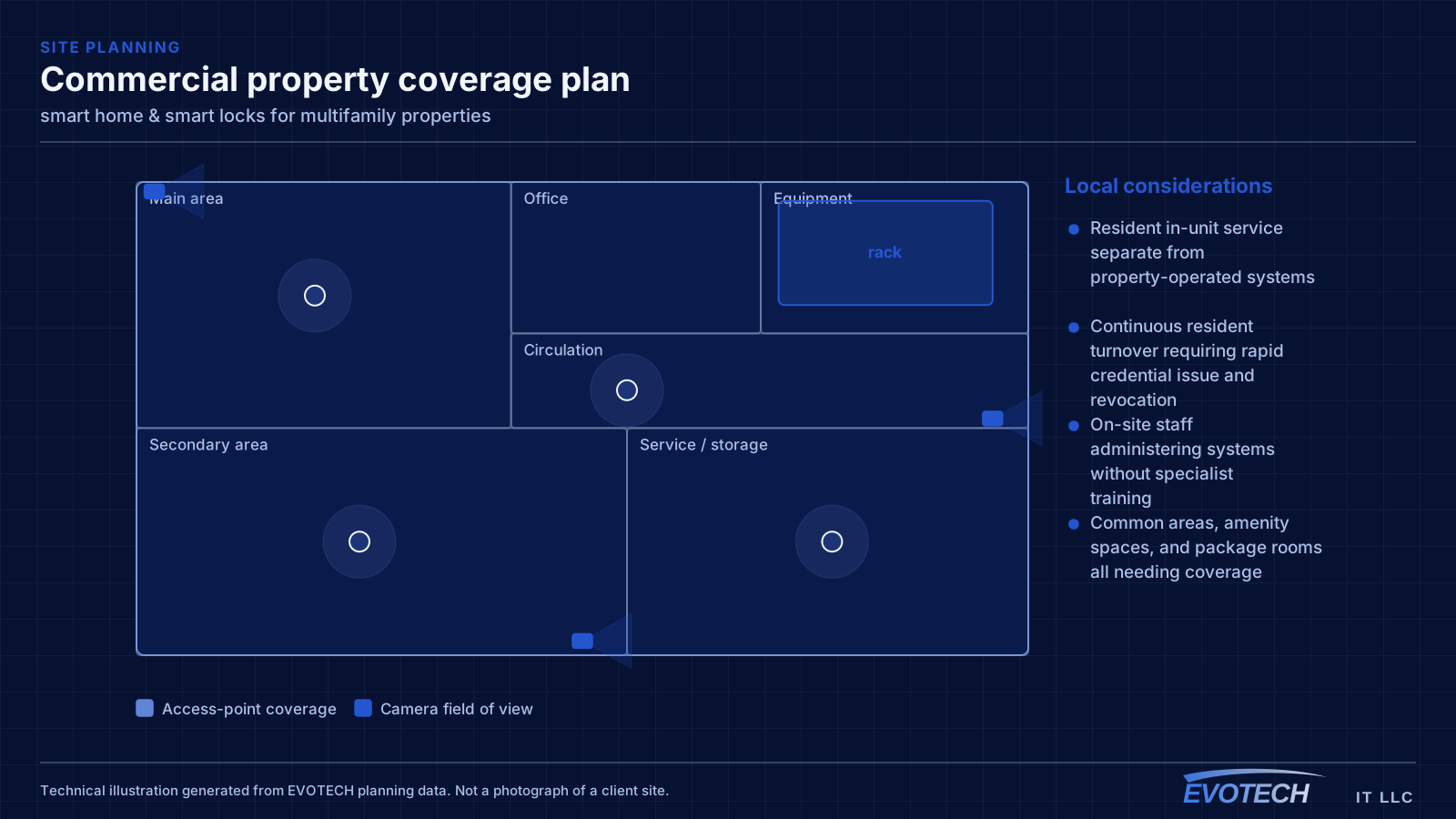
A multifamily property runs two distinct technology environments. Residents have their own connectivity inside their units, generally provided by whatever service they select. The property operates everything else: common-area wireless, controlled entry, intercom, package rooms, amenity spaces, cameras, and the office network.
The property-operated side is what needs design. It has to work for a resident population that turns over continuously, be administrable by on-site staff who also turn over, and survive being used by everyone in the building without a support desk.
- Resident in-unit service separate from property-operated systems
- Continuous resident turnover requiring rapid credential issue and revocation
- On-site staff administering systems without specialist training
- Common areas, amenity spaces, and package rooms all needing coverage
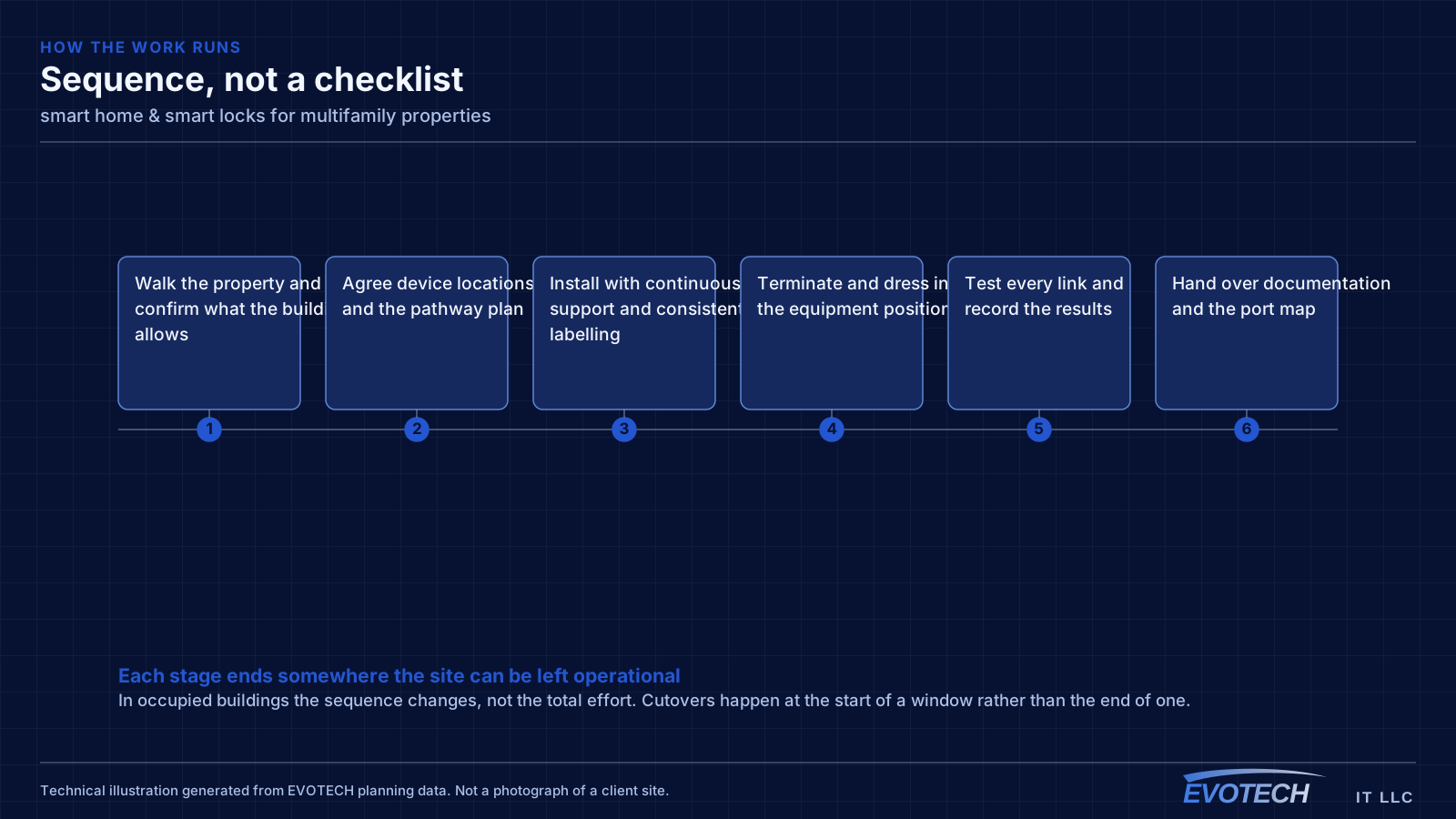
What smart home & smart locks usually involves
The characteristic smart-home problem is a device that works most of the time — which, for a lock or a camera, is not good enough. The usual causes are weak wireless at the device's location, a cloud dependency that fails when the connection blips, and automations that quietly stop firing without telling anyone.
The second is ecosystem sprawl: five brands, five apps, and no way to make a routine span them. Deciding on one platform, and choosing devices that speak to it, turns a pile of gadgets into a system.
- Locks and cameras that work intermittently because of weak Wi-Fi at the door
- Cloud-only devices failing when the internet drops
- Automations that stop running silently, with no alert
- A different app for every brand and no unified control
- Smart locks fitted to doors that are misaligned or swollen, so they jam
- Dead batteries with no monitoring, locking people out
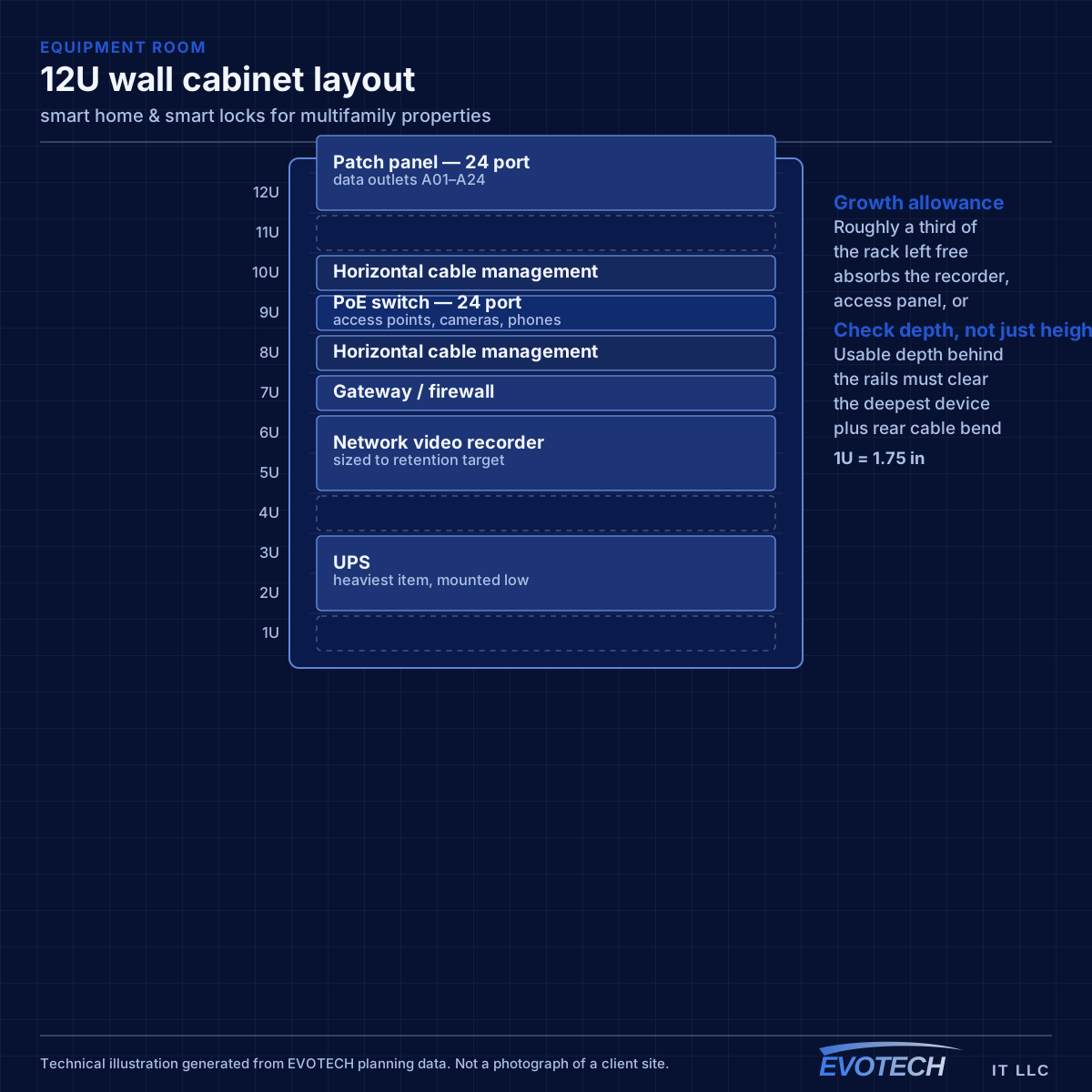
Property systems and common-area coverage
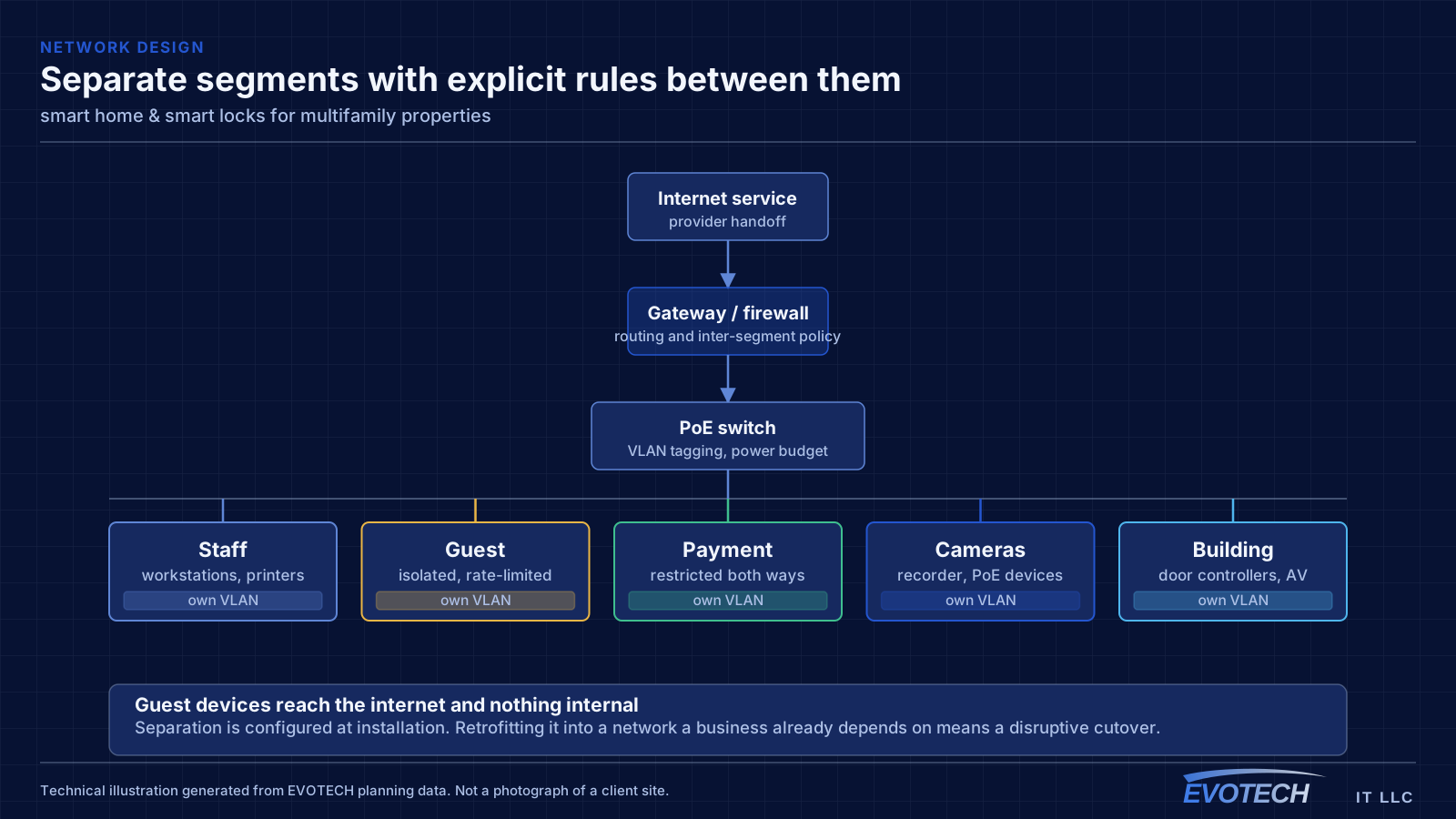
The property network carries cameras, door controllers, intercom, the leasing office, and common-area wireless. These belong on separate segments from each other — common-area guest wireless in particular should reach the internet and nothing else, since it is used by residents, visitors, and anyone within range of an amenity space.
Common-area coverage is a distributed problem. Lobbies, corridors, fitness rooms, clubhouses, pool areas, and parking structures each have different construction and different demand, and outdoor amenity areas need equipment rated for the exposure. Corridor coverage in particular tends to be underestimated, since corridors are long, narrow, and full of doors.
Where a property spans multiple buildings, the links between them are fiber, for the same distance and electrical-isolation reasons that apply on any campus.
- Property systems segmented from common-area guest wireless
- Amenity spaces, corridors, and outdoor areas as distinct coverage zones
- Outdoor-rated equipment for pool decks and exterior amenity areas
- Fiber between buildings on multi-building properties
- Leasing office network separated from resident-facing systems
Ecosystem, hub versus Wi-Fi, local versus cloud, and door fit
The ecosystem decision is the one that shapes everything else. Committing to a single platform — whichever suits the household's phones and habits — lets devices share routines and one control surface, at the cost of favouring devices that support it. A hub adds a second layer: many reliable smart-home devices use a low-power mesh protocol rather than Wi-Fi, which keeps them off the main network and off the router's client count, and a modern hub bridges those to the chosen platform. Newer interoperability standards are narrowing the gap between ecosystems, but device support still has to be checked rather than assumed.
- One ecosystem chosen for the household, with devices that support it
- A hub for low-power mesh devices, keeping them off the main Wi-Fi
- Local control or an offline fallback for locks, doors, and key cameras
- A physical key or manual override always retained
- Smart locks matched to a door that actually operates smoothly
- Battery monitoring with alerts before a lockout
Frequently asked questions
What changes about smart home & smart locks in multifamily properties?
The operating environment does. Multifamily properties bring specific constraints — how the space is used, when work can happen, and what has to keep running — and those shape the smart home & smart locks plan as much as the service's own technical requirements.
Which smart-home ecosystem should we use?
Usually the one that matches the phones and habits in the house, because that is the control surface everyone already reaches for. Committing to one platform lets devices share routines instead of each needing its own app — the tradeoff is favouring devices that support it. Newer interoperability standards are narrowing the differences, but it is still worth checking that the specific devices you want work with the platform you choose.
Does the property provide internet inside the units?
That varies by property and is a business decision rather than a technical one. What the property always operates is the common-area and building-systems side: entry, intercom, package rooms, amenity wireless, cameras, and the leasing office network. That is where the design work sits.