Why this page exists
Video-doorbell installation for home offices is shaped by how the space is used, not just by the service itself. Home offices bring their own operating constraints, and this page pairs what video-doorbell installation actually involves with what that environment changes about it.
A video doorbell is a small camera with a doorbell button, and the three things that make it work well are adequate power, a sensible viewing angle, and a solid network connection at the door. Existing doorbell wiring often provides power, but many older transformers were sized for a mechanical chime and do not supply enough for a camera that streams and records.
The house is competing with the work
A home office shares its connection with everything else in the house, and household demand is highest during exactly the hours that matter least to the household and most to the person working. Streaming, gaming, backups, and connected devices all contend for the same circuit and, if the office is on wireless, for the same airtime.
The second factor is position. Home offices frequently end up in a spare bedroom at the far corner of the house, which is often the worst wireless position in the building — furthest from the router, through the most walls.
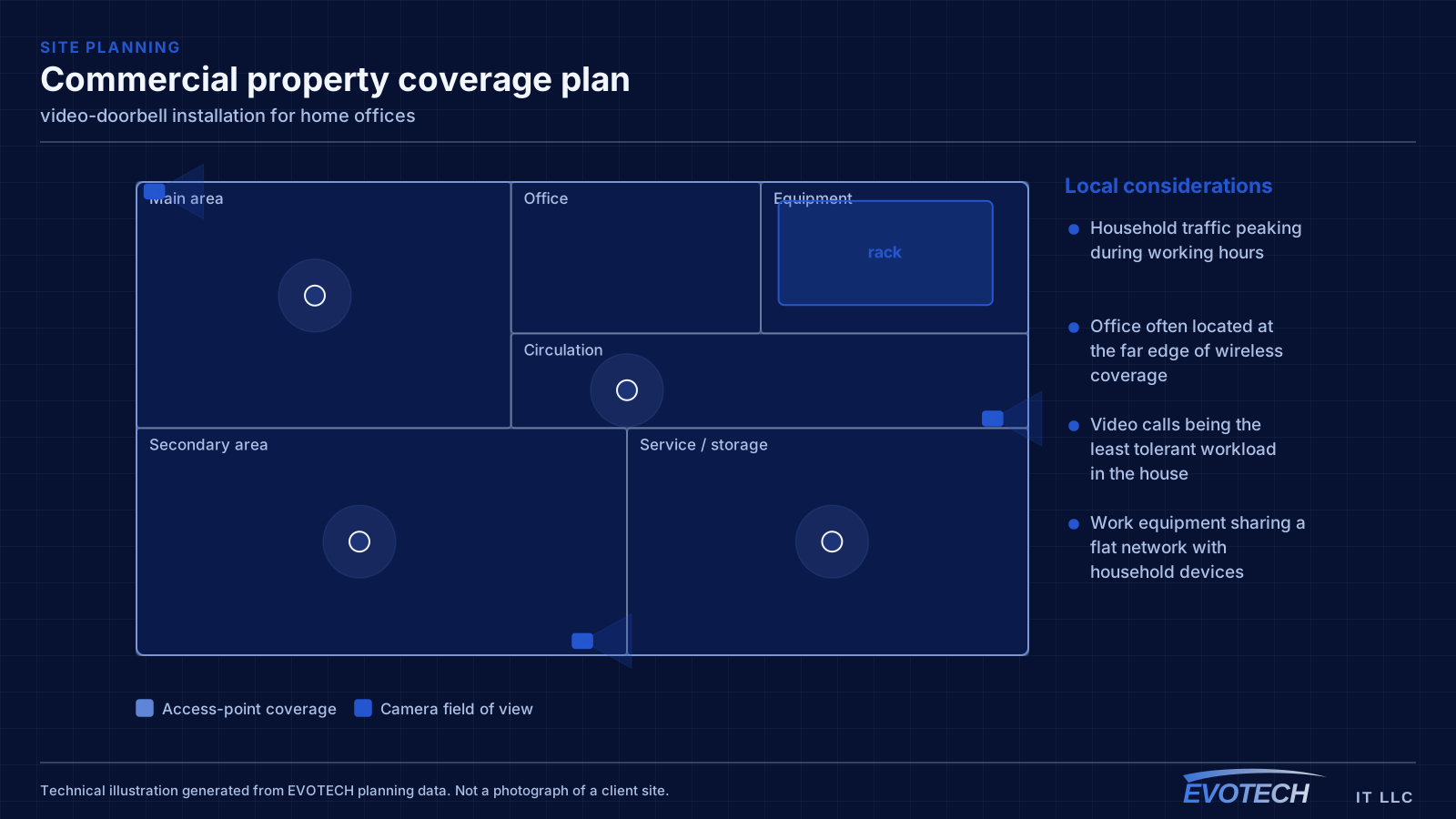
- Household traffic peaking during working hours
- Office often located at the far edge of wireless coverage
- Video calls being the least tolerant workload in the house
- Work equipment sharing a flat network with household devices
What video-doorbell installation usually involves
The most common failure is a doorbell that works intermittently, drops its video, or reboots when someone presses the button. That pattern almost always indicates insufficient power — either a transformer below the required rating or a chime configuration the device cannot work with.
The second is wireless. The front door is frequently the furthest point from the router, often through an exterior wall and sometimes behind brick veneer. A device with a marginal connection produces delayed notifications and choppy video, and no amount of doorbell configuration fixes a signal problem.
- Transformer rated for a mechanical chime and insufficient for a camera doorbell
- Existing chime incompatible without the manufacturer's adapter
- Mounting height framing chests rather than faces
- Approach path off to one side, outside the camera's field of view
- Weak wireless signal at the door causing delays and dropped clips
- Direct sun or a bright background silhouetting visitors at certain times of day
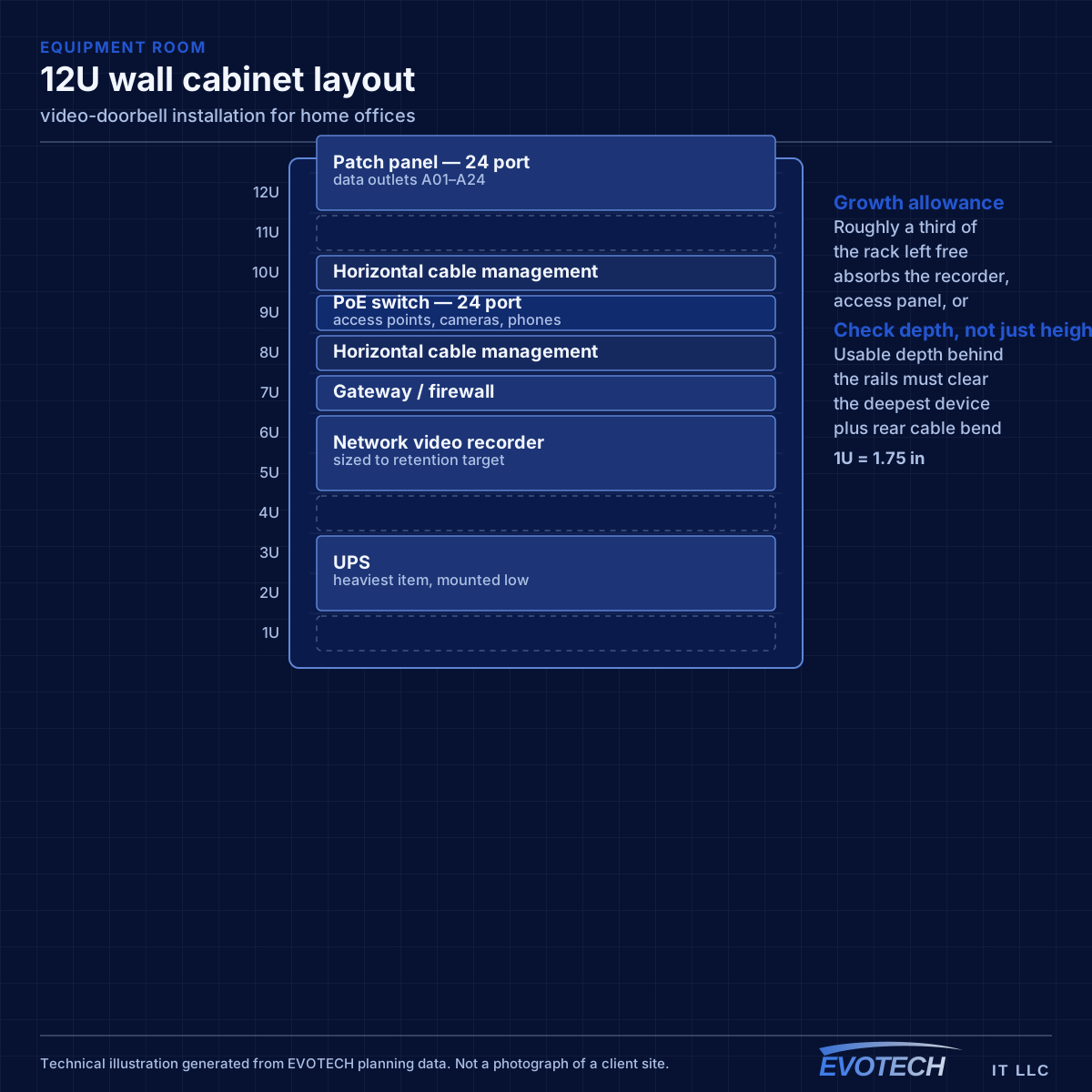
The single cable that fixes most of it
A wired connection to the desk eliminates the variables that cause most home-office call problems: signal strength, interference from neighbouring networks, and contention with household devices for airtime. In slab-foundation construction the run typically goes up into the attic and down an interior wall, which is why the destination wall matters more than the distance.
Where the office must stay wireless, the fix is placement rather than power. An access point in the hallway near the office, mounted on the ceiling and connected by cable, serves the room far better than a more powerful router at the other end of the house. Turning up transmit power on a distant router mostly raises interference.
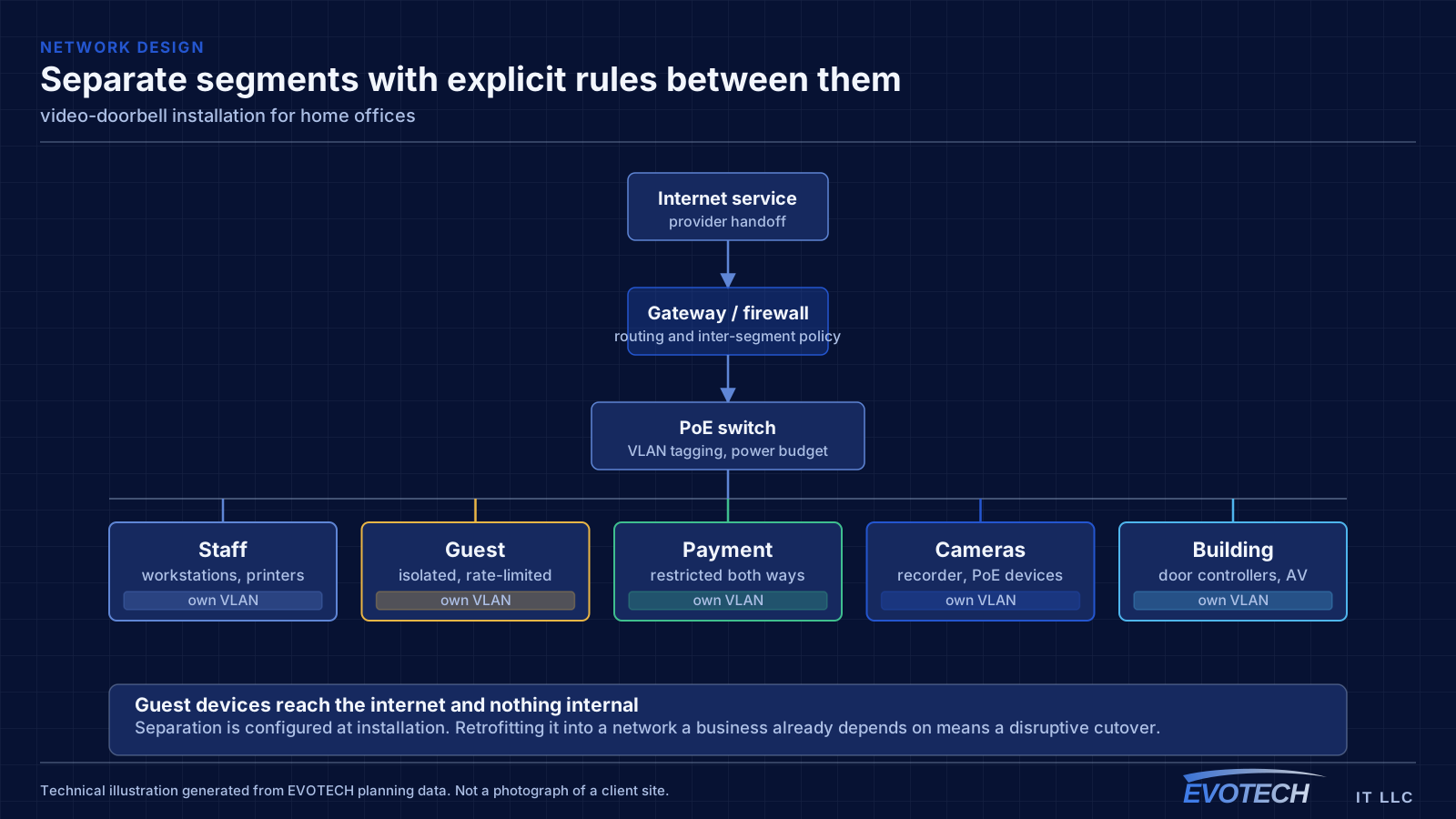
Separation is worth doing even at home. A separate network for work equipment, distinct from household devices and from guests, limits what a compromised household device can reach. This is straightforward on most current equipment and costs nothing but configuration.
- Wired run to the desk as the highest-value single change
- Access point placed near the office rather than more power from a distant router
- Attic-to-interior-wall routing in slab-foundation homes
- Separate network segment for work equipment
- Stationary household devices wired to free up airtime
Transformer capacity, chime handling, and mounting angle
Camera doorbells specify a voltage and minimum VA rating for their transformer. Many houses have transformers sized only for a mechanical chime, which is a much smaller load. When the supply is marginal the device may appear to work and then fail when the camera and radio draw peak current — typically at the moment the button is pressed. Replacing the transformer with one meeting the device specification resolves a large share of these cases.
- Transformer must meet the device's voltage and VA specification
- Mechanical chimes generally need the manufacturer's bypass module
- Mount for the approach path, not just for button convenience
- Angled wedges for side approaches and recessed entries
- Verify wireless signal strength at the door before finalising the position
- Consider sun direction and bright backgrounds at the times that matter
Frequently asked questions
What changes about video-doorbell installation in home offices?
The operating environment does. Home offices bring specific constraints — how the space is used, when work can happen, and what has to keep running — and those shape the video-doorbell installation plan as much as the service's own technical requirements.
Why does the doorbell keep going offline or restarting?
Most often the transformer. Many houses have a transformer sized for a mechanical chime, which is a much smaller load than a camera doorbell. The device appears to work until it draws peak current — usually at the button press — and then drops. Confirming the transformer meets the device's stated voltage and VA rating resolves a large share of these cases.
Why do work calls degrade in the afternoon?
Usually contention. Household demand rises when people are home, and if the office is on wireless it competes both for the internet circuit and for airtime on the same radio channel. A wired connection to the desk removes the airtime half of that immediately, which is why it is the first thing worth doing.