Why this page exists
Cat6 cabling for home offices is shaped by how the space is used, not just by the service itself. Home offices bring their own operating constraints, and this page pairs what cat6 cabling actually involves with what that environment changes about it.
Cat6 carries gigabit Ethernet across the full 100-metre channel without drama, and that covers the overwhelming majority of what plugs into an office or home wall plate: computers, phones, printers, access points, cameras, and door controllers. Where it gets interesting is 10 gigabit. Cat6 can carry 10GBASE-T, but only to roughly 55 metres, and that figure assumes a favourable alien-crosstalk environment — cables not bundled tightly with many neighbours carrying the same signal.
The house is competing with the work
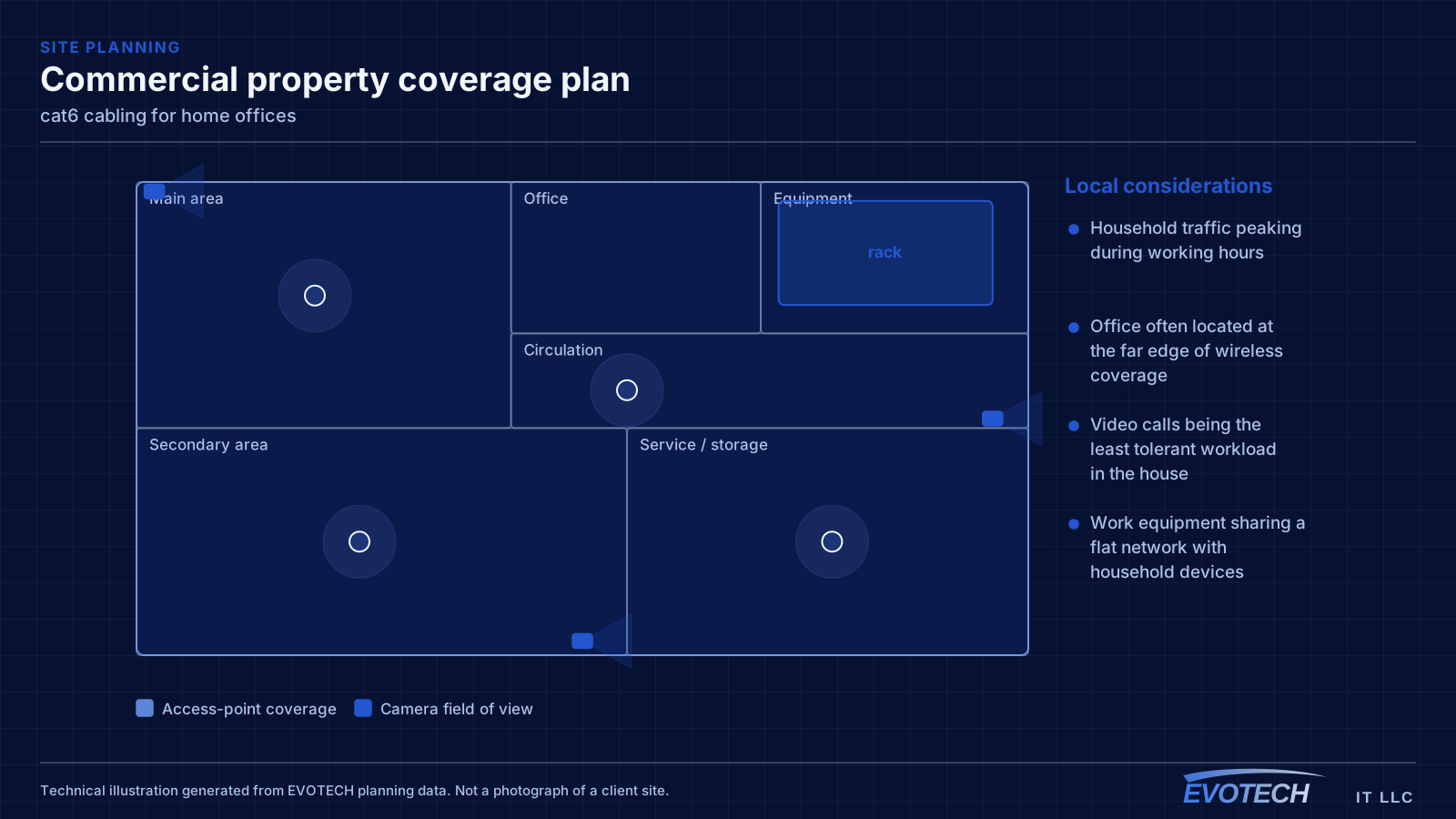
A home office shares its connection with everything else in the house, and household demand is highest during exactly the hours that matter least to the household and most to the person working. Streaming, gaming, backups, and connected devices all contend for the same circuit and, if the office is on wireless, for the same airtime.
The second factor is position. Home offices frequently end up in a spare bedroom at the far corner of the house, which is often the worst wireless position in the building — furthest from the router, through the most walls.
- Household traffic peaking during working hours
- Office often located at the far edge of wireless coverage
- Video calls being the least tolerant workload in the house
- Work equipment sharing a flat network with household devices
What cat6 cabling usually involves
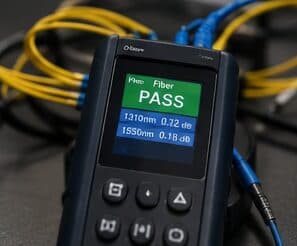
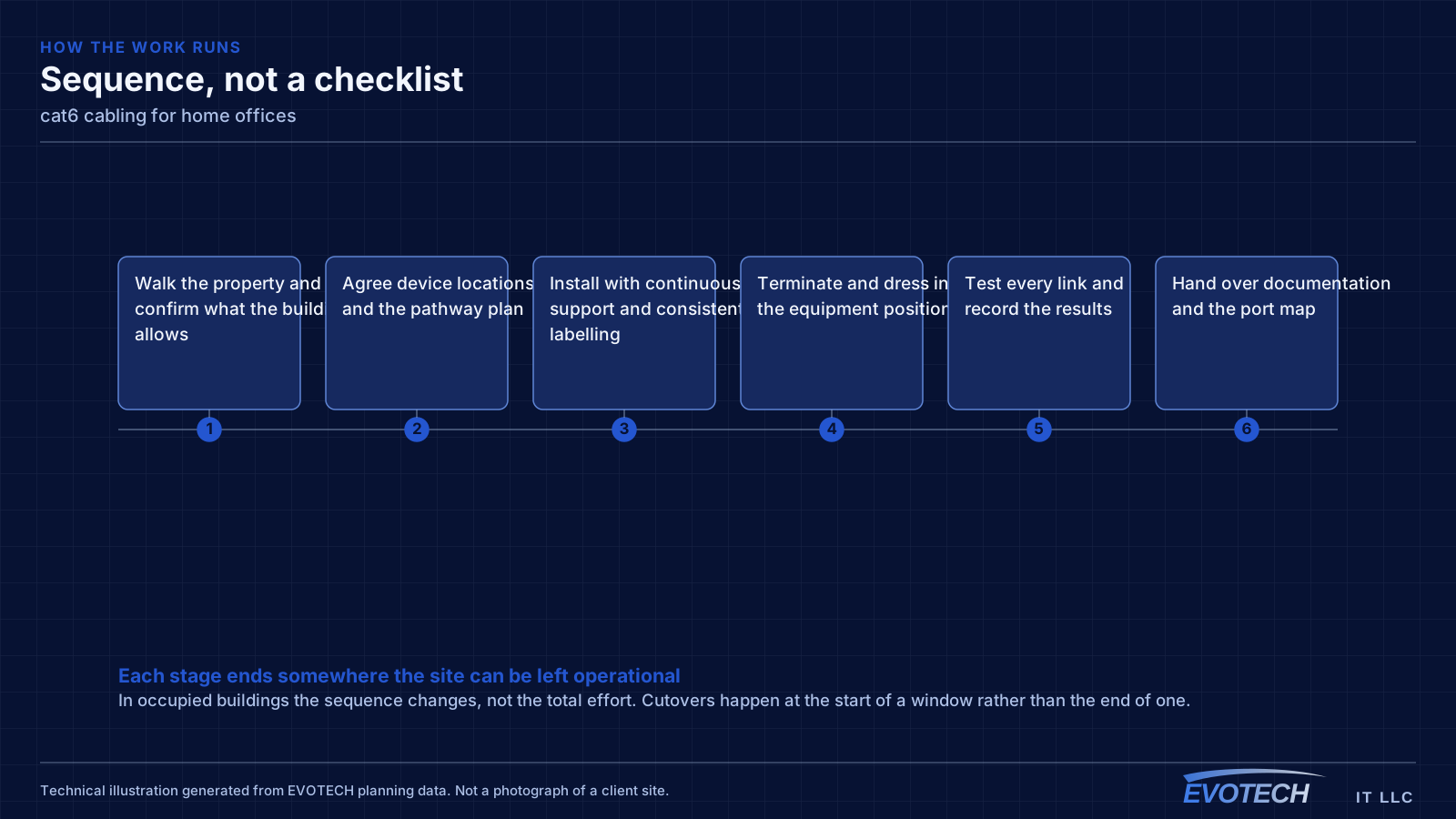
The failure mode with Cat6 is rarely the cable itself. It is the assumption that anything with eight conductors performs the same. Bulk cable sold as Cat6 varies in construction, and a run that skips the certification test may sit just inside or just outside the limits without anyone knowing until a device starts renegotiating its link speed.
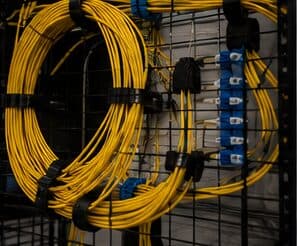
The second problem is bundling. Alien crosstalk — interference between adjacent cables rather than between pairs inside one cable — is the specific mechanism that constrains Cat6 at 10G. A run that would be fine alone can degrade when it is cinched into a bundle of forty identical cables sharing a tray.
- Assuming 10G will work at any distance because the cable is labelled Cat6
- Tight bundling that raises alien crosstalk exactly where it matters most
- Mixing component categories so a Cat6 run terminates on a Cat5e jack
- Over-cinched tie-wraps deforming pair geometry along the run
- No certification record, so marginal links are invisible until something misbehaves
The single cable that fixes most of it
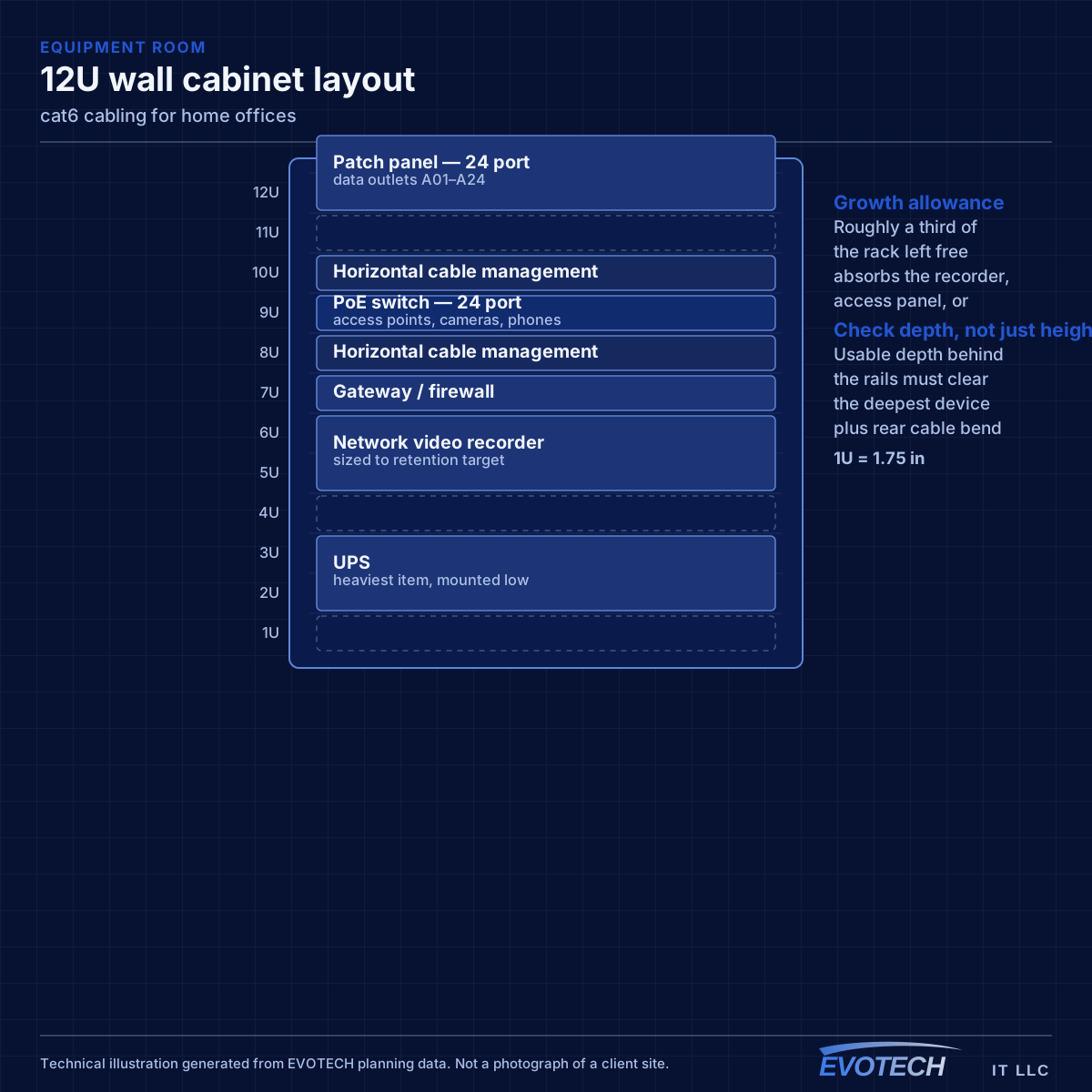
A wired connection to the desk eliminates the variables that cause most home-office call problems: signal strength, interference from neighbouring networks, and contention with household devices for airtime. In slab-foundation construction the run typically goes up into the attic and down an interior wall, which is why the destination wall matters more than the distance.
Where the office must stay wireless, the fix is placement rather than power. An access point in the hallway near the office, mounted on the ceiling and connected by cable, serves the room far better than a more powerful router at the other end of the house. Turning up transmit power on a distant router mostly raises interference.
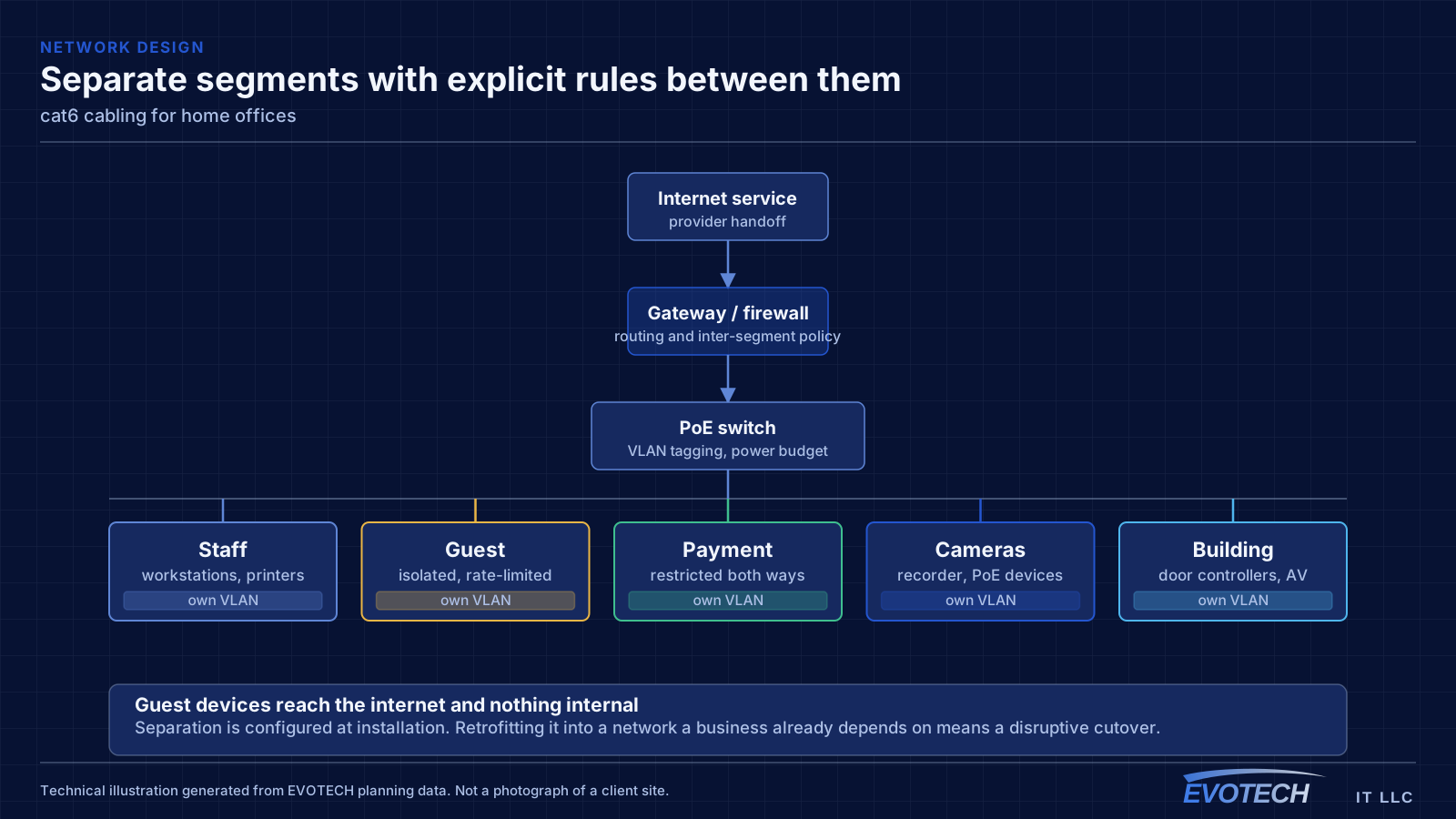
Separation is worth doing even at home. A separate network for work equipment, distinct from household devices and from guests, limits what a compromised household device can reach. This is straightforward on most current equipment and costs nothing but configuration.
- Wired run to the desk as the highest-value single change
- Access point placed near the office rather than more power from a distant router
- Attic-to-interior-wall routing in slab-foundation homes
- Separate network segment for work equipment
- Stationary household devices wired to free up airtime
The 55-metre figure, and what actually causes it
Cat6 is specified to 250 MHz. That bandwidth comfortably supports 1000BASE-T over a 100-metre channel. 10GBASE-T needs roughly 500 MHz of usable bandwidth, which is why the supported distance drops. The published guidance places Cat6 10G support at around 55 metres, and reduces it further in dense bundles where alien crosstalk is high.
- Cat6 specified to 250 MHz; Cat6A to 500 MHz
- 1000BASE-T over Cat6 to the full 100 m channel
- 10GBASE-T over Cat6 to approximately 55 m, less in dense bundles
- Alien crosstalk between adjacent cables is the limiting mechanism, not pair-to-pair noise
- Jacks, patch panels, and cords must match the intended category for the channel to hold it
Frequently asked questions
What changes about cat6 cabling in home offices?
The operating environment does. Home offices bring specific constraints — how the space is used, when work can happen, and what has to keep running — and those shape the cat6 cabling plan as much as the service's own technical requirements.
Is Cat6 enough, or should everything be Cat6A?
For most device locations Cat6 is enough, because most devices need gigabit and will for a long time. Cat6A earns its place on runs that must carry 10G at distance, runs sitting in dense bundles, and uplinks between equipment positions. Specifying Cat6A for the whole building is rarely wrong technically, but it costs pathway space and termination time that a mixed design keeps.
Why do work calls degrade in the afternoon?
Usually contention. Household demand rises when people are home, and if the office is on wireless it competes both for the internet circuit and for airtime on the same radio channel. A wired connection to the desk removes the airtime half of that immediately, which is why it is the first thing worth doing.